HELP_SGLIB_Joints4arbitraryContours- TUTORIAL to explain how to create arbitray parameterized linkages from joint coordiantes and link-joint relationships |
 | % HELP_SGLIB_Joints4arbitraryContours - TUTORIAL to explain how to create arbitray parameterized linkages from joint coordiantes and link-joint relationships % (by Tim Lueth, SG-Lib, 2026-JUN-16 as class: TUTORIAL) % % exists also as mlx file (Status of: 2026-06-18) % % Introduced first in SolidGeometry 5.6 % % See also: HELP_SGLIB_SingleJoint4CPL, HELP_SGLIB_Joints4CPLopenChains % % HELP_SGLIB_Joints4arbitraryContours % % See also: HELP_SGLIB_SingleJoint4CPL, HELP_SGLIB_Joints4CPLopenChains % % % Copyright 2026 Tim C. Lueth |
HELP_SGLIB_SingleJoint4CPL- TUTORIAL to explain how to insert a single joint M1.5 or larger into a 3D printable struture |
 | % HELP_SGLIB_SingleJoint4CPL - TUTORIAL to explain how to insert a single joint M1.5 or larger into a 3D printable struture % (by Tim Lueth, SG-Lib, 2026-JUN-13 as class: TUTORIAL) % % exists also as mlx file (Status of: 2026-06-18) % % Introduced first in SolidGeometry 5.6 % % See also: HELP_SGLIB_SingleJoint4CPL, HELP_SGLIB_Joints4CPLopenChains, % HELP_SGLIB_Joints4arbitraryContours % % HELP_SGLIB_SingleJoint4CPL % % See also: HELP_SGLIB_SingleJoint4CPL, HELP_SGLIB_Joints4CPLopenChains, % HELP_SGLIB_Joints4arbitraryContours % % % Copyright 2026 Tim C. Lueth |
HELP_SGLIB_Joints4CPLopenChains- TUTORIAL to explain how to insert a list of joints into a contour to create an open kinematic chain printable in 3D |
 | % HELP_SGLIB_Joints4CPLopenChains - TUTORIAL to explain how to insert a list of joints into a contour to create an open kinematic chain printable in 3D % (by Tim Lueth, SG-Lib, 2026-JUN-12 as class: TUTORIAL) % % exists also as mlx file (Status of: 2026-06-18) % % Introduced first in SolidGeometry 5.6 % % See also: HELP_SGLIB_SingleJoint4CPL, HELP_SGLIB_Joints4arbitraryContours % % HELP_SGLIB_Joints4CPLopenChains % % See also: HELP_SGLIB_SingleJoint4CPL, HELP_SGLIB_Joints4arbitraryContours % % % Copyright 2026 Tim C. Lueth |
CPLRsubtractjointsweep(CPLR,Pall,ELC,posi,R,"debug")- modifies the link contours which are cut or blocked by static/moving joints contours |
 | % CPLRsubtractjointsweep(CPLR,Pall,ELC,posi,R,"debug") - modifies the link contours which are cut or blocked by static/moving joints contours % (by Tim Lueth, SG-Lib, 2026-JUN-07 as class: 4BAR/LINKAGES) % % USE CAREFULLY: CPLRsubtractjointsweep was not being tested extensively % % This is a subset of the original fnctn "CPLRsubtractjointtrack" (2025-05-23) % which is outdated now % During the movement of a linkage, all links have link contours (CPLR), and the % joints also have joint contours Plcircle(R)+PLA. The own joint contours move % together with the link contours, while the foreign joint contours of other % links follow different motion paths or the motion of the link contours to which % they belong. % If a moving foreign joint contour touches or overlaps a link joint % contour, the linkage is blocked, or the contacting joints cannot be % geometrically constructed. % If a moving foreign joint contour touches or overlaps a link contour, the % link contour will be weakened or cut through. % This fnctn checks all link contour and joint contours collisions for % individual radii and cages for each joint (Status of: 2026-06-08) % % Introduced first in SolidGeometry 5.6 % % See also: CPLRsubtractjointtrack, SGofCPLRz % % CPLRN=CPLRsubtractjointsweep([CPLR,Pall,ELC,posi,R,"debug"]) % === INPUT PARAMETERS === % CPLR: cell array of link contours of a linkage % Pall: Pall complete points list of m joints of all k poses % ELC: cell array containing for each join the list of joints inside this contour % posi: pose number that corresponds to the pose contours in CPLR % R: Radius circular joints | cage wall | intrusion; default is [2 0 0] % "debug": if used individual steps are shown % === OUTPUT RESULTS ====== % CPLRN: The modified and newly planned link contours % % EXAMPLE: % CPLRsubtractjointsweep(CPLR,Pall,ELC,posi,[2 4 5 2]) % % See also: CPLRsubtractjointtrack, SGofCPLRz % % % Copyright 2026 Tim C. Lueth |
PLcircleovalline(RR,PL,rr)- creates staight lines between points extrudes them by using different radii at the points and round edges |
 | % PLcircleovalline(RR,PL,rr) - creates staight lines between points extrudes them by using different radii at the points and round edges % (by Tim Lueth, SG-Lib, 2026-JUN-06 as class: PL/POINT LISTS) % % written for linkage design if different joint diameter are possible/used % (Status of: 2026-06-06) % % Introduced first in SolidGeometry 5.6 % % See also: PLcircleoval % % CPL=PLcircleovalline([RR,PL,rr]) % === INPUT PARAMETERS === % RR: rows of radii for each point of PL % PL: point list defining an open % rr: optiona radius for round edges % === OUTPUT RESULTS ====== % CPL: Final contour % % EXAMPLE: % PLcircleovalline([4],[0 0; 10 10; 40 10],1); % All points with same radius % PLcircleovalline([5 1;3 1; 4 3],[0 0; 10 10; 40 10],1); % different radii and holes % % See also: PLcircleoval % % % Copyright 2026 Tim C. Lueth |
SGwritestructfile(STRUCT,fname)- writes a matlab struct into an ascii struct file |
 | % SGwritestructfile(STRUCT,fname) - writes a matlab struct into an ascii struct file % (by Tim Lueth, SG-Lib, 2026-JUN-06 as class: IMPORT/EXPORT) % % ## % # % % % % (uses PosewriteAPD, 2019-02-15) % All files with ending APD (ascci pose definition) are ascii struct files % (Status of: 2026-06-06) % % Introduced first in SolidGeometry 5.6 % % See also: PosereadAPD, SGreadstructfile, readtextfile % % fullname=SGwritestructfile([STRUCT,fname]) % === INPUT PARAMETERS === % STRUCT: struct to save on disk % fname: optional file name % === OUTPUT RESULTS ====== % fullname: full file name for struct file % % EXAMPLE: % A.a=1 % A.b='test' % SGwritestructfile(A,'test') % % % See also: PosereadAPD, SGreadstructfile, readtextfile % % % Copyright 2026 Tim C. Lueth |
CPLinterlock(CPLA,CPLB,Pal)- creates interlocking contours of attaching flat surfaces for kinematic purposes |
 | % CPLinterlock(CPLA,CPLB,Pal) - creates interlocking contours of attaching flat surfaces for kinematic purposes % (by Tim Lueth, SG-Lib, 2026-JUN-05 as class: KINEMATICS AND FRAMES) % % USE CAREFULLY: CPLinterlock was not being tested extensively % % Tim Lueth has the theory that surface roughness and the kinematic degrees of % freedom of the connecting surface correlate in mechanical engineering, % linkages, robotics, but also in nature. It is also required to created DoF in % 3D printing. % % Currently CPLB is subtracted from CPLA (larger contour) % In the future, a symmetry line for cone constructions will be introduced. % (Status of: 2026-06-05) % % Introduced first in SolidGeometry 5.6 % % See also: CPLunion, CPLintersect, CPLsubtract, CPLxor, PLinterlock % % [CPLA,CPLB,CPLX]=CPLinterlock([CPLA,CPLB,Pal]) % === INPUT PARAMETERS === % CPLA: Single closed contour A (larger contour / base) % CPLB: Single closed contour B (smaller contour / mover) % Pal: [interlock-height angle nozzle accuracy]; default is [1.4 40/180*pi 0.4] % === OUTPUT RESULTS ====== % CPLA: modified contour A % CPLB: modified contour B % CPLX: contact surface space / blade % % EXAMPLE: % CPLinterlock(PLsquare(20),PLsquare(20)+10); % CPLinterlock(PLcircle(20),PLcircle(15,4) + [15 0]); % square moving in a circle % CPLinterlock(PLcircle(20),PLcircle(15,16) + [15 0]); % 16 facer moving in a circle % CPLinterlock(PLcircle(20),PLcircle(15,32) + [15 0]); % 32 facer moving in a circle % CPLinterlock(PLcircle(20),PLcircle(15,64) + [15 0]); % 64 facer moving in a circle % % See also: CPLunion, CPLintersect, CPLsubtract, CPLxor, PLinterlock % % % Copyright 2026 Tim C. Lueth |
PLinterlock(L,R,Pal)- returns lines or closed polygons to create interlocking surfaces for kinematic DoF |
 | % PLinterlock(L,R,Pal) - returns lines or closed polygons to create interlocking surfaces for kinematic DoF % (by Tim Lueth, SG-Lib, 2026-JUN-04 as class: PL/POINT LISTS) % % USE CAREFULLY: PLinterlock was not being tested extensively % % 1st idea in 2017 as zigzag (Status of: 2026-06-05) % % Introduced first in SolidGeometry 5.6 % % See also: CPLinterlock % % [PL1,PLA,PLB,CPLA,CPLB,UPLA,UPLB,PL0]=PLinterlock([L,R,Pal]) % === INPUT PARAMETERS === % L: length of the contour in x (if R==0) else in y % R: Outer and inner Radius for Joints; default is [0 Ro-6] % Pal: Pin length, angle, nozzel size; default is [1.5 pi/3 0.4] % === OUTPUT RESULTS ====== % PL1: repeated contour for length L % PLA: contour with y below than 0 | or CPLA % PLB: contour with y above than 0 | or CPLB % CPLA: basic inner for Radial joints % CPLB: basic outer for Radial joints % UPLA: basic lower planar joints % UPLB: basic upper planar joints % % EXAMPLE: % PL=PLinterlock(10) % linear % design of a simple interlock contour % PLinterlock(10,[10 5]) % linear % design of a radial joint contour % % See also: CPLinterlock % % % Copyright 2026 Tim C. Lueth |
exp_2026_05_29_closed_linkage_joint- Script to find a linkage design bug |
 | % exp_2026_05_29_closed_linkage_joint - Script to find a linkage design bug % (by Tim Lueth, SG-Lib, 2026-MAI-29 as class: 4BAR/LINKAGES) % % ======================================================================= % WORK IN PROGRESS (2026-06-06) - NOT READY FOR FINAL RELEASE % ======================================================================= % % DEN BUG HAT ES NICHT GEGEBEN - ES IST EIN BUG DER DURCH GELENKE MIT ZU GROSSEM % WINKEL ENTSTEHT. NICHT DURHC EN WECHSEL DER GELENKSEGMENTE % % Diese Funktion entwirft ein Viergelenk, das mit einem rotierenden Antrieb oder % Zahnrad hin- und herbewegt werden kann. % Ein zweites Viergelenk wird an das erste angekoppelt, das ebenfalls an der % Basiskontur befestigt ist. % Es wird mit einer Gelenkpunktliste PLA sowie einem Cell-Array ELC % entworfen, das die gliedeigenen Gelenke enthält. % Das Gestell – Glied 1 – enthält beispielsweise die Gelenke 1, 2 und 3. Das % Gestell wird durch die Punkte 1 und 2 gebildet, und der Antrieb liegt zwischen % den Gelenkpunkten 3 und 7. % Basierend auf PLA und der Liste der gliedeigenen Gelenke ELC wird eine % minimale Gliedkontur mit einem Radius von 2 berechnet. Diese wird anschließend % mit CPLRmove bewegt. % % CPLRmove erhält die Konturen und Gelenkpunkte in der zugehörigen Pose, die % Angabe der Gestellpunkte sowie die Angabe der Gelenke, die das angetriebene % Glied (5) bilden, das in dieser Pose senkrecht nach unten zeigt. % Die Bewegungswinkelangabe bezieht sich jedoch auf eine andere, mit "angle" % bezeichnete Stellung dieses Glieds. Daher wird zunächst eine Bewegungsanalyse % durchgeführt, die Gelenkkonturen werden in die neue Pose umgerechnet, und % danach wird eine zweite Bewegungsanalyse für den angegebenen Winkelbereich von % 0–170 Grad berechnet. % % Bei der geometrischen Ausgestaltung der Gelenkkonstruktionen tritt ein % bedeutender Fehler beim kurzen Glied Nummer 5 auf, das an Glied 1 und Glied 6 % angehängt ist. Dieses erhält bei den Gelenksegmenten fehlerhaft die falsche % Reihenfolge der Gelenksegmentanordnung. Verantwortlich dafür ist der Parameter % NCind % ===> ES WAR UNDIST ALLES IN ORDNUNG. DER FEHLER ENSTEHT DURCH GERADE GLIEDER % STATT GEBOGENE GLIEDER % % (Status of: 2026-06-06) % % Introduced first in SolidGeometry 5.6 % % exp_2026_05_29_closed_linkage_joint % % % Copyright 2026 Tim C. Lueth |
ELTofELC(ELC,PLA)- returns the edge list fo the truss from the Link contour owened joint list ELC |
 | % ELTofELC(ELC,PLA) - returns the edge list fo the truss from the Link contour owened joint list ELC % (by Tim Lueth, SG-Lib, 2026-MAI-29 as class: 4BAR/LINKAGES) % % USE CAREFULLY: ELTofELC was not being tested extensively % % extracted from EELofCPLR % The challenge is the creation of rods between link owned joint which have to be % triangulated or handeled as collinear structures, by adding additional edges % inside the link contour (Status of: 2026-05-29) % % Introduced first in SolidGeometry 5.6 % % See also: ELCofELT, EELofCPLR, ELTofCPLR % % ELT=ELTofELC(ELC,PLA) % === INPUT PARAMETERS === % ELC: cell array of the link owned joints % PLA: Ppoint coordiantes of joints, required for triangulation and collinearity % === OUTPUT RESULTS ====== % ELT: Edge list of the truss % % EXAMPLE: % PA=[0 0; 40 0; 70 0; 10 40; 50 40; 52 35; 70 -10]; ELC={[1 2 3];[1 4];[4 5];[2 6 5]; [7 3]; [6 7]}; ELTofELC(ELC,PA), CPLRofELC(ELC,PA,2), CPLR=ans; ELTofCPLR(CPLR,PA,'original') % % See also: ELCofELT, EELofCPLR, ELTofCPLR % % % Copyright 2026 Tim C. Lueth |
CPLRmove(CPLR,PLA,BASE,MOVE,diffw)- Animates a moving linkage using PLofLinkagecouplerkurve for experiments |
 | % CPLRmove(CPLR,PLA,BASE,MOVE,diffw) - Animates a moving linkage using PLofLinkagecouplerkurve for experiments % (by Tim Lueth, SG-Lib, 2026-MAI-29 as class: 4BAR/LINKAGES) % % The easiest way to define a linkage ist by defining joint coordinates PLA and % for each link an array containing the owned/internal/rigid-attached joints. % (Status of: 2026-05-29) % % Introduced first in SolidGeometry 5.6 % % See also: PLofLinkagecouplerkurve, ELTplot, CPLRplot, CPLRanimate % % CPLRmove([CPLR,PLA,BASE,MOVE,diffw]) % === INPUT PARAMETERS === % CPLR: CPLR or ELC describing a linkage % PLA: List of joint coordiantes in a specific pose % BASE: pair of joint that defined the base of the linkage % MOVE: pair of joint that defined the crank/drive mover of the linkage % diffw: angle intervall wrt to the pose defined by MOVE(1)=>MOVE(2); default is % [-2*pi+1e-6…+2*pi-1e-6] % % EXAMPLE: % PA=[0 0; 40 0; 80 0; 10 40; 50 40; 52 35; 80 -10]; ELC={[1 2 3];[1 4];[4 5];[2 6 5]; [7 3]; [6 7]}; % % CPLRofELC(ELC,PA,2); CPLR=ans; CPLRmove(CPLR,PA,[1 2],[3 7]) % % See also: PLofLinkagecouplerkurve, ELTplot, CPLRplot, CPLRanimate % % % Copyright 2026 Tim C. Lueth |
CPLRofELC(ELC,PLA,R,"shape")- create a minimal contour set of link joint sets |
 | % CPLRofELC(ELC,PLA,R,"shape") - create a minimal contour set of link joint sets % (by Tim Lueth, SG-Lib, 2026-MAI-29 as class: 4BAR/LINKAGES) % % Since June 6th, 2026, the linkages can have different joint radii at each % joint. % This required extensive modifications in many linkage and contour fnctns, % since varying radii result in different link contour shapes, which may cause % contour collisions if they are not aligned with other moving contours, % as well as with joint contours and joint cages. % The concept had to be extended from straight lines to triangulated or % line-style contours. % (Status of: 2026-06-07) % % Introduced first in SolidGeometry 5.6 % % See also: ELTplot, CPLRplot, CPLRofELT, CPLrack4PL % % [CPLR,ELT]=CPLRofELC([ELC,PLA,R,"shape"]) % === INPUT PARAMETERS === % ELC: cell array of link with owned joints % PLA: point coordinates of joints % R: Radius for joints % "shape": default is 'spike' - each link is designed using "CPLrack4PL" % === OUTPUT RESULTS ====== % CPLR: Cell array of contours % ELT: Edge list truss % % EXAMPLE: % PA=[0 0; 40 0; 80 0; 10 40; 50 40; 52 20; 85 5]; % ELC={[1 2 3];[1 4];[4 5];[2 6 5]; [7 3]; [6 7]} % CPLRofELC(ELC,PA,2) % all the same radius % CPLRofELC(ELC,PA,[6 3 4 1.5]) % different radii for the joints % CPLRofELC(ELC,PA,[6 3 4 1.5],'shape','hull') % convex hull link shape % CPLRofELC(ELC,PA,[6 3 4 1.5],'shape','spike') % linked spikes % CPLRofELC(ELC,PA,[6 3 4 1.5],'shape','delaunay') % for more than 2 points that are no collinear % CPLRofELC(ELC,PA,[6 3 4 1.5],'shape','star') % DO NOT USE % % % See also: ELTplot, CPLRplot, CPLRofELT, CPLrack4PL % % % Copyright 2026 Tim C. Lueth |
PrelCPL(CPLB,rel,gap)- returns a point position given by a spatial descxription relative to a CPL |
 | % PrelCPL(CPLB,rel,gap) - returns a point position given by a spatial descxription relative to a CPL % (by Tim Lueth, SG-Lib, 2026-MAI-28 as class: SPATIAL RELATIONS) % % Introduced first in SolidGeometry 5.6 % % See also: CPLtransrelCPL % % PN=PrelCPL(CPLB,[rel,gap]) % === INPUT PARAMETERS === % CPLB: Contour used for a relative spatial description % rel: spational relation % gap: optional gap like in CPLtransrelCPL % === OUTPUT RESULTS ====== % PN: Position of the point % % EXAMPLE: % PrelCPL(PLcircle(50),'ontop') % PrelCPL(PLsquare([20 10]),'left',-1.2,'aligntop',-1.2) % % See also: CPLtransrelCPL % % % Copyright 2026 Tim C. Lueth |
CPLselectregionbyP(CPL,P)- select a polyshape region (given als CPL) by an interior point |
 | % CPLselectregionbyP(CPL,P) - select a polyshape region (given als CPL) by an interior point % (by Tim Lueth, SG-Lib, 2026-MAI-26 as class: CPL/CLOSED POLYGON LISTS) % % this fnctn is used during path planning or link contour shaping to identify the % closed region in which the target point or the start point exist. Otherwise use % CPLbridgePL to create such a region (Status of: 2026-05-28) % % Introduced first in SolidGeometry 5.6 % % See also: selectNaN, CPLselectbynearestP, CPLselectbyP, CPLbridgePL % % CPLN=CPLselectregionbyP(CPL,P) % === INPUT PARAMETERS === % CPL: CPL in 2D % P: Point in 2D % === OUTPUT RESULTS ====== % CPLN: CPL of selected polyshape region % % EXAMPLE: % CPLselectregionbyP(CPLsample(12),[0 0]) % CPLselectregionbyP(CPLsample(12),[5 0]) % % See also: selectNaN, CPLselectbynearestP, CPLselectbyP, CPLbridgePL % % % Copyright 2026 Tim C. Lueth |
VLtransSphere(VL,Radii,Tcp)- projects the flat surface onto the xy plane onto the curved surface of the ellipsoid, and the vertical planes become curved surfaces that all meet at the center of the ellipsoid |
 | % VLtransSphere(VL,Radii,Tcp) - projects the flat surface onto the xy plane onto the curved surface of the ellipsoid, and the vertical planes become curved surfaces that all meet at the center of the ellipsoid % (by Tim Lueth & Claude, SG-Lib, 2026-MAI-25 as class: ANALYTICAL GEOMETRY) % % Used to create spherical linkages in first stp. (Status of: 2026-05-28) % % Introduced first in SolidGeometry 5.6 % % See also: SGbending, SGofCPLsphere, SGofCPLzdelaunayGrid, % PLFLofCPLdelaunayGrid, SGbendcone, SGbendedCPL % % VLN=VLtransSphere(VL,Radii,Tcp) % === INPUT PARAMETERS === % VL: Vertex list % Radii: [Rx Ry Rz] of an ellipsoid % Tcp: HT matrix with enter an main axis of the ellipsoid % === OUTPUT RESULTS ====== % VLN: % % EXAMPLE: % VLtransSphere(VLaddz(PLcircle(30)),[50 50 100],TofPez([0 0 -100],[0.5 0.5 1])); % % See also: SGbending, SGofCPLsphere, SGofCPLzdelaunayGrid, % PLFLofCPLdelaunayGrid, SGbendcone, SGbendedCPL % % % Copyright 2026 Tim C. Lueth |
SG2SGspherical(SG,Radii,TCP)- Takes a solid and projekts is orthogonal to a sphere to create spherical linkages for instance |
 | % SG2SGspherical(SG,Radii,TCP) - Takes a solid and projekts is orthogonal to a sphere to create spherical linkages for instance % (by Tim Lueth, SG-Lib, 2026-MAI-25 as class: SG/SOLIDS) % % I realize that the clearances at the top of the linkages are too large, but % this needs to be corrected in some other way. (Status of: 2026-05-28) % % Introduced first in SolidGeometry 5.6 % % See also: SGbending, VLtransSphere % % SGN=SG2SGspherical([SG,Radii,TCP]) % === INPUT PARAMETERS === % SG: Solid Geometry (SG.VL, SG.FL) % Radii: [Rx Ry Rz]; default is [100 100 100] % TCP: Frame of the sphere to projekt on % === OUTPUT RESULTS ====== % SGN: Transformed Solid % % EXAMPLE: % SG2SGspherical(SGA,[100 100 100],TofPez([0 0 -100],[.5 .5 1])) % % See also: SGbending, VLtransSphere % % % Copyright 2026 Tim C. Lueth |
SGofCPLRz(CPLR,Pall,ELC,posi,R,H,"debug","stl")- creates a solid geometry of a linkage |
 | % SGofCPLRz(CPLR,Pall,ELC,posi,R,H,"debug","stl") - creates a solid geometry of a linkage % (by Tim Lueth, SG-Lib, 2026-MAI-23 as class: 4BAR/LINKAGES) % % The linkage ist defined by % CPLR the cell array of linkage contours % Pall all joint coordinates over k poses % ELC a cell array for each link containg the points that belong to this contour % posi the pose in which the link contours were defined % % The fnctn is a sequence of % - wlim4CPLRinserthingeclosed % - CPLRinserthingelinkage % - SGofCPLRTzpianohingeclosed (Status of: 2026-05-23) % % Introduced first in SolidGeometry 5.6 % % See also: CPLRsubtractjointtrack % % SGR=SGofCPLRz([CPLR,Pall,ELC,posi,R,H,"debug","stl"]) % === INPUT PARAMETERS === % CPLR: cell array with a link contours % Pall: Point list x k all m joint coordinates over k poses % ELC: n x 1 cell array with the joint indeces that belon to a link % posi: the pose in which the link contours of CPLR were defined % R: [Radius and cage] used for the joints; default is [2 0] % H: Height and joint elements; default is [10 4] % "debug": if used the design steps are shown % "stl": if used an stl file is written as file (bambulab) and folder (snapmaker) % === OUTPUT RESULTS ====== % SGR: SG cell array containing the individual links % % See also: CPLRsubtractjointtrack % % % Copyright 2026 Tim C. Lueth |
CPLRsubtractjointtrack(CPLR,Pall,ELC,posi,R,prios,shaps,"debug","stl")- modifies the link contours which are cut or blocked by static/moving joints contours or static/moving link contours or creates minimal link contour if requested |
 | % CPLRsubtractjointtrack(CPLR,Pall,ELC,posi,R,prios,shaps,"debug","stl") - modifies the link contours which are cut or blocked by static/moving joints contours or static/moving link contours or creates minimal link contour if requested % (by Tim Lueth, SG-Lib, 2026-MAI-23 as class: 4BAR/LINKAGES) % % ======================================================================= % OBSOLETE (2026-06-07) - USE 'CPLRsubtractjointsweep' INSTEAD % ======================================================================= % % During the movement of a linkage, all links have link contours (CPLR), and the % joints also have joint contours Plcircle(R)+PLA. The own joint contours move % together with the link contours, while the foreign joint contours of other % links follow different motion paths or the motion of the link contours to which % they belong. % If a moving foreign joint contour touches or overlaps a link joint % contour, the linkage is blocked, or the contacting joints cannot be % geometrically constructed. % If a moving foreign joint contour touches or overlaps a link contour, the % link contour will be weakened or cut through. % This fnctn checks all link and joint contours and, if desired, finds the % minimal-size link contours that fulfill the complete movement task. (Status % of: 2026-06-07) % % Introduced first in SolidGeometry 5.6 % % See also: [ CPLRsubtractjointsweep ] ; CPLRsubtractjointtrack, SGofCPLRz % % CPLRN=CPLRsubtractjointtrack([CPLR,Pall,ELC,posi,R,prios,shaps,"debug","stl"]) % === INPUT PARAMETERS === % CPLR: cell array of link contours of a linkage % Pall: Pall complete points list of m joints of all k poses % ELC: cell array containing for each join the list of joints inside this contour % posi: pose number that corresponds to the pose contours in CPLR % R: Radius circular joints | cage wall | intrusion; default is [2 0 0] % prios: priority contours (highest priority/static first); default is % [1:numel(CPLR) % shaps: contour index list to shape; default is empty % "debug": if used inividual steps are shown. % === OUTPUT RESULTS ====== % CPLRN: The modified and newly planned link contours % % See also: [ CPLRsubtractjointsweep ] ; CPLRsubtractjointtrack, SGofCPLRz % % % Copyright 2026 Tim C. Lueth |
TLofPalledge(Pall,ei,ki)- Auxiliary fnct to get points of a specific joint for single, several or all poses |
 | % TLofPalledge(Pall,ei,ki) - Auxiliary fnct to get points of a specific joint for single, several or all poses % (by Tim Lueth, SG-Lib, 2026-MAI-22 as class: 4BAR/LINKAGES) % % either use this fnctn or copy the macro % PLA=reshape(permute(Pall(ei(1),:,ki),[1 3 2]),[],2); % PLB=reshape(permute(Pall(ei(2),:,ki),[1 3 2]),[],2); % TLE=TofPose(PLA,PLB); % % (Status of: 2026-05-23) % % Introduced first in SolidGeometry 5.6 % % See also: PLofLinkagecouplerkurve, PLofPall % % TLE=TLofPalledge([Pall,ei,ki]) % === INPUT PARAMETERS === % Pall: Pall of PLofLinkagecouplerkurve % ei: edge with two point indices [ai bi] as link pose of interest % ki: pose indices; default is 1:size(Pall,3) % === OUTPUT RESULTS ====== % TLE: Requested Pose list % % EXAMPLE: % TLofPalledge(Pall,[1 4],1) % 3x3 HT matrix of frame between joint1 and joint 4 in pose 1 % TLofPalledge(Pall,[1 1],1:4) % 3x3x4 HT matrix with eye(3) since there are identical point in ei % TLofPalledge(Pall,[1 1;2 3],1:4) % WILL TROW AN ERROR - Only one edge is allowed yet % % % See also: PLofLinkagecouplerkurve, PLofPall % % % Copyright 2026 Tim C. Lueth |
PLofPall(Pall,ai,ki)- Auxiliary fnct to get points of a specific joint for single, several or all poses |
 | % PLofPall(Pall,ai,ki) - Auxiliary fnct to get points of a specific joint for single, several or all poses % (by Tim Lueth, SG-Lib, 2026-MAI-22 as class: 4BAR/LINKAGES) % % either use this fnctn or copy the macro % PLA=reshape(permute(Pall(ai,:,ki),[1 3 2]),[],2); (Status of: 2026-05-23) % % Introduced first in SolidGeometry 5.6 % % See also: PLofLinkagecouplerkurve, TLofPalledge % % PLA=PLofPall([Pall,ai,ki]) % === INPUT PARAMETERS === % Pall: Pall of PLofLinkagecouplerkurve % ai: indices of points of interest % ki: pose indices; default is 1:size(Pall,3) % === OUTPUT RESULTS ====== % PLA: Requested Point list % % EXAMPLE: % PLofPall(Pall,[1 4],1) % Points 1 and 4 in pose 1 % PLofPall(Pall,3) % All poses of point 3 % PLofPall(Pall,'',3) % all point of pose 3 % % See also: PLofLinkagecouplerkurve, TLofPalledge % % % Copyright 2026 Tim C. Lueth |
CPLRintersectsweep(CPLR,Pall,ELC,posi,ai,bi,buf,"debug")- unites interseceted contours of a linkage |
 | % CPLRintersectsweep(CPLR,Pall,ELC,posi,ai,bi,buf,"debug") - unites interseceted contours of a linkage % (by Tim Lueth, SG-Lib, 2026-MAI-22 as class: 4BAR/LINKAGES) % % USE CAREFULLY: CPLRintersectsweep was not being tested extensively % % All fnctns such as "CPLRunionsweep" or "CPLRintersectsweep" display the results % relative to the given pose "posi". % % This fnctn is very important as it can calculate and visualize interferences % during the movement of a mechanism. % In biological joints, it identifies the contact areas between the frame and the % effector (knee) => CPLW % In mechanical joints, it detects where the crank and the rocker block or damage % each other. % (Status of: 2026-05-22) % % Introduced first in SolidGeometry 5.6 % % See also: CPLRposechange, CPLRunionsweep, CPLRsubtractsweep % % CPLU=CPLRintersectsweep([CPLR,Pall,ELC,posi,ai,bi,buf,"debug"]) % === INPUT PARAMETERS === % CPLR: cell array with link contour in pose posi % Pall: matrix for joint movement m x 2 x k ; with m joints and k poses % ELC: cell array explaining whoich joints belon to the poses % posi: current pose index for CPLR % ai: indices of contours which are intersected with bi % bi: indices of contours which are intersected with ai % buf: [abuf bbuf] default is [0 0]; is scalar than it is copied to both sides % "debug": if used, the design process is shown % === OUTPUT RESULTS ====== % CPLU: united interseceted contours % % EXAMPLE: % CPLRintersectsweep(CPLR,Pall,ELC,posi,[1 2],'',1.5) % show the working surface of the joint % CPLRintersectsweep(CPLR,Pall,ELC,posi,[3 4],'',0) % collision of crank and rocker % CPLRintersectsweep(CPLR,Pall,ELC,posi,[3 4],'',1.5) % collision of cran and rocker with uncertainties % % See also: CPLRposechange, CPLRunionsweep, CPLRsubtractsweep % % % Copyright 2026 Tim C. Lueth |
CPLRunionsweep(CPLR,Pall,ELC,posi,ai,buf,"debug")- unites swept contours of a linkage |
 | % CPLRunionsweep(CPLR,Pall,ELC,posi,ai,buf,"debug") - unites swept contours of a linkage % (by Tim Lueth, SG-Lib, 2026-MAI-21 as class: 4BAR/LINKAGES) % % USE CAREFULLY: CPLRunionsweep was not being tested extensively % % All fnctns such as "CPLRunionsweep" or "CPLintersectsweep" display the results % relative to the given pose "posi". % (Status of: 2026-05-22) % % Introduced first in SolidGeometry 5.6 % % See also: CPLRposechange, CPLRintersectsweep, CPLRsubtractsweep % % CPLU=CPLRunionsweep([CPLR,Pall,ELC,posi,ai,buf,"debug"]) % === INPUT PARAMETERS === % CPLR: cell array with link contour in pose posi % Pall: matrix for joint movement m x 2 x k ; with m joints and k poses % ELC: cell array explaining whoich joints belon to the poses % posi: current pose index for CPLR % ai: slection of contours that should be part of the result % buf: buffer to increase the size for fittings % "debug": if used the individual steps are plotted % === OUTPUT RESULTS ====== % CPLU: united sweept contours % % EXAMPLE: % CPLRunionsweep(CPLR,Pall,ELC,posi,[1 3]); % % See also: CPLRposechange, CPLRintersectsweep, CPLRsubtractsweep % % % Copyright 2026 Tim C. Lueth |
CPLunionpatternPL(CPL,PL,)- creates copied and united contours |
 | % CPLunionpatternPL(CPL,PL,) - creates copied and united contours % (by Tim Lueth, SG-Lib, 2026-MAI-21 as class: CPL/CLOSED POLYGON LISTS) % % In case of mechanical contours, regions are required instead of overlapping % Required in linkage desing such as in CPLRjointtrack (Status of: 2026-05-21) % % Introduced first in SolidGeometry 5.6 % % See also: CPLcopypatternPL, CPLRjointtrack % % CPLN=CPLunionpatternPL(CPL,PL,[]) % === INPUT PARAMETERS === % CPL: CPL of contour % PL: point list to copy % === OUTPUT RESULTS ====== % CPLN: united contours - does not have one for each point of PL % % EXAMPLE: % CPLunionpatternPL(PLcircle(1),20*rand(10,2)) % CPLunionpatternPL(PLcircle(1,4),20*rand(10,2),pi/10) % % % See also: CPLcopypatternPL, CPLRjointtrack % % % Copyright 2026 Tim C. Lueth |
CPLangle(P0,L,wlim)- creates an angle piece contour |
 | % CPLangle(P0,L,wlim) - creates an angle piece contour % (by Tim Lueth, SG-Lib, 2026-MAI-17 as class: CPL/CLOSED POLYGON LISTS) % % Introduced first in SolidGeometry 5.6 % % See also: PLcircseg % % CPLW=CPLangle([P0,L,wlim]) % === INPUT PARAMETERS === % P0: Center point % L: length of the legs % wlim: minimum angle and maximum angle % === OUTPUT RESULTS ====== % CPLW: Triangle cut out % % EXAMPLE: % CPLangle([10 0],50,[-10 90]/180*pi) % % See also: PLcircseg % % % Copyright 2026 Tim C. Lueth |
CPLRofPose(PS,pslt,aps)- creates a CPLR of a pose or pose solution |
 | % CPLRofPose(PS,pslt,aps) - creates a CPLR of a pose or pose solution % (by Tim Lueth, SG-Lib, 2026-MAI-15 as class: 4BAR/LINKAGES) % % This is a more complex fnctn. The simple case occurs when, starting from a % PS.solut solution, the frame points and joint points are to be determined, % along with the geometric transformation to the pose using GPLA and GPLB, and % this pose has already served as the basis for the "fourBarPoseSynthesis" pose % synthesis. In this case, the pose can be obtained through the moving link with % an additional step using GPLA/GPLB. % It becomes more complicated when two poses were used for the solution, but the % question is how to replace a third pose (which will certainly differ from the % pose structure in PS.A and PS.B) with another pose that can be found using a % kinematic motion analysis. % It is important to note that the pose definition in the Pose struct, with the % starting points PS.A and the end points PS.B, has a fixed relationship to the % attachment points A1 and B1 of a four-bar linkage, but the pose movements are % not the same as the attachment point movements. % On the other hand, a complete kinematic linkage truss motion obtained through % PLofLinkageCouplerCurve returns a full list of all linkage points (including A1 % and B1). % The pose motion can then be calculated using % [TP,TA1,TB1]=TofA1B1GPL(A1L,B1L,GPLA,GPLB) if A1L and B1L are the sequences of % joint movements corresponding to the coupler attachment points. % (Status of: 2026-05-20) % % Introduced first in SolidGeometry 5.6 % % See also: fourBarposesyntheses, PLofLinkagecouplerkurve, CPLRposechange, % PosereadAPD, Poseplotspace, Poseplot % % [CPLR,PLA,PS]=CPLRofPose([PS,pslt,aps]) % === INPUT PARAMETERS === % PS: Pose struct at least using % pslt: Number of pose; default is 1 % aps: actual pose solution % === OUTPUT RESULTS ====== % CPLR: CPLR{1}=Base, CPLR{2}=Effector, CPLR{3}= % PLA: [A0;B0;B1;A1] - wrt pose pos % PS: modified pose struct with corresponding pose pslt to Solution aps % % EXAMPLE: % PS=PosereadAPD('ironman01') % SGfigure; Poseplotspace(PS); Poseplot(PS); % CPLRofPose(PS,3) % % PS=PosereadAPD('EXP-2026-05-18.APD') % m=.1; % PS=Posemagnify(PS,m); % CPLRofPose(PS,2,50); % Create a pose 2 that is missing in PS by using solution 50 % % See also: fourBarposesyntheses, PLofLinkagecouplerkurve, CPLRposechange, % PosereadAPD, Poseplotspace, Poseplot % % % Copyright 2026 Tim C. Lueth |
SGofCPLRwlim(CPLR,PLA,BASES,CRANK,diffw,R,H,"cage","debug")- Quick creation of a 3D-printable linkage from link contours, joint coordinates, and motion interval |
 | % SGofCPLRwlim(CPLR,PLA,BASES,CRANK,diffw,R,H,"cage","debug") - Quick creation of a 3D-printable linkage from link contours, joint coordinates, and motion interval % (by Tim Lueth, SG-Lib, 2026-MAI-15 as class: 4BAR/LINKAGES) % % Very challenging fnctn with a simple result. Uses in a sequence % - ELTofCPLR % - PLofLinkagecouplerkurve % - wlim4CPLRinserthingeclosed % - CPLRinserthingelinkage % - SGofCPLRTzpianohingeclosed % (Status of: 2026-05-15) % % Introduced first in SolidGeometry 5.6 % % See also: CPLfourbarcontour % % SGall=SGofCPLRwlim([CPLR,PLA,BASES,CRANK,diffw,R,H,"cage","debug"]) % === INPUT PARAMETERS === % CPLR: n x {CPL} cell array of link contours % PLA: PLA m x 2 Point coordinates of m Joints in this pose of CPL % BASES: point indices that define the base; default is [1 2] % CRANK: point indices that define the crank; default is [2 3] % diffw: movement angle of the crank relative to start pose;default is [-pi10 + % pi/10] % R: Radius for the hinges; default is [1.5] % H: Height and Hinge elements; default is [10 4] % "cage": cage thickness outside of the joints % === OUTPUT RESULTS ====== % SGall: Solid Geometry ready to 3D print % % EXAMPLE: % [PLA,~,CPLR]=CPLfourbarcontour([120,80,100,90]/5); SGfigure; CPLRplot(CPLR,PLA); % SGofCPLRwlim(CPLR,PLA,[1 2],[2 3]) % SGofCPLRwlim(CPLR,PLA,[1 2],[2 3],[-pi/4 +pi/4],'',[10 3]) % SGofCPLRwlim(CPLR,PLA,[1 2],[2 3],[-pi/4 +pi/4],'',[10 3],'cage',1) % % % % See also: CPLfourbarcontour % % % Copyright 2026 Tim C. Lueth |
CPLRshapelink4pose(CPLR,Pall,ELC,posi,Aind,Bind,R,"debug")- shapes a link contour to use other contours a conotur path space or to avoid a predefined additional contour |
 | % CPLRshapelink4pose(CPLR,Pall,ELC,posi,Aind,Bind,R,"debug") - shapes a link contour to use other contours a conotur path space or to avoid a predefined additional contour % (by Tim Lueth, SG-Lib, 2026-MAI-14 as class: 4BAR/LINKAGES) % % The fnctn "CPLRinserthingelinkage" will integrate the space for joints/hinges % into a 2D linkage using the absolute angle intervals of % "wlim4CPLRinserthingeclosed". During this design process the link contours of a % link pair at each joint will be material reduced two sided to allow the desired % movement of the joint. In fully planar linkages with integrated crossed links, % this would lead to the destrcution of crossing moving bars and the destruction % of link contorus that move insode of other link contours. % The sibling funxtion "CPLRsubtractTLbs" % - allows to create the movment space for a a link contour within another % contour.or % - allows also to create shaped link contours so that htey do not collide with % other moving contours % This fnctn "CPLRshapelink4pose" % - allows to shape a contour forcing it to move trough the contours a specified % other contours or % - allows to shape a contour forcing it to avoid a explicitly given non link % contours % % Several fnctn modify the shape of link contours for different purposes after % calculation the path of the linkage poses: % - PLofLinkagecouplerkurve - Simply calculates the linkage corrensponding truss % net movement % - CPLRanimate - Simply animates the contours using the output of % PLofLinkagecouplerkurve % - wlim4CPLRinserthingeclosed - Calculates the required joint angle intervals % for the linkage - independent on the shape of the link contours % - CPLRposechange - Simply moves the link contours into a different pose % - CPLRinserthingelinkage - calculates pose depending the required 2D changes of % the links in a specified pose to allow movements and 3D joints % - SGofCPLRTzpianohingeclosed - create from the results of % CPLRinserthingelinkage the 3D linkage for 3D print % % (Status of: 2026-05-14) % % Introduced first in SolidGeometry 5.6 % % See also: CPLRsubtractTLbs, PLofLinkagecouplerkurve, % wlim4CPLRinserthingeclosed, CPLRinserthingelinkage, SGofCPLRTzpianohingeclosed % % CPLR=CPLRshapelink4pose([CPLR,Pall,ELC,posi,Aind,Bind,R,"debug"]) % === INPUT PARAMETERS === % CPLR: n x {CPL} cell array of link contours % Pall: m x 2 x k Point coordinates of m Joints in k poses % ELC: n x {} cell array containing the joint in each link % posi: [pose index (original), shape index (desired pose)] default shape index = % posi % Aind: index of CPLR contour to be sphaped as bar with radius R % Bind: Index list of CPLR contours that should be used as path space OR CPLW % area that should be avoided % R: Radius of the contour link bar geometry; default is 2 % "debug": if used the design steps are shown % === OUTPUT RESULTS ====== % CPLR: n x {CPL} cell array of link contours with modified contour Aind % % See also: CPLRsubtractTLbs, PLofLinkagecouplerkurve, % wlim4CPLRinserthingeclosed, CPLRinserthingelinkage, SGofCPLRTzpianohingeclosed % % % Copyright 2026 Tim C. Lueth |
CPLRposechange(CPLR,Pall,ELC,posi,newi)- adjust the pose of the individual link contours in CPLR to fit into a new index of the joint coordiantes |
 | % CPLRposechange(CPLR,Pall,ELC,posi,newi) - adjust the pose of the individual link contours in CPLR to fit into a new index of the joint coordiantes % (by Tim Lueth, SG-Lib, 2026-MAI-14 as class: 4BAR/LINKAGES) % % Several fnctn modify the shape of link contours for different purposes after % calculation the path of the linkage poses: % - PLofLinkagecouplerkurve - Simply calculates the linkage corrensponding truss % net movement % - CPLRanimate - Simply animates the contours using the output of % PLofLinkagecouplerkurve % - wlim4CPLRinserthingeclosed - Calculates the required joint angle intervals % for the linkage - independent on the shape of the link contours % - CPLRsubtractTLbs - Allows to subtract moving link contours from other moving % link contours (optionally on both sides); % - CPLRposechange - Simply moves the link contours into a different pose % - CPLRinserthingelinkage - calculates pose depending the required 2D changes of % the links in a specified pose to allow movements and 3D joints % - SGofCPLRTzpianohingeclosed - create from the results of % CPLRinserthingelinkage the 3D linkage for 3D print % % (Status of: 2026-05-14) % % Introduced first in SolidGeometry 5.6 % % See also: CPLRofPose, PLofLinkagecouplerkurve, wlim4CPLRinserthingeclosed, % CPLRanimate, CPLRinserthingelinkage, CPLRsubtractTLbs % % [CPLRN,PLN,EL2,TL]=CPLRposechange([CPLR,Pall,ELC,posi,newi]) % === INPUT PARAMETERS === % CPLR: n x {CPL} cell array of link contours % Pall: m x 2 x k Point coordinates of m Joints in k poses % ELC: n x {} cell array containing the joint in each link % posi: pose index (original) % newi: new pose index; if new==0; TL returns the joint coordinates for % === OUTPUT RESULTS ====== % CPLRN: Cell array of contours in the new pos % PLN: Point coordinates in the new pose % EL2: joints used for transformation % TL: Either point coordinates of EL2(:,2) is case of new==0 or frame list for % new pose % % EXAMPLE: % [CPLR,PLA]=CPLRsample(9,'melt'); SGfigure;CPLRplot(CPLR,PLA); % [Pall,Wall,ELT,ELC,wlimfe,EEG,posi]=PLofLinkagecouplerkurve(CPLR,PLA,[1 2],[2 6],pi/2+[-pi/4 +pi/4]); % CPLRanimate(CPLR,Pall,ELC,posi); % newi=1; [CPLRN,PLN]=CPLRposechange(CPLR,Pall,ELC,posi,newi); SGfigure;CPLRplot(CPLRN,PLN); % CPLRanimate(CPLRN,Pall,ELC,newi); % % % See also: CPLRofPose, PLofLinkagecouplerkurve, wlim4CPLRinserthingeclosed, % CPLRanimate, CPLRinserthingelinkage, CPLRsubtractTLbs % % % Copyright 2026 Tim C. Lueth |
CPLRsubtractTLbs(CPLR,Pall,ELC,si,Aind,Bind,R,"debug","both");- CPLR collision free shaphing and forming of contour links during movements |
 | % CPLRsubtractTLbs(CPLR,Pall,ELC,si,Aind,Bind,R,"debug","both"); - CPLR collision free shaphing and forming of contour links during movements % (by Tim Lueth, SG-Lib, 2026-MAI-13 as class: 4BAR/LINKAGES) % % The fnctn "CPLRinserthingelinkage" will integrate the space for joints/hinges % into a 2D linkage using the absolute angle intervals of % "wlim4CPLRinserthingeclosed". During this design process the link contours of a % link pair at each joint will be material reduced two sided to allow the desired % movement of the joint. In fully planar linkages with integrated crossed links, % this would lead to the destrcution of crossing moving bars and the destruction % of link contorus that move insode of other link contours. % The sibling funxtion "CPLRsubtractTLbs" % - allows to create the movment space for a a link contour within another % contour.or % - allows also to create shaped link contours so that htey do not collide with % other moving contours % This fnctn "CPLRshapelink4pose" % - allows to shape a contour forcing it to move trough the contours a specified % other contours or % - allows to shape a contour forcing it to avoid a explicitly given non link % contours % % Anyone interested in the shape of a bird's head should use this feature to % simulate the movement of two squares (beaks) positioned exactly one above the % other using a four-bar linkage. The crank or connecting rod corresponds to the % shape of the head. % “both”—an additional parameter—when used, the shapes are subtracted from one % another. (Status of: 2026-05-17) % % Introduced first in SolidGeometry 5.6 % % See also: CPLRshapelink4pose, PLshortestpathinCPLcost, CPLsubtractTLbs % % CPLR=CPLRsubtractTLbs([CPLR,Pall,ELC,si,Aind,Bind,R,"debug","both"]); % === INPUT PARAMETERS === % CPLR: n row cell array of initial contours of a linkage % Pall: point coordiante list of all joints of the linkage during movement % ELC: n row cells containing the joint indices that are part of the link contour % si: start pose index of Pall to identify the start pose index % Aind: Contour indices in CPLR to subtract from during motion % Bind: Contour indices in CPLR to subtract from Aind during motion % R: Default is 0; if used the Contour in Aind are collision free shaped betwen % the points % "debug": if used the contour desige is shown step by step % === OUTPUT RESULTS ====== % CPLR: CPLR final contour after processing % % See also: CPLRshapelink4pose, PLshortestpathinCPLcost, CPLsubtractTLbs % % % Copyright 2026 Tim C. Lueth |
CPLRanimate(CPLR,Pall,ELC,posi)- animate the 2D contours of a linkage if the movement is calculated by PLofLinkagecouplerkurve |
 | % CPLRanimate(CPLR,Pall,ELC,posi) - animate the 2D contours of a linkage if the movement is calculated by PLofLinkagecouplerkurve % (by Tim Lueth, SG-Lib, 2026-MAI-11 as class: 4BAR/LINKAGES) % % Introduced first in SolidGeometry 5.6 % % See also: PLofLinkagecouplerkurve, CPLRsample % % h=CPLRanimate(CPLR,Pall,ELC,posi) % === INPUT PARAMETERS === % CPLR: n x {CPL} cell array of link contours % Pall: m x 2 x k Point coordinates of m Joints in k poses % ELC: n x {} cell array containing the joint in each link % posi: pose index within Pall(:,:,posi) that describes the pose of CPLR % === OUTPUT RESULTS ====== % h: handle to graphics % % See also: PLofLinkagecouplerkurve, CPLRsample % % % Copyright 2026 Tim C. Lueth |
findCollinearEdges(ELT,PLA,tol)- returns the groups with collinear edges |
 | % findCollinearEdges(ELT,PLA,tol) - returns the groups with collinear edges % (by Tim Lueth & ChatGPT, SG-Lib, 2026-MAI-08 as class: 4BAR/LINKAGES) % % be careful since some collinear edges are collinear because of the current % pose, like in CPLRsample(8) and since the parts move as a single bar, like in % CPLRsample(15) (Status of: 2026-05-08) % % Introduced first in SolidGeometry 5.6 % % See also: findCollinearLine % % groups=findCollinearEdges(ELT,PLA,tol) % === INPUT PARAMETERS === % ELT: EL of a truss % PLA: Point list of a truss % tol: default is 1e-6 % === OUTPUT RESULTS ====== % groups: cell array of edges that form a collinear structure % % EXAMPLE: % n=15; [CPLR,PLA]=CPLRsample(n); [ELT,PLA]=ELTofCPLR(CPLR,PLA); findCollinearEdges(ELT,PLA) % n=16; [CPLR,PLA]=CPLRsample(n); [ELT,PLA]=ELTofCPLR(CPLR,PLA); findCollinearEdges(ELT,PLA) % n=8; [CPLR,PLA]=CPLRsample(n,'melt'); [ELT,PLA]=ELTofCPLR(CPLR,PLA); findCollinearEdges(ELT,PLA) % % See also: findCollinearLine % % % Copyright 2026 Tim C. Lueth |
jacobiantruss(ELT,PLA)- jacobian of a truss |
 | % jacobiantruss(ELT,PLA) - jacobian of a truss % (by Tim Lueth, SG-Lib, 2026-MAI-08 as class: 4BAR/LINKAGES) % % The jacobian matrix of a truss describes in each of: % - the n rows a bar condition/equation between two joint coordinates, % - for m joints the are mx2 [x1 y1 x2 y2 ...xm ym] columns. The rows in fact % should describe that % - by turning the angle of joint k of bar e, the distance to the point l at the % end of the bar is unchanged % which ends up in an linear equation that (x(l)-x(k))/le ==0 AND (y(l)-y(k))/le % ==0; % This are two equations, connected by the incidence matrix of the joints, but % since x and y are independent it can be written in one of the n rows of a % matrix for each bar, and the 2*m cols contain the difference between dx(e) and % dy(e) between the joint cols. % (Status of: 2026-05-09) % % Introduced first in SolidGeometry 5.6 % % See also: DoFGrueblerJacobiRank % % [J,ELN,PLN]=jacobiantruss(ELT,PLA) % === INPUT PARAMETERS === % ELT: rows of edges between a start joint and an end joint m x [start end .....] % PLA: 2D point list with all joints used in ELT - No unused points are allowed % in the list % === OUTPUT RESULTS ====== % J: Jacobian symmetric matrix % ELN: modified ELN if some points of PLA were not used in the truss % PLN: modified PLN if some points of PLA were not used in the truss % % EXAMPLE: % n=8; [CPLR,PLA]=CPLRsample(n,'melt'); [ELT,PLA]=ELTofCPLR(CPLR,PLA); jacobiantruss(ELT,PLA); % % See also: DoFGrueblerJacobiRank % % % Copyright 2026 Tim C. Lueth |
PLtrussoval(Roi,PAB)- creates a symbolic 2D contour of a rod within a truss network to distinguish the animation of a truss from real linkages. |
 | % PLtrussoval(Roi,PAB) - creates a symbolic 2D contour of a rod within a truss network to distinguish the animation of a truss from real linkages. % (by Tim Lueth, SG-Lib, 2026-MAI-07 as class: PL/POINT LISTS) % % Truss network connection (edges) between joint are binary and the joints are % non binary (!) % Linkage link connections (contours) bteween joints are non-binary and the % joints are binary (!) % If the graphical output look similar there is a remarkable risk of a % misunderstanding the theory behind % % Use PLtrussoval for drawing of edges in a truss netork % Use PLcircleoval or CPLrackofPL for drawing contours in a linkage % % It is recommended to plot truss edge lists - which are rods - as rods not as % oval contours % % The thickness of the rod depends on length. This is to identify closed loops in % a row (Status of: 2026-05-08) % % Introduced first in SolidGeometry 5.6 % % See also: ELTplot, CPLRplot, PLcirclesinus, PLcircleoval % % CPL=PLtrussoval([Roi,PAB]) % === INPUT PARAMETERS === % Roi: Radius [Rout Rin Rrad D/2]; default is [5 5/3 5*4 sqrt(L)/10] % PAB: Point List; [Start Point; End Point] % === OUTPUT RESULTS ====== % CPL: CPLof a simple rod with a joint opening to distinguish mechanisms link % contours from truss edge contours % % EXAMPLE: % PLtrussoval(3,[0 0;36 0]) % Used in ELTplot % % See also: ELTplot, CPLRplot, PLcirclesinus, PLcircleoval % % % Copyright 2026 Tim C. Lueth |
ELTofCPLR(CPLR,PLA)- Short version that creates only the truss edge list from a contour and joint coordinates |
 | % ELTofCPLR(CPLR,PLA) - Short version that creates only the truss edge list from a contour and joint coordinates % (by Tim Lueth, SG-Lib, 2026-MAI-06 as class: 4BAR/LINKAGES) % % more or less - EELofCPLR (Status of: 2026-05-07) % % Introduced first in SolidGeometry 5.6 % % See also: EELofCPLR % % [ELT,PLN]=ELTofCPLR(CPLR,PLA) % === INPUT PARAMETERS === % CPLR: cell array with contours and intersecting areas % PLA: Point list for joint to get more accurate intersection centers % === OUTPUT RESULTS ====== % ELT: Edge list of a truss; 3rd coll are link contours % PLN: list of Points may differ if there are more crossing points % % EXAMPLE: % n=3; [CPLR,PLA]=CPLRsample(n); CPLRsample(n); ELTofCPLR(CPLR,PLA) % % See also: EELofCPLR % % % Copyright 2026 Tim C. Lueth |
CPLRofELT(ELT,PLA,R,"style")- melts based on ELT and PLA and optional CPLR the contours |
 | % CPLRofELT(ELT,PLA,R,"style") - melts based on ELT and PLA and optional CPLR the contours % (by Tim Lueth, SG-Lib, 2026-MAI-06 as class: 4BAR/LINKAGES) % % creates contour links based on exisiting CPLR list or % using a radius and a graph circle analysis (Status of: 2026-05-09) % % Introduced first in SolidGeometry 5.6 % % See also: ELTofCPLR, CPLrack4PL % % [CPLR,ELT,a]=CPLRofELT([ELT,PLA,R,"style"]) % === INPUT PARAMETERS === % ELT: EL truss n x [start-joint end-joint contour-index] % PLA: PL of the joints m x [x y] % R: CPLR OR Radius! existing CPLR if the contours should be melted % "style": style tu fuse point using CPLrack4PL default is 'delaunay' % === OUTPUT RESULTS ====== % CPLR: CPLR according to the new ELT % ELT: ELT with same start-joint and end-joint by changed contour index % a: sort index used for sorting CPLR % % EXAMPLE: % n=8; [CPLR,PLA]=CPLRsample(n); CPLRsample(n); [ELT, PLA]=ELTofCPLR(CPLR,PLA); CPLRofELT(ELT,PLA,CPLR) % % See also: ELTofCPLR, CPLrack4PL % % % Copyright 2026 Tim C. Lueth |
DoFGrueblerJacobiRank(ELT,PLA)- DoF by the jacobi Rank (only double joint rods are considered) |
 | % DoFGrueblerJacobiRank(ELT,PLA) - DoF by the jacobi Rank (only double joint rods are considered) % (by Marie Lueth & Tim Lueth & ChatGPT, SG-Lib, 2026-MAI-05 as class: % 4BAR/LINKAGES) % % Setting up all bar equations and calculating the Jacobian matrix, i.e., the % relative node distances in x and y that must remain constant during motion, is % a better approach. These n bar equations describe relations over m joint % points. If these equations are linearly independent (Newton method), we can % solve them and determine how many of them are actually independent or directly % compute the rank of the matrix. The process must be terminated when a tolerance % of 1e-6 is reached, since the computational precision with 64-bit arithmetic is % about 1e-13, BUT addition and multiplication lead to an accumulated error of % approximately 1e-6 (!). (Status of: 2026-05-08) % % Introduced first in SolidGeometry 5.6 % % See also: PLofCPLRcrossings, EELofCPLR % % DoF=DoFGrueblerJacobiRank(ELT,PLA) % === INPUT PARAMETERS === % ELT: Edge list truss % PLA: Points of joints % === OUTPUT RESULTS ====== % DoF: DoF considering only the bars that have to ends at points % % EXAMPLE: % closeall; n=9;[CPLR,PLA]=CPLRsample(n);[ELT,PLN]=ELTofCPLR(CPLR,PLA); DoFGrueblerJacobiRank(ELT,PLN);for n =1:16; close all; [CPLR,PLA]=CPLRsample(n); [ELT,PLN]=ELTofCPLR(CPLR,PLA); DoFGrueblerJacobiRank(ELT,PLN); drawnowvid; end; % % See also: PLofCPLRcrossings, EELofCPLR % % % Copyright 2026 Tim C. Lueth |
DoFGruebler(nC,nJ,)- Gruebler-Chebychev-Equation to calculate the DoF |
 | % DoFGruebler(nC,nJ,) - Gruebler-Chebychev-Equation to calculate the DoF % (by Marie Lueth & Tim Lueth, SG-Lib, 2026-MAI-04 as class: 4BAR/LINKAGES) % % USE CAREFULLY: DoFGruebler was not being tested extensively % % ======================================================================= % OBSOLETE (2026-05-09) - USE 'DoFGrueblerJacobiRank' INSTEAD % ======================================================================= % % [There are many cases when GRUEBLER-CHEBYCHEF-KUTZMAN-LAMAN USW FAIL] % The problem with the Gruebler–Chebychev equation is that special dimensions % lead to incorrect results, which are then explained by special descriptions % that are understandable but not numerically justifiable. Setting up all bar % equations and calculating the Jacobian matrix, i.e., the relative node % distances in x and y that must remain constant during motion, is a better % approach. These n bar equations describe relations over m joint points. If % these equations are linearly independent (Newton method), we can solve them and % determine how many of them are actually independent or directly compute the % rank of the matrix. The process must be terminated when a tolerance of 1e-6 is % reached, since the computational precision with 64-bit arithmetic is about % 1e-13, BUT addition and multiplication lead to an accumulated error of % approximately 1e-6 (!). (Status of: 2026-05-05) % % Introduced first in SolidGeometry 5.6 % % See also: [ DoFGrueblerJacobiRank ] ; PLofCPLRcrossings % % DoFGruebler(nC,nJ,[]) % === INPUT PARAMETERS === % nC: Number of links or CPLR cell array of intersecting link contours % nJ: Number of joints % % EXAMPLE: % CPLRsample(3); CPLR=ans; DoFGruebler(CPLR) % CPLRsample(1); CPLR=ans; DoFGruebler(CPLR) % CPLRsample(2); CPLR=ans; DoFGruebler(CPLR) % % See also: [ DoFGrueblerJacobiRank ] ; PLofCPLRcrossings % % % Copyright 2026 Tim C. Lueth |
ELTplot(ELT,PLA,CPLR)- plots the edge list of a truss including text and optional also the CPLR |
 | % ELTplot(ELT,PLA,CPLR) - plots the edge list of a truss including text and optional also the CPLR % (by Tim Lueth, SG-Lib, 2026-MAI-03 as class: VISUALIZATION) % % Linkage contours (CPLR) need to be separated into a complete truss network % (ELT) to calculate the inverse solution. This separating (inculding straight % lines and triangulated contours) is done by "EELofCPLR" which returns this Edge % List of Truss (ELT). To understand the difference between CPLR and ELT - which % explains some problems arising in singularity poses of ELT which seem less % problematics as CPLR, this fnctn has been created. (Status of: 2026-05-03) % % Introduced first in SolidGeometry 5.6 % % See also: EELofCPLR, CPLRplot % % h=ELTplot(ELT,PLA,[CPLR]) % === INPUT PARAMETERS === % ELT: Edge list fo complete truss as generated by % PLA: Point coordinate list of all used joint indices in ELT % CPLR: optional CPLR if should be plotted % === OUTPUT RESULTS ====== % h: handle to graphics % % EXAMPLE: % [CPLR,PLA]=CPLRsample(15); [~,PLA,~,~,~,~,ELT]=EELofCPLR(CPLR,PLA);% Multi-Joint CPLS are triangulated % SGfigure; ELTplot(ELT,PLA,CPLR); % [CPLR,PLA]=CPLRsample(03); [~,PLA,~,~,~,~,ELT]=EELofCPLR(CPLR,PLA);% Loops are detected % SGfigure; ELTplot(ELT,PLA,CPLR); % [CPLR,PLA]=CPLRsample(02); [~,PLA,~,~,~,~,ELT]=EELofCPLR(CPLR,PLA);% Loops are detected % SGfigure; ELTplot(ELT,PLA,CPLR); % [CPLR,PLA]=CPLRsample(05); [~,PLA,~,~,~,~,ELT]=EELofCPLR(CPLR,PLA);% Multi-Joint CPLS are triangulated % SGfigure; ELTplot(ELT,PLA,CPLR); % % See also: EELofCPLR, CPLRplot % % % Copyright 2026 Tim C. Lueth |
cell2matdim2(TL)- converts a cell list of frames into an array format |
 | % cell2matdim2(TL) - converts a cell list of frames into an array format % (by Tim Lueth, SG-Lib, 2026-MAI-01 as class: AUXILIARY PROCEDURES) % % In the SG-Lib frames are 3x3 homogenous transformation matrices. Nevertheless % by development-over-time reasons, there are 3 different concepts for lists of % frames % CELL FORMAT A cell list of [3x3] matrices {T1,T2,...} % ARRAY FORMAT An array of [3x3xn] matrices % LONG LIST FORMAT A long array list of [n*4 x 4] (SHOULD BE AVOIDED) % (Status of: 2026-05-02) % % Introduced first in SolidGeometry 5.6 % % See also: mat2celldim3, cell2matdim3, mat2cell, cell2array, TLL2TL % % TLA=cell2matdim2(TL) % === INPUT PARAMETERS === % TL: Cell list of frames % === OUTPUT RESULTS ====== % TLA: Array format of Frames % % EXAMPLE: % PL=PLsquare(40), TcopyVLez(PL);TL=ans; % TLC=mat2celldim3(TL) % TLL=cell2mat(TLC) % TLA=cell2matdim3(TLC) % TLC=mat2celldim3(TLL) % TLA=cell2matdim3(TLC) % % See also: mat2celldim3, cell2matdim3, mat2cell, cell2array, TLL2TL % % % Copyright 2026 Tim C. Lueth |
CPLRinserthingelinkage(CPLR,T,R,wlim,NCind,"cage","debug","solid")- returns CPL regions linked by Frames prepared for extrusion |
 | % CPLRinserthingelinkage(CPLR,T,R,wlim,NCind,"cage","debug","solid") - returns CPL regions linked by Frames prepared for extrusion % (by Tim Lueth, SG-Lib, 2026-MAI-01 as class: 4BAR/LINKAGES) % % USE CAREFULLY: CPLRinserthingelinkage was not being tested extensively % % calls CPSinserthingelist and prepares contours for a kinematic chain % All of the input parameters are directly used as input for "CPSinserthingelist" % The output parameter are prepared to be used directly as input for % "SGofCPLRTzpianohinge" % (Status of: 2026-05-22) % % Introduced first in SolidGeometry 5.6 % % See also: CPSinserthinge, CPSinserthingelist, CPLRinserthingelist, % SGofCPLRTzpianohinge % % [CPLR,T,R,EEL,CPLCA,CPLCB,wlim]=CPLRinserthingelinkage([CPLR,T,R,wlim,NCind,"ca % ge","debug","solid"]) % === INPUT PARAMETERS === % CPLR: Contour in which the hinges are to be inserted % T: cell list of Frames. Empty Frames mean interactive selection, Numeric scalar % means n interactive frames % R: same as in SGcylhinge but only R(1) used % wlim: angle limit [amax] or [amin amax] with respect to the x axis of the frame % NCind: NCind is required to identy the order of subtraction % "cage": if used, the individal steps are shown as in "CPSinserthingelist" % "debug": if used, the frames do not cut trough as in "CPSinserthingelist" % "solid": if used, the contour finally is closed again (not implemented yet) % === OUTPUT RESULTS ====== % CPLR: Cell list of regions to be used in SGofCPLRTzpianohingeclosed % T: cell list of frames to be used in Cell list of regions to be used in % SGofCPLRTzpianohingeclosed % R: radius used for joints to be used in Cell list of regions to be used in % SGofCPLRTzpianohingeclosed % EEL: Extended edge list [stator-index rotor-index signed-frame-index] to be % used in Cell list of regions to be used in SGofCPLRTzpianohingeclosed % CPLCA: Connnecting contour availabe to connct stator contour CPLA to the joint % CPLCB: Connnecting contour availabe to connct rotor contour CPLB to the joint % wlim: cell ist of angle interval or singe angle interval [wmin wmax] % % EXAMPLE: % [CPL,T,~,wlim,txt]=SGjointsample(1); close all; % Take an joint example % [CPLRN,T,R,EEL,CPLCA,CPLCB,wlim]=CPLRinserthingeclosed(CPLR,T,R,wlim); % Create the contours % [SGR,EEL,WLIM]=SGofCPLRTzpianohinge(CPLR,10,T,R,EEL,CPLCA,CPLCB,wlim,'debug') % Create the Solids % SGpianohingeanimate(SGR,WLIM,EEL); % Animate % % See also: CPSinserthinge, CPSinserthingelist, CPLRinserthingelist, % SGofCPLRTzpianohinge % % % Copyright 2026 Tim C. Lueth |
PLcirclesinus(R,n,L,ns)- returns a circle-based-sinus shaped point-list |
 | % PLcirclesinus(R,n,L,ns) - returns a circle-based-sinus shaped point-list % (by Tim Lueth, SG-Lib, 2026-MAI-01 as class: PL/POINT LISTS) % % more or less for testing linkage contours (Status of: 2026-05-01) % % Introduced first in SolidGeometry 5.6 % % See also: PLcircle, PLcircseg, PLevolvente, PLgearDIN, PLhelix, PLkidney, % PLrand, PLspiral, PLsquare, PLstar, PLcircleoval % % PL=PLcirclesinus([R,n,L,ns]) % === INPUT PARAMETERS === % R: Radius or [Rout Rin] % n: optional number of points for half circle % L: Length; default is 100; or [A0 B0] % ns: optional number of waves; default is 1 % === OUTPUT RESULTS ====== % PL: Point List % % EXAMPLE: % SGfigure; CPLplot(PLcirclesinus(10,'',600,10),'r-',2); % cla; CPLplot(PLcirclesinus([10 6],'',[5 10;60 30]),'r-'); shg % % See also: PLcircle, PLcircseg, PLevolvente, PLgearDIN, PLhelix, PLkidney, % PLrand, PLspiral, PLsquare, PLstar, PLcircleoval % % % Copyright 2026 Tim C. Lueth |
wlim4CPLRinserthingeclosed(CPLR,PLA,ELT,Pall,ELC,Wadd,"debug")- returns the absolute joint angles wrt a given Pose of a linkage used in CPLRinserthingeclosed |
 | % wlim4CPLRinserthingeclosed(CPLR,PLA,ELT,Pall,ELC,Wadd,"debug") - returns the absolute joint angles wrt a given Pose of a linkage used in CPLRinserthingeclosed % (by Tim Lueth, SG-Lib, 2026-APR-30 as class: 4BAR/LINKAGES) % % USE CAREFULLY: wlim4CPLRinserthingeclosed was not being tested extensively % % The absolute angles are calculated from the point movements of the % PLofLinkageCoupler curve. % The point movements were calculated using a truss model that includes joint % points, even with multiple members at a single joint, but only one member % between two pivot points (i.e. a single member movement). This member network % is ELT! The angle specifications are therefore defined for relative pivot point % movements relative to the initial position. For this reason, for each rotation % angle, it must be specified between which members from ELT the angles were % calculated. If pure member networks with simple members are used there, but the % contours may be completely different, then (Status of: 2026-05-16) % % Introduced first in SolidGeometry 5.6 % % See also: CPLRinserthingeclosed, PLofLinkagecouplerkurve, EELofCPLR % % [wlimA,TLPLA,NPind,NCind]=wlim4CPLRinserthingeclosed([CPLR,PLA,ELT,Pall,ELC,Wad % d,"debug"]) % === INPUT PARAMETERS === % CPLR: cell array of link contours (only used for visualiziation debug or % nargout==0) % PLA: PLA joint coordinates in a predefined pose % ELT: Fully triangualted connection of joints (EELofCPLR in % PLofLinkagecouplerkurve) % Pall: Fully list of changing PLA over the movement intervall % (PLofLinkagecouplerkurve) % ELC: Fully list of contours and moving joint indices with this contour % (EELofCPLR in PLofLinkagecouplerkurve) % Wadd: if used the result is animated and CPLR and ELC are required % "debug": % === OUTPUT RESULTS ====== % wlimA: absolute opening angle of joints wrt a given pose required for % CPLRinserthingeclosed % TLPLA: List of absolut coordinate frames for using the opening angles wlimA % within CPLRinserthingeclosed % NPind: index list for poses for each absolut joint [i i1 i2], TofPose(i1-i, % i2-i) % NCind: IMPORTANT index list for joint indices for each conotour [ci j1 j2 j.. % jq], TofPose(j1, j2) % % EXAMPLE: n=12; [CPLR,PLA]=CPLRsample(n,'melt'); CPLRsample(n,'melt'); % BASES=[1 2] % Base points for the 4Bar linkage % CRANK=[3 4] % Moving part - here it is in fact the coupler % wlim=(180+[-75 60])/180*pi % - starting from the angle 180 deg (abolsute pose angle of the coupler) % %% Generic kinematic - also limiting the angle area % [Pall,Wall,ELT,ELC,wlimfe]=PLofLinkagecouplerkurve(CPLR,PLA,BASES,CRANK,wlim,'planar'); % % PLofLinkagecouplerkurve(CPLR,PLA,BASES,CRANK,wlim,'planar'); % [wlimA,TLPL]=wlim4CPLRinserthingeclosed(CPLR,PLA,ELT,Pall,ELC,'debug'), R=5, % [CPLRN,T,R,EEL,CPLCA,CPLCB,wlimN]=CPLRinserthingeclosed(CPLR,TLPL,R,wlimA,'debug'); % [SGR,EEL,WLIM]=SGofCPLRTzpianohingeclosed(CPLRN,[10 4],T,R,EEL,CPLCA,CPLCB,wlimN); % SGanalyzeGroupParts(SGofSG(SGR)); figurerotate(4,15) % % See also: CPLRinserthingeclosed, PLofLinkagecouplerkurve, EELofCPLR % % % Copyright 2026 Tim C. Lueth |
findCollinearLine(PL,tol)- returns the indices of the extrem points of a straight line |
 | % findCollinearLine(PL,tol) - returns the indices of the extrem points of a straight line % (by Tim Lueth & ChatGPT, SG-Lib, 2026-APR-28 as class: ANALYTICAL GEOMETRY) % % Introduced first in SolidGeometry 5.6 % % See also: PLinsertcollinearpoints, CVLinsertcollinearpoints, % CPLremovecollinearpoints, CPLinsertcollinearpoints % % [iscoll,si,ei,ii]=findCollinearLine(PL,tol) % === INPUT PARAMETERS === % PL: Point list % tol: default is 1e-6 (cross product) % === OUTPUT RESULTS ====== % iscoll: true or false % si: start index % ei: end index % ii: sorting index from start to end point to sort PL % % EXAMPLE: % [a,b,c]=findCollinearLine([0 0;10 10; 90 90; 20 20;70 70; 40 40]) % % See also: PLinsertcollinearpoints, CVLinsertcollinearpoints, % CPLremovecollinearpoints, CPLinsertcollinearpoints % % % Copyright 2026 Tim C. Lueth |
PLofLinkagecouplerkurve(CPLR,PLA,FixI,SelI,wlim,ELTadd,"planar","debug")- returns for a specific planar linkage, base points and drive, the limitation angles and movements of all joints |
 | % PLofLinkagecouplerkurve(CPLR,PLA,FixI,SelI,wlim,ELTadd,"planar","debug") - returns for a specific planar linkage, base points and drive, the limitation angles and movements of all joints % (by Tim Lueth, SG-Lib, 2026-APR-26 as class: 4BAR/LINKAGES) % % Generalized version of 2021's PLofFourbarcouplercurve % Same as PLofFourbarcouplercurve, this fnctn animates the resulting curves if % nargout==0 (Status of: 2026-05-20) % % Introduced first in SolidGeometry 5.6 % % See also: invkinplanarlinkage, invkinplanarlinkagerot, invkinplanarlinkagerotK, % PLofFourbarcouplercurve, EELofCPLR % % [Pall,Wall,ELT,ELC,wlimfe,posi]=PLofLinkagecouplerkurve([CPLR,PLA,FixI,SelI,wli % m,ELTadd,"planar","debug"]) % === INPUT PARAMETERS === % CPLR: cell array of linkage contours | OR | ELT if no contour analysis requested % PLA: Point list of the joiint coordinates % FixI: index of the two base points; default is [1 2] % SelI: selected edge/link that should move % wlim: angle limit the be checked for movements; default is [0 2*pi] % ELTadd: additional edges to reduce the DoF of a truss % "planar": if used the movement does not allow any direct edge crossings % "debug": if used steps of calculating are shown % === OUTPUT RESULTS ====== % Pall: Point list of n joints x 2 x k angles [n x 2 x k] % Wall: Angel list if m edges x k angles % ELT: ELT (EELofCPLR) is the edge list that triangulates also rigid multi-joint % contours % ELC: ELC (EELofCPLR) is the list of joints per contours required for pose % transformation | OR EMPTY IF CPLR=ELT % wlimfe: the maximum angle interval that really can achieved by the movement % constraints starting n this pose % posi: starting pose index for the starting angle of the crank % % EXAMPLE: % Videoquickstart; n=12; [CPLR,PLA]=CPLRsample(n,'melt'), CPLRsample(n,'melt'); PLofLinkagecouplerkurve(CPLR,PLA,[1 2],[3 2]); Videoquickcloseandopen; % n=11; [CPLR,PLA]=CPLRsample(n,'melt'), CPLRsample(n,'melt'); PLofLinkagecouplerkurve(CPLR,PLA,[1 2],[3 4]); % % See also: invkinplanarlinkage, invkinplanarlinkagerot, invkinplanarlinkagerotK, % PLofFourbarcouplercurve, EELofCPLR % % % Copyright 2026 Tim C. Lueth |
invkinplanarlinkagerotK(PL,EL,fixInd,fixPos,knownEdge,knownAngle,K,tolRigid,tolDrive)- inverse kinematics of a non rigid linkage in absolute coordinates by two base point coordinates and one angle |
 | % invkinplanarlinkagerotK(PL,EL,fixInd,fixPos,knownEdge,knownAngle,K,tolRigid,tolDrive) - inverse kinematics of a non rigid linkage in absolute coordinates by two base point coordinates and one angle % (by Tim Lueth & ChatGPT, SG-Lib, 2026-APR-25 as class: 4BAR/LINKAGES) % % USE CAREFULLY: invkinplanarlinkagerotK was not being tested extensively % % This generic inverse kinematics fnctn allows the creation of a truss linkage % composed of rigid bars and ideal revolute joints. The geometry of the linkage % is defined by the joint coordinates and by specifying the bars as an edge list % between the joints in a specific pose. The solution does not rely on % conventional four-bar theory but on a general truss linkage solution network. % % ATTENTION: in contrast to "invkinplanarlinkage", this fnctn supports rotating % cranks and handles angles from 0 .. 2pi (Status of: 2026-04-26) % % Introduced first in SolidGeometry 5.6 % % See also: CPLRmeltbyIndex, CPLRmeltbyCycles, invkinplanarlinkage, % invkinplanarlinkagerot % % S=invkinplanarlinkagerotK(PL,EL,fixInd,fixPos,knownEdge,knownAngle,K,tolRigid,t % olDrive) % === INPUT PARAMETERS === % PL: List of Joint coordinates % EL: Linkage connection between the joints % fixInd: indices of two joints that form the base for the linkage % fixPos: Selected coordinates of the two joints; default are PL coordinates % knownEdge: One known edge of EL to be moved % knownAngle: Absolute angle of this edge in rad relative to the x-axis (360 % degree) % K: stiffness koefficient vector of the edges (default is all inf) % tolRigid: % === OUTPUT RESULTS ====== % S: Solution struct, containing PL EL L(ength, all) w(angles, all), % resnorm=abs(fval) % % EXAMPLE: % [CPLR,PLA]=CPLRsample(9,'melt'); CPLRsample(9,'melt'); % exp_2026_04_24_FIND4BARWLIM(CPLR,PLA,[4 5],[4 6],pi/2*1.6); % % See also: CPLRmeltbyIndex, CPLRmeltbyCycles, invkinplanarlinkage, % invkinplanarlinkagerot % % % Copyright 2026 Tim C. Lueth |
invkinplanarlinkagerot(PL,EL,fixInd,fixPos,knownEdge,knownAngle)- inverse kinematics of a linkage in absolute coordinates by two base point coordinates and one absolute 360 deg angle |
 | % invkinplanarlinkagerot(PL,EL,fixInd,fixPos,knownEdge,knownAngle) - inverse kinematics of a linkage in absolute coordinates by two base point coordinates and one absolute 360 deg angle % (by Tim Lueth & ChatGPT, SG-Lib, 2026-APR-25 as class: 4BAR/LINKAGES) % % USE CAREFULLY: invkinplanarlinkagerot was not being tested extensively % % This generic inverse kinematics fnctn allows the creation of a truss linkage % composed of rigid bars and ideal revolute joints. The geometry of the linkage % is defined by the joint coordinates and by specifying the bars as an edge list % between the joints in a specific pose. The solution does not rely on % conventional four-bar theory but on a general truss linkage solution network. % % ATTENTION: in contrast to "invkinplanarlinkage", this fnctn supports rotating % cranks and handles angles from 0 .. 2pi (Status of: 2026-04-26) % % Introduced first in SolidGeometry 5.6 % % See also: CPLRmeltbyIndex, CPLRmeltbyCycles, invkinplanarlinkage, % invkinplanarlinkagerotK % % S=invkinplanarlinkagerot(PL,EL,fixInd,fixPos,knownEdge,knownAngle) % === INPUT PARAMETERS === % PL: List of Joint coordinates % EL: Linkage connection between the joints % fixInd: indices of two joints that form the base for the linkage % fixPos: Selected coordinates of the two joints; default are PL coordinates % knownEdge: One known edge of EL to be moved % knownAngle: Absolute angle of this edge in rad relative to the x-axis (360 % degree) % === OUTPUT RESULTS ====== % S: Solution struct, containing PL EL L(ength, all) w(angles, all), % resnorm=abs(fval) % % EXAMPLE: % [CPLR,PLA]=CPLRsample(9,'melt'); CPLRsample(9,'melt'); % exp_2026_04_24_FIND4BARWLIM(CPLR,PLA,[4 5],[4 6],pi/2*1.6); % % See also: CPLRmeltbyIndex, CPLRmeltbyCycles, invkinplanarlinkage, % invkinplanarlinkagerotK % % % Copyright 2026 Tim C. Lueth |
invkinplanarlinkage(PL,EL,fixInd,fixPos,knownEdge,knownAngle)- inverse kinematics of a linkage in absolute coordinates by two base point coordinates and one absolute angle (-pi/2 .. pi2/2) |
 | % invkinplanarlinkage(PL,EL,fixInd,fixPos,knownEdge,knownAngle) - inverse kinematics of a linkage in absolute coordinates by two base point coordinates and one absolute angle (-pi/2 .. pi2/2) % (by Tim Lueth & ChatGPT, SG-Lib, 2026-APR-23 as class: 4BAR/LINKAGES) % % USE CAREFULLY: invkinplanarlinkage was not being tested extensively % % This generic inverse kinematic fnctn allows the creation of a truss linkage % made of rigid bars and ideal revolute joints. The geometry of the linkage is % defined by the joint coordinates and the bars as an edge list between the % joints in a specific pose. The solution does not use conventional four-bar % theory but a general truss linkage solution network. % % ATTENTION: This fnctn does not distinguish between an angle and an angle+pi % (the edge has the same absolute direction). (Status of: 2026-04-25) % % Introduced first in SolidGeometry 5.6 % % See also: CPLRmeltbyIndex, CPLRmeltbyCycles, invkinplanarlinkagerot, % invkinplanarlinkagerotK % % S=invkinplanarlinkage(PL,EL,fixInd,fixPos,knownEdge,knownAngle) % === INPUT PARAMETERS === % PL: List of Joint coordinates % EL: Linkage connection between the joints % fixInd: indices of two joints that form the base for the linkage % fixPos: Selected coordinates of the two joints; default are PL coordinates % knownEdge: One known edge of EL to be moved % knownAngle: Absolute angle of this edge in rad relative to the x-axis [-pi/2 .. % pi2/2] % === OUTPUT RESULTS ====== % S: Solution struct, containing PL EL L(ength, all) w(angles, all), % resnorm=abs(fval) % % EXAMPLE: % [CPLR,PLA]=CPLRsample(12,'melt'); CPLRsample(12,'melt'); % exp_2026_04_23_FEM4BAR(CPLR,PLA,[1 2],[5 2],pi/4*.9); % % See also: CPLRmeltbyIndex, CPLRmeltbyCycles, invkinplanarlinkagerot, % invkinplanarlinkagerotK % % % Copyright 2026 Tim C. Lueth |
PLELmeshpattern(nxy,dxy,pat,dbl)- returns mesh pattern for truss structures or pantograph/scissor mechanisms |
 | % PLELmeshpattern(nxy,dxy,pat,dbl) - returns mesh pattern for truss structures or pantograph/scissor mechanisms % (by Tim Lueth, SG-Lib, 2026-APR-21 as class: PLEL/POINT LIST/EDGE LIST) % % Introduced first in SolidGeometry 5.6 % % See also: VLmeshgrid, CPLRofPLELplain, CPLRmeltbyCycles % % [PLN,ELN]=PLELmeshpattern([nxy,dxy,pat,dbl]) % === INPUT PARAMETERS === % nxy: [nx ny]; default is [3 2] % dxy: [dx dy]; distance between the points, default is [20 25]; % pat: 'cross' or 'square'; default is 'cross' % dbl: double edges; true or false; default is false % === OUTPUT RESULTS ====== % PLN: Point list % ELN: Edge list % % EXAMPLE: % PLELmeshpattern([3 3],[20 20],'cross'); % PLELmeshpattern([10 10],'','square',true); % PLELmeshpattern([10 10],[5 10],'square'); % PLELmeshpattern([10 10],[5 10],'square',true); % [PL,EL]=PLELmeshpattern([4 3],[20 25],'square',true); CPLRofPLELplain(PL,EL); CPLRmeltbyCycles(ans) % % See also: VLmeshgrid, CPLRofPLELplain, CPLRmeltbyCycles % % % Copyright 2026 Tim C. Lueth |
CPLRmeltbyCycles(CPLR,PLA,styl,"debug")- removes closed 2-loops and 3-loops of contour even of non-binary joints |
 | % CPLRmeltbyCycles(CPLR,PLA,styl,"debug") - removes closed 2-loops and 3-loops of contour even of non-binary joints % (by Tim Lueth, SG-Lib, 2026-APR-20 as class: 4BAR/LINKAGES) % % currenyly non speed optimized - must be implemented later in "EEGmeltbyCycles" % (Status of: 2026-04-21) % % Introduced first in SolidGeometry 5.6 % % See also: CPLRmeltbyIndex, EEGmeltbyCycles % % [CPLR,PLA]=CPLRmeltbyCycles([CPLR,PLA,styl,"debug"]) % === INPUT PARAMETERS === % CPLR: cell array of link contours % PLA: option point list with terminal and joint coordinates % styl: 'union','fill'; default is union % "debug": if used, the steps are shown % === OUTPUT RESULTS ====== % CPLR: finally reduced CPLR % PLA: optional list of points % % EXAMPLE: % [CPLR,PLA]=CPLRsample(1); CPLRmeltbyCycles(CPLR,PLA,'debug'); fontsize(16); % [PLA,~,CPLR]=PLELsample(4); CPLRmeltbyCycles(CPLR,PLA) % slow % [PLA,~,CPLR]=PLELsample(6); CPLRmeltbyCycles(CPLR,PLA) % recursion % [CPLR,PLA]=CPLRsample(5); CPLRmeltbyCycles(CPLR,PLA); fontsize(16); % % See also: CPLRmeltbyIndex, EEGmeltbyCycles % % % Copyright 2026 Tim C. Lueth |
EELofCPLR(CPLR,PLA,tol)- Creating the extended edge list and the graph using the joint indices as weight |
 | % EELofCPLR(CPLR,PLA,tol) - Creating the extended edge list and the graph using the joint indices as weight % (by Tim Lueth, SG-Lib, 2026-APR-19 as class: 4BAR/LINKAGES) % % This extended edge list works with the joint indices as weight. % In contrast to ELofCPLRconnections, it automaticall permutes the joint % connections, if there is no binary joint (most promising fnctn - will replace % ELofCPLRconnections (Status of: 2026-04-29) % % Introduced first in SolidGeometry 5.6 % % See also: ELofCPLRconnections % % [EEG,PLA,G,loopC,loopE,ni,ELT]=EELofCPLR([CPLR,PLA,tol]) % === INPUT PARAMETERS === % CPLR: cell array of link contour % PLA: base or crossing points that cannot be detected by intersection % tol: tolerandce to map coordiantes; default is 0.95 % === OUTPUT RESULTS ====== % EEG: Extened Edge list of a contour node graph [start end joint index] % PLA: Point coodinates of the 3rd row of the EEG % G: contour node graph | edges are joints | weight is PLA index % loopC: ascending in length node cyclebasis of G (showing the contours) % loopE: ascending in length edge cyclebasis of G (showing the weights) % ni: length of den cycles in loopC and loopE % ELT: Edge list truss (complete bar system with 3bar cycles) % % EXAMPLE: % [CPLR,PLA]=CPLRsample(1); [EEL,PLA]=EELofCPLR(CPLR,PLA); CPLRmeltbyCycles(CPLR,PLA); % [CPLR,PLA]=CPLRsample(2); [EEL,PLA]=EELofCPLR(CPLR,PLA); CPLRmeltbyCycles(CPLR,PLA); % [CPLR,PLA]=CPLRsample(3); [EEL,PLA,G,loopC,loopE,ni]=EELofCPLR(CPLR,PLA),EELofCPLR(CPLR,PLA) % [CPLR,PLA]=CPLRsample(4); [EEL,PLA,G,loopC,loopE,ni]=EELofCPLR(CPLR,PLA),EELofCPLR(CPLR,PLA) % [CPLR,PLA]=CPLRsample(5); [EEL,PLA,G,loopC,loopE,ni]=EELofCPLR(CPLR,PLA),EELofCPLR(CPLR,PLA) % [PLA,~,CPLR]=PLELsample(4); [a,b,c,d,e,f]=EELofCPLR(CPLR,PLA),EELofCPLR(CPLR,PLA) % [PLA,~,CPLR]=PLELsample(3); EELofCPLR(CPLR,PLA), % [PLA,~,CPLR]=PLELsample(4); EELofCPLR(CPLR,PLA), % CPLRsample(9,'melt'); CPLR=ans; EELofCPLR(CPLR); [EEG,PLA,G,loopC,loopE,ni]=EELofCPLR(CPLR) % % See also: ELofCPLRconnections % % % Copyright 2026 Tim C. Lueth |
CPLRmeltbyIndex(CPLR,PLA,indx,"debug")- simple fnct for melting contours in a cell array of linkage contours by a specified index |
 | % CPLRmeltbyIndex(CPLR,PLA,indx,"debug") - simple fnct for melting contours in a cell array of linkage contours by a specified index % (by Tim Lueth, SG-Lib, 2026-APR-19 as class: 4BAR/LINKAGES) % % Introduced first in SolidGeometry 5.6 % % See also: CPLRmeltbyJCIRC, CPLRmeltbyCJMAT, CPLRmeltbyCycles % % CPLRN=CPLRmeltbyIndex([CPLR,PLA,indx,"debug"]) % === INPUT PARAMETERS === % CPLR: cell array of contours % PLA: intersection center point list % indx: index of intersecting contours to melt % "debug": if used, additional steps are shown % === OUTPUT RESULTS ====== % CPLRN: reduced and resorted cell array of contours % % EXAMPLE: % CPLRmeltbyIndex(CPLRsample(4),'',[1 2 3]) % CPLRmeltbyIndex(CPLRsample(4),'',[1 4 3]) % % See also: CPLRmeltbyJCIRC, CPLRmeltbyCJMAT, CPLRmeltbyCycles % % % Copyright 2026 Tim C. Lueth |
CPLRsample(Nr,"melt")- returns sample contours for the linkage analysis |
 | % CPLRsample(Nr,"melt") - returns sample contours for the linkage analysis % (by Tim Lueth, SG-Lib, 2026-APR-19 as class: 4BAR/LINKAGES) % % Nothing was more foolish (unfortunate) than the hatching of triangles to % supposedly better illustrate rigid, closed kinematic chains with three links. % This was intended/invented for exam questions. a) It introduces non-binary % joints that shouldn’t exist at all because the chain is rigid. b) The same % situation applies to closed chains with 2 links as well, as soon as they are % not contour-identical. The joint pairs are also rigid. % It would have been much better to move it a little bit, but it was not a design % question but a analysis question that motivated this. Since 100 years, this % influences design analysis. The bars are required for a trass analysis of the % linkage as done in "EELofCPLR" and used in "invkinplanarlinkage". (Status of: % 2026-04-21) % % Introduced first in SolidGeometry 5.6 % % See also: PLELsamples, CPLsample, invkinplanarlinkage, EELofCPLR % % [CPLR,PA]=CPLRsample([Nr,"melt"]) % === INPUT PARAMETERS === % Nr: selected number to show or return if scalar % "melt": if used, there was already a proprocessing in CPLRofCPL using melt % === OUTPUT RESULTS ====== % CPLR: cell array of contour links % PA: point coordiantes % % EXAMPLE: % CPLRsample % CPLRsample(4) % [CPLR,PLA]=CPLRsample(4) % CPLRsample('melt') % CPLRsample(1,'melt') % % See also: PLELsamples, CPLsample, invkinplanarlinkage, EELofCPLR % % % Copyright 2026 Tim C. Lueth |
CPLRmeltbyJCIRC(CPLR,PLA,"debug")- melts link contours if 3 separated contours a are linked by 3 binary joints |
 | % CPLRmeltbyJCIRC(CPLR,PLA,"debug") - melts link contours if 3 separated contours a are linked by 3 binary joints % (by Tim Lueth, SG-Lib, 2026-APR-19 as class: 4BAR/LINKAGES) % % ======================================================================= % OBSOLETE (2026-04-21) - USE 'CPLRmeltbyCycles' INSTEAD % ======================================================================= % % Introduced first in SolidGeometry 5.6 % % See also: [ CPLRmeltbyCycles ] ; ELofCPLRconnections, PLofCPLRcrossings, % CPLRmeltbyCJMAT, CPLRofCPL % % CPLR=CPLRmeltbyJCIRC([CPLR,PLA,"debug"]) % === INPUT PARAMETERS === % CPLR: cell array of link contours % PLA: optional list for joint center points % "debug": if used, the individual step for melting are shown % === OUTPUT RESULTS ====== % CPLR: reduced cell array of link contours if binary joints form a closed chain % with 3 elements % % EXAMPLE: % CPL=[0 0; 50 50; 150 50; nan nan; 150 50; 200 0; 150 50; 75 100; nan nan; 75 100 ;50 50; 75 150 ;75 100; nan nan; 50 50; 75 100;nan nan; 0 0; 200 0 ] % cla; PLplot(CPL); shg % CPLRofCPL(CPL); CPLRX=ans; CPLRmeltbyJCIRC(CPLRX) % %% Use PLELsample for testing CPLRmeltbyCJMAT % [PL,EL]=PLELsample(1); CPLRofPLELplain(PL,EL); CPLR=ans; CPLRmeltbyJCIRC(CPLR) % % [PL,EL]=PLELofPLpair([A0 B0;B0 B1; B1 A1; A1 A0;A1 C; C B1]); CPLRofPLELplain(PL,EL); CPLX=ans; CPLRmeltbyJCIRC % % % See also: [ CPLRmeltbyCycles ] ; ELofCPLRconnections, PLofCPLRcrossings, % CPLRmeltbyCJMAT, CPLRofCPL % % % Copyright 2026 Tim C. Lueth |
CPLRmeltbyCJMAT(CPLR,PLA,"debug")- melts link contours if they have 2 or more common joints |
 | % CPLRmeltbyCJMAT(CPLR,PLA,"debug") - melts link contours if they have 2 or more common joints % (by Tim Lueth, SG-Lib, 2026-APR-18 as class: 4BAR/LINKAGES) % % ======================================================================= % OBSOLETE (2026-04-21) - USE 'CPLRmeltbyCycles' INSTEAD % ======================================================================= % % Introduced first in SolidGeometry 5.6 % % See also: [ CPLRmeltbyCycles ] ; ELofCPLRconnections, PLofCPLRcrossings, % CPLRmeltbyJCIRC, CPLRofCPL % % CPLR=CPLRmeltbyCJMAT([CPLR,PLA,"debug"]) % === INPUT PARAMETERS === % CPLR: cell array of link contours % PLA: optional list for joint center points % "debug": if used, the individual step for melting are shown % === OUTPUT RESULTS ====== % CPLR: reduced cell array of link contours if contours overlap at two or more % joint centers % % EXAMPLE: % CPL=[0 0; 50 50; 150 50; nan nan; 150 50; 200 0; 150 50; 75 100; nan nan; 75 100 ;50 50; 75 150 ;75 100; nan nan; 50 50; 75 100;nan nan; 0 0; 200 0 ] % cla; PLplot(CPL); shg % CPLRofCPL(CPL); CPLRX=ans % CPLRmeltbyCJMAT is used in CPLRofCPL % %% Use PLELsample for testing CPLRmeltbyCJMAT % [PL,EL]=PLELsample(1); CPLRofPLELplain(PL,EL); CPLR=ans; CPLRmeltbyCJMAT(CPLR) % % % See also: [ CPLRmeltbyCycles ] ; ELofCPLRconnections, PLofCPLRcrossings, % CPLRmeltbyJCIRC, CPLRofCPL % % % Copyright 2026 Tim C. Lueth |
CPLRofCPL(CPL,R,"melt")- uses the nan separated point list to create contours using PLgrowline |
 | % CPLRofCPL(CPL,R,"melt") - uses the nan separated point list to create contours using PLgrowline % (by Tim Lueth, SG-Lib, 2026-APR-18 as class: CPL/CLOSED POLYGON LISTS) % % Introduced first in SolidGeometry 5.6 % % See also: PLgrowline, PLofCPLRcrossings, ELofCPLRconnections, CPLRmeltbyCJMAT % % CPLR=CPLRofCPL([CPL,R,"melt"]) % === INPUT PARAMETERS === % CPL: nan separated point list to be grown to a contour % R: Radius for growing contours from lines % "melt": if used link contours are melted if they have 2 or more common crossing % points % === OUTPUT RESULTS ====== % CPLR: cell array with contours for each link % % EXAMPLE: CPL=[0 0; 50 50; 150 50; nan nan; 150 50; 200 0; 150 50; 75 100; nan nan; 75 100 ;50 50; 75 150 ;75 100; nan nan; 50 50; 75 100;nan nan; 0 0; 200 0 ] % cla; PLplot(CPL); shg % CPLRofCPL(CPL); CPLRX=ans % CPLRofCPL(CPLofPL(CPL)); CPLRX=ans % CPL=[0 0;0 100; -50 50; nan nan;50 50; 0 100; 0 0]; CPLRofCPL(CPL), CPLRofCPL(CPL,'melt') % arrow % CPL=[0 0; 80 0; 120 100;nan nan; 120 100; 10 60; 0 0]; CPLRofCPL(CPL), CPLRofCPL(CPL,'melt') % 4 bar linkage % % See also: PLgrowline, PLofCPLRcrossings, ELofCPLRconnections, CPLRmeltbyCJMAT % % % Copyright 2026 Tim C. Lueth |
ELofCPLRconnections(CPLR,PLA,tol)- returns the contour edge list for the contour defining point connections and the join edge list describing wich contours are connected by the join |
 | % ELofCPLRconnections(CPLR,PLA,tol) - returns the contour edge list for the contour defining point connections and the join edge list describing wich contours are connected by the join % (by Tim Lueth, SG-Lib, 2026-APR-17 as class: 4BAR/LINKAGES) % % ======================================================================= % OBSOLETE (2026-04-20) - USE 'EELofCPLR' INSTEAD % ======================================================================= % % While "PLofCPLRcrossings" finds the crossing points of contours within an % contour array CPLR % "ELofCPLRconnections" finds the contour-joint or joint-contour relation as edge % lists (Status of: 2026-04-19) % % Introduced first in SolidGeometry 5.6 % % See also: [ EELofCPLR ] ; PLofCPLRcrossings, CPLRsimplifyEL, % CPLRanalyzeTkinematics % % [CMAT,ELC,ELJ,CJMAT,EEL,loopC]=ELofCPLRconnections([CPLR,PLA,tol]) % === INPUT PARAMETERS === % CPLR: cell array of contours % PLA: point list of join center point % tol: tolerance for similar rotation centers; default is 0.95 % === OUTPUT RESULTS ====== % CMAT: full correlation nxm matrix of n contour in CPLR and m joint coordinates % in PLA % ELC: n cell list of which joints belong to a contour % ELJ: m cell list of which contours are connected by a joint (must be nm x 2 % for standard linkages) % CJMAT: full n x n common joint matrix for nodes (2 or more means melted) % EEL: m x 2 extended edge list [start-contour end-contour joint-index] - contour % numbers > numel(CPLR) identify singele or multi-contour-joint (>2contourz) % loopC: loops of contour-node-graph (egdes are joints) % % EXAMPLE: % [PLN,ELN,CPLR]=PLELsample(1) % CPLR=CPLRsimplifyEL(CPLR,ELN,PLN) % CPLRanalyzeTkinematics(CPLR); CPLRM=ans; % Fuse contours to reduce joint partners % ELofCPLRconnections(CPLR); [CMAT,ELC,ELJ,CJMAT,EEL,loopC]=ELofCPLRconnections(CPLR) % ELofCPLRconnections(CPLRM); [CMAT,ELC,ELJ,CJMAT,EEL,loopC]=ELofCPLRconnections(CPLRM) % % % See also: [ EELofCPLR ] ; PLofCPLRcrossings, CPLRsimplifyEL, % CPLRanalyzeTkinematics % % % Copyright 2026 Tim C. Lueth |
CPLRsimplifyEL(CPLR,ELO,PLO,"debug")- unifies contours whos corresponding edge list rows corrensponds to the same joints' index and reorders the edge list |
 | % CPLRsimplifyEL(CPLR,ELO,PLO,"debug") - unifies contours whos corresponding edge list rows corrensponds to the same joints' index and reorders the edge list % (by Tim Lueth, SG-Lib, 2026-APR-17 as class: 4BAR/LINKAGES) % % The point list is neither modified nor used in this fnctn beside graphical % output (Status of: 2026-04-17) % % Introduced first in SolidGeometry 5.6 % % See also: PLELofPLpair, CPLRofPLELplain % % [CPLR,ELN]=CPLRsimplifyEL(CPLR,ELO,[PLO,"debug"]) % === INPUT PARAMETERS === % CPLR: cell array with n contours of a linkage % ELO: edge list [nx2] between points that correspond to the n contours in CPLR % PLO: Point list with m points that correspond to the m points used to create % the contours % "debug": if used, the step are shown to modify the edge list and contour list % and order % === OUTPUT RESULTS ====== % CPLR: shortend and reordered cell array of contours % ELN: shortend and reordered edge list fitting to the contours % % EXAMPLE: % PPL=[0 0 50 50; 50 50 150 50; 150 50 200 0; 150 50 75 100; 75 100 50 50;75 150 75 100; 50 50 75 100 ] % [PLO,ELO]=PLELofPLpair(PPL); % CPLR=CPLRofPLELplain(PLO,ELO,'arc',100); % [CPLR,ELO]=CPLRsimplifyEL(CPLR,ELO,PLO,'debug') % % See also: PLELofPLpair, CPLRofPLELplain % % % Copyright 2026 Tim C. Lueth |
textEELPL(MMR,JPLU,ind)- fnct to plot the exteded contour-node joint-edge list with coordinates or joint indices |
 | % textEELPL(MMR,JPLU,ind) - fnct to plot the exteded contour-node joint-edge list with coordinates or joint indices % (by Tim Lueth, SG-Lib, 2026-APR-17 as class: 4BAR/LINKAGES) % % ======================================================================= % OBSOLETE (2026-04-21) - USE 'ELofCPLRconnections' INSTEAD % ======================================================================= % % MMR is a list of edges [n x 3] oder [n x 4] % [start-contour-node end-contour-node PL-index] or [start-contour-node % end-contour-node x y] % If the same cooordinate or the same point list index is used MORE THAN ONCE ==> % THERE IS A MULTI-JOINT % CURRENTLY WE DO NOT SUPPORT MULTI-JOINTS | THREREFOR A WARNING IS SHOWN (Status % of: 2026-04-17) % % Introduced first in SolidGeometry 5.6 % % See also: [ ELofCPLRconnections ] ; ELofCPLRconnections % % ttt=textEELPL(MMR,JPLU,[ind]) % === INPUT PARAMETERS === % MMR: Extended Joint edge list [startcontour endcontour join-index] or % [startcontour endcontour joint-x joint-y] % JPLU: Unique Joint coordinate point list % ind: joint selector index; default is 1:size(JPLU,1) % === OUTPUT RESULTS ====== % ttt: cell array of desciption % % EXAMPLE: % PPL=[0 0 50 50; 150 50 200 0; 150 50 75 100; 75 100 50 50;75 100 75 150;0 0 200 0] % branch % CPLR=CPLRofPLELplain(PPL,'','arc',10000); % [MMR,JPLU]=PLofCPLRcrossings(CPLR,0.95) % SGfigure; CPLRplot(CPLR); textEELPL(MMR) % % See also: [ ELofCPLRconnections ] ; ELofCPLRconnections % % % Copyright 2026 Tim C. Lueth |
CPLRofPLELplain(PL,EL,R,"arc")- creates a set of linkages based on on a PL and EL and radius information |
 | % CPLRofPLELplain(PL,EL,R,"arc") - creates a set of linkages based on on a PL and EL and radius information % (by Tim Lueth, SG-Lib, 2026-APR-17 as class: 4BAR/LINKAGES) % % Completely different to CPLofPLEL. There are three different input formats: % 1) [PL EL] defining a point list with an edge list => % 2) PLpair [x1 y2 x2 y2] with empty EL defining a point pair list see % PLELofPLpair % 3) simple PL with an empty EL; defining a closed path given be a sequence of % points % ==> In all three cases, the point list, the edge list and the contours are % modified !!! (Status of: 2026-04-17) % % Introduced first in SolidGeometry 5.6 % % See also: CPLfourbarcontour, CPLRofPLEL, CPLofPLEL, PLELofPLpair % % CPLR=CPLRofPLELplain([PL,EL,R,"arc"]) % === INPUT PARAMETERS === % PL: Point list or popint sequence list [P1;P2;P3...] or [P1 P2; P2 P3] % EL: Edge list if a pure point list was used % R: Outer and optional inner radius; default is [2 1] % "arc": if used, the following parameter will force link contours with this % radius % === OUTPUT RESULTS ====== % CPLR: cell array of link contours % % EXAMPLE: % A0=[0 0]; B0=[100 10]; A1=[0 60]; B1=[100 80]; C0=[60 40]; C1=[60 90]; D1=[100 50]; % PLS=[A0 B0; B0 B1; B1 A1; A1 A0; C0 C1; C0 D1; C1 D1]; % CPLRofPLEL(PLS) % CPLRofPLEL([A0;B0;B1;A1],[1 2;2 3;3 4;4 1]) % chain with 4 coupled links % CPLRofPLEL([A0;B0;B1;A1],[1 2;2 3;3 1;4 1]) % chain with 4 coupled links % CPLRofPLEL([A0;B0;B1;A1],[1 2;2 3;3 4;4 1],'arc',30) % chain with arc link contour % CPLRofPLEL([A0;B0;B1;A1],[1 2;2 3;3 4;4 1;1 4;2 4],'arc',40) % chain with arc link contour % CPLRofPLEL([A0;B0;B1;A1],[1 2;2 3;3 1;4 1],'nocirc') % blocked chains - feature will dissappear % CPLRofPLEL(PLS,'nocirc') % % See also: CPLfourbarcontour, CPLRofPLEL, CPLofPLEL, PLELofPLpair % % % Copyright 2026 Tim C. Lueth |
CPLcutPshortest(CPL,p,tol,d,Radd,"sort")- finds from a point the shortest distance that cuts the contour into two pieces |
 | % CPLcutPshortest(CPL,p,tol,d,Radd,"sort") - finds from a point the shortest distance that cuts the contour into two pieces % (by Tim Lueth, SG-Lib, 2026-APR-16 as class: CPL/CLOSED POLYGON LISTS) % % USE CAREFULLY: CPLcutPshortest was not being tested extensively % % ugly code but works. It is also a heuristic, especially for circular contours, % not easy to program or understand (Status of: 2026-05-16) % % Introduced first in SolidGeometry 5.6 % % See also: CPSinserthinge, CPLcutPez, CPLbridgePL % % [CPLR]=CPLcutPshortest([CPL,p,tol,d,Radd,"sort"]) % === INPUT PARAMETERS === % CPL: Contour ro cut % p: point to cut or empty for testing % tol: tolerance for starting points; default is [1] % d: distance for cut; default is 0.01; % Radd: Radius for adding a circle at the cutting point to alle cutted contours % "sort": can be 'ascend' or 'decend'; default is 'decend' % === OUTPUT RESULTS ====== % [CPLR]: cell array of cutted contours optionally sorted % % EXAMPLE: % CPLcutPshortest(CPLsample(3)); % CPLcutPshortest(CPLsample(36)); % CPLcutPshortest(CPLsample(3),[-5,5],'','sort','ascend'); % CPLcutPshortest(CPLsample(3),[-5,5],'',0.4,'sort','descend'); % distance 0.4 % CPLcutPshortest(CPLsample(3),[-5,5],'',0.1,1,'sort','descend'); % distance 0.1 Radius 1 % % % See also: CPSinserthinge, CPLcutPez, CPLbridgePL % % % Copyright 2026 Tim C. Lueth |
PLELofPLpair(PLpair)- converts Point Pair List into a point list and edge list |
 | % PLELofPLpair(PLpair) - converts Point Pair List into a point list and edge list % (by Tim Lueth, SG-Lib, 2026-APR-16 as class: PLEL/POINT LIST/EDGE LIST) % % Point pair list are practical for linkages % the row format is [x1 y1 x2 y2] and defines edges directly by point coordinates % (similar to STL) % Used for instance in CPLRofPLEL (Status of: 2026-04-16) % % Introduced first in SolidGeometry 5.6 % % See also: CPLRofPLEL % % [PLN,ELN]=PLELofPLpair(PLpair) % === INPUT PARAMETERS === % PLpair: PLpair [n x 4] % === OUTPUT RESULTS ====== % PLN: Point list - unique and stable % ELN: Edge list % % EXAMPLE: % % A0=[0 0]; B0=[100 10]; A1=[0 60]; B1=[100 80]; C=[60 100]; % PLELofPLpair([A0 B0;B0 B1; B1 A1; A1 A0;A1 C; C B1]) % [PL,EL]=PLELofPLpair([A0 B0;B0 B1; B1 A1; A1 A0;A1 C; C B1]); CPLRofPLEL(PL,EL); % % % See also: CPLRofPLEL % % % Copyright 2026 Tim C. Lueth |
SGcatheterGauge(ddlst,prtnam,slotc,gname)- prints a gauge for measuring the catheter diameters in mm using a 3D printer |
 | % SGcatheterGauge(ddlst,prtnam,slotc,gname) - prints a gauge for measuring the catheter diameters in mm using a 3D printer % (by Tim Lueth, SG-Lib, 2026-APR-15 as class: COMPLETED CAD DESIGNS) % % Unfortunately, it must be said that while the fittings for the holes work % reliably, this catheter gauge has not yet been properly calibrated (Status of: % 2026-04-15) % % Introduced first in SolidGeometry 5.6 % % See also: SGruler, plotruler4SG, SGfittinggauge, SGpintorquegauge % % SGL=SGcatheterGauge([ddlst,prtnam,slotc,gname]) % === INPUT PARAMETERS === % ddlst: list of slot diameters default is [0:0.1:3] % prtnam: printer name for calibrating the design parameter DIN4AMfitting % slotc: default is transition fit 't' (see DIN4AMfitting) % gname: name on the Gauge % === OUTPUT RESULTS ====== % SGL: Solid Geometry of the gauge % % EXAMPLE: % SGcatheterGauge('','','','Catheter Gauge'); SG=ans; % plotruler4SG(SG) % % See also: SGruler, plotruler4SG, SGfittinggauge, SGpintorquegauge % % % Copyright 2026 Tim C. Lueth |
graphdouble(B)- recreates the edge list from a incidence matrix and also the inverted edge list |
 | % graphdouble(B) - recreates the edge list from a incidence matrix and also the inverted edge list % (by Tim Lueth, SG-Lib, 2026-APR-13 as class: KINEMATICS AND FRAMES) % % USE CAREFULLY: graphdouble was not being tested extensively % % In a classical incidence matrix % the n rows stand for n nodes such as contours % the m cols stand for m frames that connect the contours % ====================================================== % In the inverted Graphc the incidence Matrix % the m rows stand for n nodes such as Frames % the n cols stand for n contours connect the frames % (Status of: 2026-04-15) % % Introduced first in SolidGeometry 5.6 % % See also: ELofincidence % % [ELE2N,ELN2E,G,GD]=graphdouble(B) % === INPUT PARAMETERS === % B: Incidence matrix n-node-rows x m-edge-cols % === OUTPUT RESULTS ====== % ELE2N: Edge list for B (Node to node) % ELN2E: Edge list after exchange of nodes and edges (now the nodes are edges) % G: Original Node fitting to the EL connecting nodes % GD: Inverted Graph created by ELN2E % % See also: ELofincidence % % % Copyright 2026 Tim C. Lueth |
CPLRplotkinematicgraph(CPLR,T,R)- plots the kinematic graph in 3D with node/contour spheres and edge/joints connecting the contours |
 | % CPLRplotkinematicgraph(CPLR,T,R) - plots the kinematic graph in 3D with node/contour spheres and edge/joints connecting the contours % (by Tim Lueth, SG-Lib, 2026-APR-10 as class: KINEMATICS AND FRAMES) % % USE CAREFULLY: CPLRplotkinematicgraph was not being tested extensively % % Introduced first in SolidGeometry 5.6 % % See also: CPLRplot, CPLRanalyzeTkinematics % % h=CPLRplotkinematicgraph(CPLR,T,R) % === INPUT PARAMETERS === % CPLR: cell array of contours % T: cell array of frames % R: CMAT or Radius for checking CMAT or empty % === OUTPUT RESULTS ====== % h: handle to graphics objects[ % % EXAMPLE: % [PL,EL]=PLELsample(3) % CPLRofPLEL(PL,EL); CPLR=ans % Create the contours using the contour graph % MMR=PLofCPLRcrossings(CPLR); % Analyze the Joint connection between % PLU=unique(MMR(:,3:4),'rows','stable'), % Find the unique coordiantes of the crossings (joint positions) % TLU=mat2celldim3(TLofPLcloud(PLU)), T=TLU % Identify the unique joint frames % [CPLRN,CMAT]=CPLRanalyzeTkinematics(CPLR,T,R); % Glue contours if there are more than 2 at a joint frame position to create the kinematic grapk % SGfigure(-30,30); CPLRplotkinematicgraph(CPLRN,T,CMAT) % fullview([0.2,0.5]); showMTT; zoompatch('',0); % % See also: CPLRplot, CPLRanalyzeTkinematics % % % Copyright 2026 Tim C. Lueth |
VLfibonacciSphere(R,n)- returns n vertices distributed on a sphere with radius r |
 | % VLfibonacciSphere(R,n) - returns n vertices distributed on a sphere with radius r % (by Tim Lueth, SG-Lib, 2026-APR-10 as class: VL/VERTICES/PC/CLOUDS) % % required to show spatial kinematic graphs in which a node is a solid or a % contour (Status of: 2026-04-10) % % Introduced first in SolidGeometry 5.6 % % See also: SGsphere % % VL=VLfibonacciSphere([R,n]) % === INPUT PARAMETERS === % R: Radius of the sphere % n: numbre of points on the sphere % === OUTPUT RESULTS ====== % VL: Vertext list % % EXAMPLE: % VLfibonacciSphere(100,17) % % See also: SGsphere % % % Copyright 2026 Tim C. Lueth |
video2nosound(fname,"force")- uses ffmpeg to create a movie copy with removed audio stream and clear filename |
 | % video2nosound(fname,"force") - uses ffmpeg to create a movie copy with removed audio stream and clear filename % (by Tim Lueth, SG-Lib, 2026-APR-09 as class: VIDEO/AUDIO/PDF) % % Introduced first in SolidGeometry 5.6 % % See also: videoAVI2MP4, videoGIF2MP4, videoWMV2MP4, videoadjustcreationdate, % videoffmpeg, videoffmpg2gif % % video2nosound([fname,"force"]) % === INPUT PARAMETERS === % fname: full file name to modify % "force": if used, an existing (noaudio) file will be overwritten if it exists % % EXAMPLE: % video2nosound /Users/timlueth/Desktop/IMG_7940.MP4 % create a copy without audio stream % % See also: videoAVI2MP4, videoGIF2MP4, videoWMV2MP4, videoadjustcreationdate, % videoffmpeg, videoffmpg2gif % % % Copyright 2026 Tim C. Lueth |
TLofPLcloud(PL,wlim,woff)- creates copies of a frame at the point list coordinates |
 | % TLofPLcloud(PL,wlim,woff) - creates copies of a frame at the point list coordinates % (by Tim Lueth, SG-Lib, 2026-APR-09 as class: KINEMATICS AND FRAMES) % % USE CAREFULLY: TLofPLcloud was not being tested extensively % % same as TcopyVLez % frame array page can be converted into a cell array using mat2celldim3 % % but % different to TLofPL => which generates the x axis to the next point % different to TLofCVL => which generates the z axis to the next point (Status % of: 2026-04-09) % % Introduced first in SolidGeometry 5.6 % % See also: TcopyVLez, TLofPL, TLofCVL, mat2celldim3 % % TL=TLofPLcloud(PL,[wlim,woff]) % === INPUT PARAMETERS === % PL: Point list in 2D or 3D % wlim: not used yet % woff: not used yet % === OUTPUT RESULTS ====== % TL: Just copies of frames at the position of PL % % EXAMPLE: % PL=rand(10,2)*100; TLofPLcloud(PL), % 2x2 Frame page for 2D point list % PL=rand(10,3)*100; TLofPLcloud(PL), % 4x4 Frame page for 3D vertex list % % See also: TcopyVLez, TLofPL, TLofCVL, mat2celldim3 % % % Copyright 2026 Tim C. Lueth |
PLofCPLRcrossings(CPLR,PLA,tol)- returns a point list of contour crossing that could be used as joint coordiantes |
 | % PLofCPLRcrossings(CPLR,PLA,tol) - returns a point list of contour crossing that could be used as joint coordiantes % (by Tim Lueth, SG-Lib, 2026-APR-08 as class: 4BAR/LINKAGES) % % Please be aware that we have here only "single" accuracy with 1e-3 (single real % 16 Bit) % MMR is the kinematic edge list [Start-Conotur-Index End-Contour-index % x-coordiante y coordiante] (Status of: 2026-04-20) % % Introduced first in SolidGeometry 5.6 % % See also: PLELsample, CPLRofPLEL, ELofCPLRconnections % % [MMR,PLU,PLT]=PLofCPLRcrossings([CPLR,PLA,tol]) % === INPUT PARAMETERS === % CPLR: cell array of contours % PLA: optional point list with more accurate coordinates to map to % tol: tolerance radius to identify circle centers as identical; default is 0.95mm % === OUTPUT RESULTS ====== % MMR: full matrix [a b x y] for crossing points of contour a with contour b % PLU: Unique Center Point list % PLT: Unique Terminal Point list that are not part of joints % % EXAMPLE: % [PLN,ELN]=PLELsample(2), % CPLRofPLELplain(PLN,ELN,'arc',12); CPLR=ans; % close all; clc; PLofCPLRcrossings(CPLR) % % See also: PLELsample, CPLRofPLEL, ELofCPLRconnections % % % Copyright 2026 Tim C. Lueth |
PLELsample(Nr)- returns PL and EL to create linkage networks using CPLRofPLEL |
 | % PLELsample(Nr) - returns PL and EL to create linkage networks using CPLRofPLEL % (by Tim Lueth, SG-Lib, 2026-APR-08 as class: 4BAR/LINKAGES) % % USE CAREFULLY: PLELsample was not being tested extensively % % See also SGjointsample to create sample for understanding the linkage fnctns % Alo use afterwards: % CPLRsimplifyEL % CPLRofPLELplain % % (Status of: 2026-04-17) % % Introduced first in SolidGeometry 5.6 % % See also: SGjointsample, CPLsample, SGsample, VLsample, VLFLsample, CSGsample, % SGerrorsample, SGfischertechniksample, SGcmdsample, VLsampletriangles, % CVLzsample % % [PLN,ELN,CPLR]=PLELsample([Nr]) % === INPUT PARAMETERS === % Nr: sample number % === OUTPUT RESULTS ====== % PLN: Point list of joint coordinates % ELN: Edge list to define links between the points PLN % CPLR: cell array of link contours % % EXAMPLE: % [PLN,ELN]=PLELsample(1), CPLRofPLELplain(PLN,ELN); CPLR=ans; % [PLN,ELN]=PLELsample(2), CPLRofPLELplain(PLN,ELN); CPLR=ans; % [PLN,ELN]=PLELsample(3), CPLRofPLELplain(PLN,ELN); CPLR=ans; % % See also: SGjointsample, CPLsample, SGsample, VLsample, VLFLsample, CSGsample, % SGerrorsample, SGfischertechniksample, SGcmdsample, VLsampletriangles, % CVLzsample % % % Copyright 2026 Tim C. Lueth |
PLgearSIN(m,z,tig,n,shr)- Based on PLgearDIN, a purely sinusoidal tooth profile |
 | % PLgearSIN(m,z,tig,n,shr) - Based on PLgearDIN, a purely sinusoidal tooth profile % (by Tim Lueth, SG-Lib, 2026-APR-08 as class: PL/POINT LISTS) % % cannot be used as gear wheel but easily to sterialized % (Status of: 2026-04-08) % % Introduced first in SolidGeometry 5.6 % % See also: PLknurled, PLgearDIN, PLcycloidal, PLevolvente % % PLG=PLgearSIN([m,z,tig,n,shr]) % === INPUT PARAMETERS === % m: modul % z: number of teeth % tig: 0/1 for tott or gap at angle 0 % n: number of auxiliary points % shr: shringkage; default is 0.05 on both sides % === OUTPUT RESULTS ====== % PLG: Point list fo the gear % % EXAMPLE: % PLgearSIN(1,13,'',''); % shows also the difference to PLgearDIN % % See also: PLknurled, PLgearDIN, PLcycloidal, PLevolvente % % % Copyright 2026 Tim C. Lueth |
CPLfourbarmoved(A0,B0,A1,B1,wA0)- returns a different pose for an fourbar defined by 4 pose points |
 | % CPLfourbarmoved(A0,B0,A1,B1,wA0) - returns a different pose for an fourbar defined by 4 pose points % (by Tim Lueth, SG-Lib, 2026-APR-07 as class: 4BAR/LINKAGES) % % helpful for testing angle fnctns (Status of: 2026-04-07) % % Introduced first in SolidGeometry 5.6 % % See also: CPLRofPLEL, PLofFourbarcouplercurve % % [NA0,NB0,NA1,NB1,err]=CPLfourbarmoved(A0,B0,A1,B1,wA0) % === INPUT PARAMETERS === % A0: A0 of a fourbar pose % B0: B0 of a fourbar pose % A1: A1 of a fourbar pose % B1: B1 of a fourbar pose % wA0: desired crank angle at A0 % === OUTPUT RESULTS ====== % NA0: A0 of a fourbar pose when crank is at wA0 % NB0: A0 of a fourbar pose when crank is at wA0 % NA1: A0 of a fourbar pose when crank is at wA0 % NB1: A0 of a fourbar pose when crank is at wA0 % err: deviation of angle at NA1 % % EXAMPLE: % A0=[0 0]; B0=[100 10]; A1=[0 60]; B1=[100 80]; % CPLfourbarmoved(A0,B0,A1,B1,-pi/2) % [NA0,NB0,NA1,NB1]=CPLfourbarmoved(B0,A0,A1,B1,-pi/10) % CPLRfourbarhingeangles(NA0,NB0,NA1,NB1,[221 340]/180*pi,'R12',4) % % See also: CPLRofPLEL, PLofFourbarcouplercurve % % % Copyright 2026 Tim C. Lueth |
CPLRTplot(CPLR,T,wlim,colstr)- plots a linkage consisting of link contours and joint frames in 2D |
 | % CPLRTplot(CPLR,T,wlim,colstr) - plots a linkage consisting of link contours and joint frames in 2D % (by Tim Lueth, SG-Lib, 2026-APR-05 as class: VISUALIZATION) % % Introduced first in SolidGeometry 5.6 % % See also: CPSplot, TLplot, Taplot % % h=CPLRTplot([CPLR,T,wlim,colstr]) % === INPUT PARAMETERS === % CPLR: cell array of contours % T: cell array of frames % wlim: optional angle interval for frames % colstr: optional color string default is 'brmcg' (good colors to read w/o 'k') % === OUTPUT RESULTS ====== % h: handle to graphics objects % % See also: CPSplot, TLplot, Taplot % % % Copyright 2026 Tim C. Lueth |
rofcircleinsideCPL(CPLZ,"sep")- returns radius and center point of maximum inner circle and the of the minimum surrounding circle |
 | % rofcircleinsideCPL(CPLZ,"sep") - returns radius and center point of maximum inner circle and the of the minimum surrounding circle % (by Tim Lueth, SG-Lib, 2026-APR-04 as class: GEOMETRIC QUERIES) % % USE CAREFULLY: rofcircleinsideCPL was not being tested extensively % % simply uses rofcirclearoundCPL % ! uses the heuristic slow fnctn centerinsideCPL for cpi and ri % % (Status of: 2026-04-04) % % Introduced first in SolidGeometry 5.6 % % See also: centerCPL, centerPL, circlearoundPL, centerinsideCPL, % rofcirclearoundCPL % % [ri,cpi,ro,cp]=rofcircleinsideCPL([CPLZ,"sep"]) % === INPUT PARAMETERS === % CPLZ: CPL to analyze % "sep": if used, the CPLs is separated and the r values are listst / array % === OUTPUT RESULTS ====== % ri: Maximum inner radius (not unique) % cpi: Center point of the most inner radius (not unique) % ro: Smallest outer radius % cp: Center point of the minmal outetr radius % % EXAMPLE: % rofcircleinsideCPL(CPLsample(12)) % rofcircleinsideCPL(CPLsample(12),'sep') % rofcircleinsideCPL(CPLsample(1)) % random % rofcircleinsideCPL(CPLsample(34)) % random % % % See also: centerCPL, centerPL, circlearoundPL, centerinsideCPL, % rofcirclearoundCPL % % % Copyright 2026 Tim C. Lueth |
CPLRanalyzeTkinematics(CPLR,T,R,"debug")- Analyses the contour regions' struture and the hinge frames - detects need of and executes modifications |
 | % CPLRanalyzeTkinematics(CPLR,T,R,"debug") - Analyses the contour regions' struture and the hinge frames - detects need of and executes modifications % (by Tim Lueth, SG-Lib, 2026-APR-04 as class: 4BAR/LINKAGES) % % USE CAREFULLY: CPLRanalyzeTkinematics was not being tested extensively % % if a joint has more than *2* link contours attached, the link contours are % grouped by the direction of the eigenvectors of the contour near the joint % position into *2* groups of directions. All links that belong to the same % ground (kmeans is used) are glued together by CPLunion. % % CMAT IS INFACT THE REAL INCIDENCE MATRIX OF THE KINEMATIC % N ROWS WHICH ARE CONTOURS % M COLS WHICH ARE JOINT THAT CONNECT EXACTLY ONE CONTOUR (Status of: 2026-04-08) % % Introduced first in SolidGeometry 5.6 % % See also: CPLRofPLEL, CPLRinserthingeclosed, SGofCPLRTzpianohingeclosed % % [CPLRN,CMAT]=CPLRanalyzeTkinematics([CPLR,T,R,"debug"]) % === INPUT PARAMETERS === % CPLR: cell array of regions to be connected by joints % T: cell array of hinge frames to be planned - could be calculated by does not % need to % R: Radius of the hinges, used only for limiting the search area % "debug": if used, the individual calculation steps arte shown % === OUTPUT RESULTS ====== % CPLRN: modified cell array of link contours, unsorted wrt the original % CMAT: correlation matrix (incidence matrix) n-row-contours x m-cols-frames % % See also: CPLRofPLEL, CPLRinserthingeclosed, SGofCPLRTzpianohingeclosed % % % Copyright 2026 Tim C. Lueth |
exp_2026_04_04_crosstable- AN EXPERIMENT TO ADDRESS THE CHALLENGES INVOLVED IN DESIGNING THE JOINTS FOR A BIG CROSS TABLE |
 | % exp_2026_04_04_crosstable - AN EXPERIMENT TO ADDRESS THE CHALLENGES INVOLVED IN DESIGNING THE JOINTS FOR A BIG CROSS TABLE % (by Tim Lueth, SG-Lib, 2026-APR-04 as class: EXPERIMENTS) % % USE CAREFULLY: exp_2026_04_04_crosstable was not being tested extensively % % This experiment does not design the cross table by explicit design of linkages % and joints but % a) creates the linkages from a grid of points % b) analyses % 1st: the original joints, % 2nd: the required joint by crossings, % 3rd: the free terminals % % ==> IN this state it is possible that more than two contours are attached to a % joint, which is not possible to solve at the current SGLib's state of the art. % ==> There is a need to glue contours before integrating a joint => same problem % as in postprocessing of CPLRofPLEL! % (Status of: 2026-04-04) % % Introduced first in SolidGeometry 5.6 % % See also: exp_2026_04_01_crosstable, CPLRofPLEL % % exp_2026_04_04_crosstable % % See also: exp_2026_04_01_crosstable, CPLRofPLEL % % % Copyright 2026 Tim C. Lueth |
PLcircleoval4obstacle(R,n,L,CPLO,TL,"strict")- similar to PLcircleoval but is considering static and moving obstacles |
 | % PLcircleoval4obstacle(R,n,L,CPLO,TL,"strict") - similar to PLcircleoval but is considering static and moving obstacles % (by Tim Lueth, SG-Lib, 2026-APR-03 as class: 4BAR/LINKAGES) % % USE CAREFULLY: PLcircleoval4obstacle was not being tested extensively % % in planar 4bars using piano hinges sometimes a link crosses another link which % makes it impossible to create both solids for attaching the hinge. In this case % a small deformation of a straight link contour creates the same kinematic % movement with a slightly or remarkable different contour of the link % % This fnctn considers the link A0 B0 as static and not moving at the same time. % There will be in future an additonal parameter (TLAB) if A0 B0 is moving at the % same time (Status of: 2026-04-03) % % Introduced first in SolidGeometry 5.6 % % See also: PLcircleoval, PLcircleoval, PLshortestpathinCPLcost, PLshortestpathCPL % % CPLN=PLcircleoval4obstacle([R,n,L,CPLO,TL,"strict"]) % === INPUT PARAMETERS === % R: Radius % n: optional number of points for half circle % L: [A0; B0] % CPLO: optional obstacle contour % TL: frame or frame list that describes the movement von CPLO % "strict": if used, also A0 and B0 must be collision free % === OUTPUT RESULTS ====== % CPLN: Point List of the contour from A0 to B0 % % EXAMPLE: % PLcircleoval(5,'',[0 0;100 5]); % without obstale % PLcircleoval4obstacle(5,'',[0 0;100 5]); % considering obstacles avoidance % PLcircleoval4obstacle(5,'',[0 0;100 5],PLsquare(30)+[60 5]); % static obstacle % PLcircleoval4obstacle(5,'',[0 0;100 5],PLsquare(30)+[60 5],TLofProt(eye(3),[0 pi/2])); % moving obstacle % % PLcircleoval4obstacle(5,'',[0 0;100 5],PLcircleoval(5,'',[0 0;50 0]),TLofProt(eye(3),[0 pi/2])); % PLcircleoval4obstacle(5,'',[0 0;100 -5],PLcircleoval(5,'',[0 0;150 0]),TLofProt(eye(3),[0 pi/2])); % PLcircleoval4obstacle(5,'',[0 0;100 -5],PLcircleoval(5,'',[0 0;150 0]),TLofProt(eye(3),[0 pi/2]),'strict'); % % See also: PLcircleoval, PLcircleoval, PLshortestpathinCPLcost, PLshortestpathCPL % % % Copyright 2026 Tim C. Lueth |
CPLRofPLEL(PL,EL,R,"nocirc","arc")- creates a set of linkages based on on a PL and EL and radius information |
 | % CPLRofPLEL(PL,EL,R,"nocirc","arc") - creates a set of linkages based on on a PL and EL and radius information % (by Tim Lueth, SG-Lib, 2026-APR-03 as class: 4BAR/LINKAGES) % % USE CAREFULLY: CPLRofPLEL was not being tested extensively % % Completely different to CPLofPLEL. There are three different input formats: % 1) [PL EL] defining a point list with an edge list => % 2) PLpair [x1 y2 x2 y2] with empty EL defining a point pair list see % PLELofPLpair % 3) simple PL with an empty EL; defining a closed path given be a sequence of % points % ==> In all three cases, the point list, the edge list and the contours are % modified !!! (Status of: 2026-04-16) % % Introduced first in SolidGeometry 5.6 % % See also: CPLfourbarcontour, CPLofPLEL, PLELofPLpair % % [CPLR,PLN,ELN]=CPLRofPLEL([PL,EL,R,"nocirc","arc"]) % === INPUT PARAMETERS === % PL: Point list or popint sequence list [P1;P2;P3...] or [P1 P2; P2 P3] % EL: Edge list if a pure point list was used % R: Outer and optional inner radius; default is [2 1] % "nocirc": will disappear in future | if used 3 closed coupled contours are % replaced ONE contour % "arc": if used, the following parameter will force link contours with this % radius % === OUTPUT RESULTS ====== % CPLR: cell array of link contours % PLN: Simplified point list - Required to map CPLR % ELN: simplified connection list between points - Required to map CPLR % % EXAMPLE: % A0=[0 0]; B0=[100 10]; A1=[0 60]; B1=[100 80]; C0=[60 40]; C1=[60 90]; D1=[100 50]; % PLS=[A0 B0; B0 B1; B1 A1; A1 A0; C0 C1; C0 D1; C1 D1]; % CPLRofPLEL(PLS) % CPLRofPLEL([A0;B0;B1;A1],[1 2;2 3;3 4;4 1]) % chain with 4 coupled links % CPLRofPLEL([A0;B0;B1;A1],[1 2;2 3;3 1;4 1]) % chain with 4 coupled links % CPLRofPLEL([A0;B0;B1;A1],[1 2;2 3;3 4;4 1],'arc',30) % chain with arc link contour % CPLRofPLEL([A0;B0;B1;A1],[1 2;2 3;3 1;4 1],'nocirc') % blocked chains - feature will dissappear % CPLRofPLEL(PLS,'nocirc') % % See also: CPLfourbarcontour, CPLofPLEL, PLELofPLpair % % % Copyright 2026 Tim C. Lueth |
CPLRinserthingeclosed(CPLR,T,R,wlim,"debug")- returns CPL regions linked by Frames prepared for extrusion |
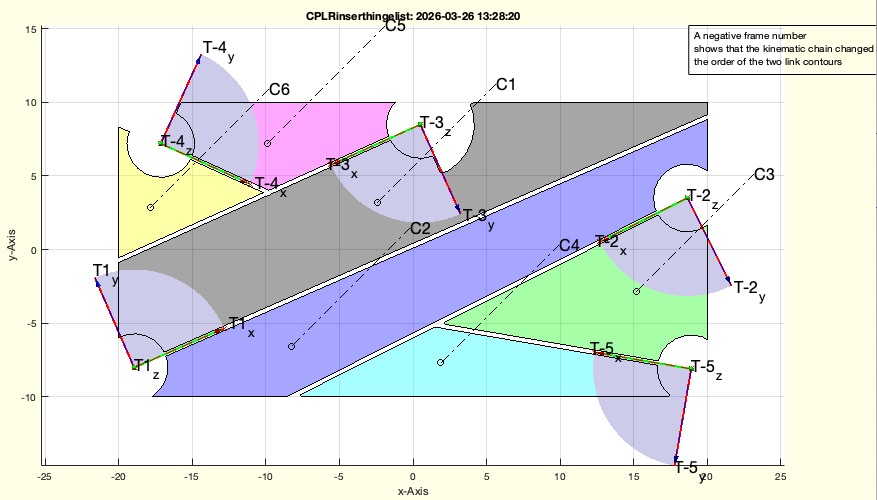 | % CPLRinserthingeclosed(CPLR,T,R,wlim,"debug") - returns CPL regions linked by Frames prepared for extrusion % (by Tim Lueth, SG-Lib, 2026-APR-02 as class: 4BAR/LINKAGES) % % USE CAREFULLY: CPLRinserthingeclosed was not being tested extensively % % calls CPSinserthingelist and prepares contours for a kinematic chain % All of the input parameters are directly used as input for "CPSinserthingelist" % The output parameter are prepared to be used directly as input for % "SGofCPLRTzpianohinge" % (Status of: 2026-04-03) % % Introduced first in SolidGeometry 5.6 % % See also: CPSinserthinge, CPSinserthingelist, CPLRinserthingelist, % SGofCPLRTzpianohinge % % [CPLR,T,R,EEL,CPLCA,CPLCB,wlim]=CPLRinserthingeclosed([CPLR,T,R,wlim,"debug"]) % === INPUT PARAMETERS === % CPLR: Contour in which the hinges are to be inserted % T: cell list of Frames. Empty Frames mean interactive selection, Numeric scalar % means n interactive frames % R: same as in SGcylhinge but only R(1) used % wlim: angle limit [amax] or [amin amax] with respect to the x axis of the frame % "debug": is helpful to avoid material reduction when there are steep angles as % in "CPSinserthingelist" % === OUTPUT RESULTS ====== % CPLR: Cell list of regions to be used in SGofCPLRTzpianohingeclosed % T: cell list of frames to be used in Cell list of regions to be used in % SGofCPLRTzpianohingeclosed % R: radius used for joints to be used in Cell list of regions to be used in % SGofCPLRTzpianohingeclosed % EEL: Extended edge list [stator-index rotor-index signed-frame-index] to be % used in Cell list of regions to be used in SGofCPLRTzpianohingeclosed % CPLCA: Connnecting contour availabe to connct stator contour CPLA to the joint % CPLCB: Connnecting contour availabe to connct rotor contour CPLB to the joint % wlim: cell ist of angle interval or singe angle interval [wmin wmax] % % EXAMPLE: % [CPL,T,~,wlim,txt]=SGjointsample(1); close all; % Take an joint example % [CPLRN,T,R,EEL,CPLCA,CPLCB,wlim]=CPLRinserthingeclosed(CPLR,T,R,wlim); % Create the contours % [SGR,EEL,WLIM]=SGofCPLRTzpianohinge(CPLR,10,T,R,EEL,CPLCA,CPLCB,wlim,'debug') % Create the Solids % SGpianohingeanimate(SGR,WLIM,EEL); % Animate % % See also: CPSinserthinge, CPSinserthingelist, CPLRinserthingelist, % SGofCPLRTzpianohinge % % % Copyright 2026 Tim C. Lueth |
SGofCPLRTzpianohingeclosed(CPLR,H,T,R,EEL,CPLCA,CPLCB,wlim,"debug","alter","animate")- creates 2.5 extruded solids of linkage contours using piano hinges |
 | % SGofCPLRTzpianohingeclosed(CPLR,H,T,R,EEL,CPLCA,CPLCB,wlim,"debug","alter","animate") - creates 2.5 extruded solids of linkage contours using piano hinges % (by Tim Lueth, SG-Lib, 2026-APR-02 as class: 4BAR/LINKAGES) % % USE CAREFULLY: SGofCPLRTzpianohingeclosed was not being tested extensively % % SGofCPLRTzpianohingeclosed is a more generic version of SGofCPLRTzpianohinge % % It took ten days from 13th to 23rd to fully understand, restructure, and % program the relationship between decomposed contours, frames, connectors, and % the kinematic analysis after the first implementation of % "SGofCPLzpianohingelist". It took from the 23rd to the 2nd of April to % understand the situation for closed kinematic structures and crossing kinematic % structures. % % ! Attention the wlim list (used in CPSinserthingelist) is required for % animation but not for design! (Status of: 2026-04-02) % % Introduced first in SolidGeometry 5.6 % % See also: CPLRinserthingelist, SGofCPLRTzpianohinge % % [SGR,EEL,WLIM,KC]=SGofCPLRTzpianohingeclosed([CPLR,H,T,R,EEL,CPLCA,CPLCB,wlim," % debug","alter","animate"]) % === INPUT PARAMETERS === % CPLR: cell array with link contours comming from CPSinserthingelist % H: [Hinge-length segment-number] (different to SGofCPLz) as in required in % SGpianohinge % T: cell array of Frames that were used returned from CPSinserthingelist % R: R: [Radius Pin-height pin-angle] as required for SGpianohinge % EEL: Extended Edge list of the kinematic chain [A-index B-index Frame-index] % Frame-index sign only required for wlim % CPLCA: Cell array of hinge connecting contour for contour-A % CPLCB: Cell array of hinge connecting contour for contour-AB % wlim: if used, the design steps are shown % === OUTPUT RESULTS ====== % SGR: Cell array of solids (no Frames) that are connected by thee EEL chain of % T-Frames % EEL: Extend Edge List % WLIM: angle limits for EEL % KC: Kinematic chain % % EXAMPLE: % [CPL,T,~,wlim,txt]=SGjointsample(1); close all; % Take an joint example % [CPLR,T,R,EEL,CPLCA,CPLCB,wlim]=CPLRinserthingelist(CPL,T,2,wlim,'both') % Create the contours % [SGR,EEL,WLIM]=SGofCPLRTzpianohingeclosed(CPLR,10,T,R,EEL,CPLCA,CPLCB,wlim,'debug') % Create the Solids % SGpianohingeanimate(SGR,WLIM,EEL); % Animate % % See also: CPLRinserthingelist, SGofCPLRTzpianohinge % % % Copyright 2026 Tim C. Lueth |
SGcellofgcapatch(hgca)- returns the plotted patches of gca as separated solids as cell array |
 | % SGcellofgcapatch(hgca) - returns the plotted patches of gca as separated solids as cell array % (by Tim Lueth, SG-Lib, 2026-APR-02 as class: VISUALIZATION) % % in complex design fnctns the solids are plotted on the screen in a different % configuration as in the STL files, especially for animating the solid's % movement. This realistic spatial arrangement can be later used for explaining % the solids in an split/ explosition animation (Status of: 2026-04-02) % % Introduced first in SolidGeometry 5.6 % % See also: SGofgca, VLFLofgca, VLFLofgca, VLofgca, PSofgca, SGofgca2subplots, % SGplotcellsplitanimation % % SG=SGcellofgcapatch([hgca]) % === INPUT PARAMETERS === % hgca: default is gca % === OUTPUT RESULTS ====== % SG: cell array of the individual plotted solids % % EXAMPLE: % SGsample(20); SG=SGcellofgcapatch, SGplotcellsplitanimation(SG); % % See also: SGofgca, VLFLofgca, VLFLofgca, VLofgca, PSofgca, SGofgca2subplots, % SGplotcellsplitanimation % % % Copyright 2026 Tim C. Lueth |
SGplotcellsplitanimation(SGall)- plots the solids of an cell array depending on their minimal z value one after another |
 | % SGplotcellsplitanimation(SGall) - plots the solids of an cell array depending on their minimal z value one after another % (by Tim Lueth, SG-Lib, 2026-APR-02 as class: VISUALIZATION) % % Introduced first in SolidGeometry 5.6 % % See also: SGanalyzeGroupParts, SGcellofgcapatch, videoquickstart % % SGplotcellsplitanimation([SGall]) % === INPUT PARAMETERS === % SGall: cell array of solids % % See also: SGanalyzeGroupParts, SGcellofgcapatch, videoquickstart % % % Copyright 2026 Tim C. Lueth |
exp_2026_04_02_4Bar(A0,B0,A1,B1)- EXPERIMENT TO CREATE A CLOSE 4BAR with integrated piano hinges |
 | % exp_2026_04_02_4Bar(A0,B0,A1,B1) - EXPERIMENT TO CREATE A CLOSE 4BAR with integrated piano hinges % (by Tim Lueth, SG-Lib, 2026-APR-02 as class: EXPERIMENTS) % % USE CAREFULLY: exp_2026_04_02_4Bar was not being tested extensively % % Took 5 days to find the final solution. Other fnctns inbetween were created to % understand the linkage problems better. Still it is not easy to understand how % the openining angle of the linkage joints can be designed in relation to a % specific pose of the linkage that the linkage can reach all expected poses. % Nevertheless it seem to work like here described (Status of: 2026-04-07) % % Introduced first in SolidGeometry 5.6 % % See also: exp_2026_04_04_crosstable % % exp_2026_04_02_4Bar([A0,B0,A1,B1]) % === INPUT PARAMETERS === % A0: A0 of the 4Bar % B0: B0 of the 4Bar % A1: A1 of the 4Bar % B1: B1 of the 4Bar % % See also: exp_2026_04_04_crosstable % % % Copyright 2026 Tim C. Lueth |
VLFL_EXP81_joints- TUTORIAL TO SHOW THE USE OF THE JOINT CREATION BY CUTTING A CONTOUR INTO PIECES |
 | % VLFL_EXP81_joints - TUTORIAL TO SHOW THE USE OF THE JOINT CREATION BY CUTTING A CONTOUR INTO PIECES % (by Tim Lueth, SG-Lib, 2026-APR-01 as class: TUTORIAL) % % Introduced first in SolidGeometry 5.6 % % See also: VLFL_EXP80, VLFL_EXP79, VLFL_EXP81 % % VLFL_EXP81_joints % % See also: VLFL_EXP80, VLFL_EXP79, VLFL_EXP81 % % % Copyright 2026 Tim C. Lueth |
exp_2026_04_01_crosstable- AN EXPERIMENT TO ADDRESS THE CHALLENGES INVOLVED IN DESIGNING THE JOINTS FOR A CROSS TABLE |
 | % exp_2026_04_01_crosstable - AN EXPERIMENT TO ADDRESS THE CHALLENGES INVOLVED IN DESIGNING THE JOINTS FOR A CROSS TABLE % (by Tim Lueth, SG-Lib, 2026-APR-01 as class: EXPERIMENTS) % % USE CAREFULLY: exp_2026_04_01_crosstable was not being tested extensively % % Introduced first in SolidGeometry 5.6 % % See also: exp_2026_04_04_crosstable % % exp_2026_04_01_crosstable % % See also: exp_2026_04_04_crosstable % % % Copyright 2026 Tim C. Lueth |
SGof2CPLTzpianohinge(CPLA,CPLB,H,TA,RR,wlim,"debug")- connects two contours CPLA and CPLB by a pianohinge with given rotation center, frame, radius and height |
 | % SGof2CPLTzpianohinge(CPLA,CPLB,H,TA,RR,wlim,"debug") - connects two contours CPLA and CPLB by a pianohinge with given rotation center, frame, radius and height % (by Tim Lueth, SG-Lib, 2026-MÄR-29 as class: 4BAR/LINKAGES) % % USE CAREFULLY: SGof2CPLTzpianohinge was not being tested extensively % % different concept to SGofCPLRTzpianohinge (Status of: 2026-04-01) % % Introduced first in SolidGeometry 5.6 % % See also: SGofCPLRTzpianohinge, CPSinserthinge, CPLbridgePL % % [SGD,ai,bi,ci]=SGof2CPLTzpianohinge([CPLA,CPLB,H,TA,RR,wlim,"debug"]) % === INPUT PARAMETERS === % CPLA: Contour A (blue) % CPLB: Contour B (blue) % H: Height and number of links as used for SGpianohinge; default is [10 4] % TA: Rotation center frame fixed to CPLA % RR: Joint Radius - used for SGpianohinge; default is 2 % wlim: rotation angle of CPLB around TA (relativ to CPLA) % "debug": if used, the design steps are shown % === OUTPUT RESULTS ====== % SGD: cell arayy of elements % ai: index in SGD that belong to CPLA % bi: index in SGD that belong to CPLB % ci: index in SGD that belong neither ot CPLA nor CPLB % % EXAMPLE: % PLcircleoval(5,'',20); CPLA=ans; % contour A % PLtransR(PLcircleoval(5,'',40),pi); CPLB=ans; % contour B % % SGof2CPLTzpianohinge(CPLA,CPLB,'',TofP([0 0]),'debug') % SGof2CPLTzpianohinge(CPLA,CPLB,'',TofP([5 -2]),'debug') % SGof2CPLTzpianohinge(CPLA,CPLB,'',TofP([0 -5]),'debug') % SGof2CPLTzpianohinge(CPLA,CPLB,'',TofP([0 -9]),'debug') % % PLtransP(PLcircleoval(5,'',40),[0 -20],pi/2); CPLB=ans; % contour B % SGof2CPLTzpianohinge(CPLA,CPLB,'',TofP([10 0]),'',[-pi/2 pi/10],'debug'); % % PLtransP(PLcircleoval(5,'',40),[10 -20],pi/2); CPLB=ans; % contour B % SGof2CPLTzpianohinge(CPLA,CPLB,'',TofP([10 0]),'',[-pi/2 pi/10],'debug'); % % See also: SGofCPLRTzpianohinge, CPSinserthinge, CPLbridgePL % % % Copyright 2026 Tim C. Lueth |
exp_2026_03_28_crosslink- EXPERIMENT TO CREATE CROSS LINK OR STAR TYPE LINKE USING PIANO HINGES |
 | % exp_2026_03_28_crosslink - EXPERIMENT TO CREATE CROSS LINK OR STAR TYPE LINKE USING PIANO HINGES % (by Tim Lueth, SG-Lib, 2026-MÄR-28 as class: EXPERIMENTS) % % USE CAREFULLY: exp_2026_03_28_crosslink was not being tested extensively % % Introduced first in SolidGeometry 5.6 % % exp_2026_03_28_crosslink % % % Copyright 2026 Tim C. Lueth |
CPLbridgePL(CPL,PL,R)- Creates a brige between a point or frame to a CPL/CPS |
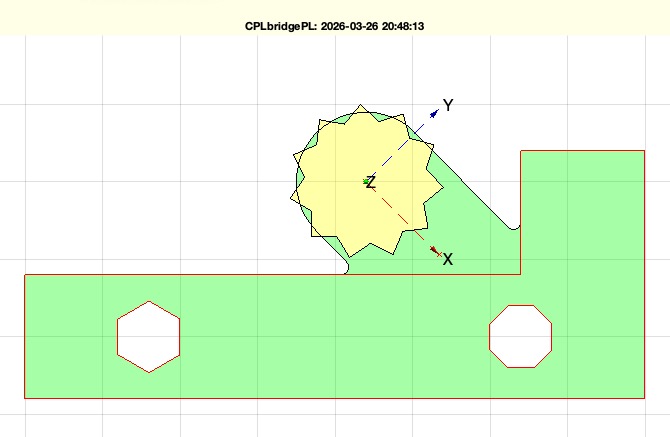 | % CPLbridgePL(CPL,PL,R) - Creates a brige between a point or frame to a CPL/CPS % (by Tim Lueth, SG-Lib, 2026-MÄR-26 as class: CPL/CLOSED POLYGON LISTS) % % USE CAREFULLY: CPLbridgePL was not being tested extensively % % first time in CPSinserthinge 2026-03-15 (Status of: 2026-03-26) % % Introduced first in SolidGeometry 5.6 % % See also: CPLfillgap, CPLselectbynearestP, CPLselectbyP, CPLselectregionbyP % % CPLN=CPLbridgePL([CPL,PL,R]) % === INPUT PARAMETERS === % CPL: Contour to attach to % PL: Point, 2 points or 3x3 HT Matrix | x direction is used if more than a % single point % R: Radius of bridge or contour % === OUTPUT RESULTS ====== % CPLN: Complete new contour including the pridge to the frame/point % % EXAMPLE: % CPLbridgePL('',[2 10],PLstar(5,22)); % CPLbridgePL('',TofP([2 10]),PLstar(5,22)); % CPLbridgePL('',TofP([2 10],-pi/4),PLstar(5,22)); % CPLbridgePL('',TofP([2 10],+pi/4),PLstar(5,22)); % CPLbridgePL('',TofP([2 10],+pi/4),1.5); % CPLbridgePL('',TofP([2 10],-pi/4),1.5); % % See also: CPLfillgap, CPLselectbynearestP, CPLselectbyP, CPLselectregionbyP % % % Copyright 2026 Tim C. Lueth |
CPLRinserthingelist(CPL,T,R,wlim,"both","debug","nocut","close")- returns CPL regions linked by Frames prepared for extrusion |
 | % CPLRinserthingelist(CPL,T,R,wlim,"both","debug","nocut","close") - returns CPL regions linked by Frames prepared for extrusion % (by Tim Lueth, SG-Lib, 2026-MÄR-26 as class: 4BAR/LINKAGES) % % USE CAREFULLY: CPLRinserthingelist was not being tested extensively % % calls CPSinserthingelist and prepares contours for a kinematic chain % All of the input parameters are directly used as input for "CPSinserthingelist" % The output parameter are prepared to be used directly as input for % "SGofCPLRTzpianohinge" % (Status of: 2026-04-01) % % Introduced first in SolidGeometry 5.6 % % See also: CPSinserthinge, CPSinserthingelist, SGofCPLRTzpianohinge % % [CPLR,T,R,EEL,CPLCA,CPLCB,wlim]=CPLRinserthingelist([CPL,T,R,wlim,"both","debug % ","nocut","close"]) % === INPUT PARAMETERS === % CPL: Contour in which the hinges are to be inserted % T: cell list of Frames. Empty Frames mean interactive selection, Numeric scalar % means n interactive frames % R: same as in SGcylhinge but only R(1) used % wlim: angle limit [amax] or [amin amax] with respect to the x axis of the frame % "both": is helpful to avoid material reduction when there are steep angles as % in "CPSinserthingelist" % "debug": if used, the individal steps are shown as in "CPSinserthingelist" % "nocut": if used, the frames do not cut trough as in "CPSinserthingelist" % "close": if used, the contour finally is closed again (not implemented yet) % === OUTPUT RESULTS ====== % CPLR: Cell list of regions to be used in SGofCPLRTzpianohinge % T: cell list of frames to be used in SGofCPLRTzpianohinge % R: radius used for joints to be used in SGofCPLRTzpianohinge % EEL: Extended edge list [stator-index rotor-index signed-frame-index] to be % used in SGofCPLRTzpianohinge % CPLCA: Connnecting contour availabe to connct stator contour CPLA to the joint % CPLCB: Connnecting contour availabe to connct rotor contour CPLB to the joint % wlim: cell ist of angle interval or singe angle interval [wmin wmax] % % EXAMPLE: % [CPL,T,~,wlim,txt]=SGjointsample(1); close all; % Take an joint example % [CPLR,T,R,EEL,CPLCA,CPLCB,wlim]=CPLRinserthingelist(CPL,T,2,wlim,'both') % Create the contours % [SGR,EEL,WLIM]=SGofCPLRTzpianohinge(CPLR,10,T,R,EEL,CPLCA,CPLCB,wlim,'debug') % Create the Solids % SGpianohingeanimate(SGR,WLIM,EEL); % Animate % % See also: CPSinserthinge, CPSinserthingelist, SGofCPLRTzpianohinge % % % Copyright 2026 Tim C. Lueth |
SGofCPLRTzpianohinge(CPLR,H,T,R,EEL,CPLCA,CPLCB,wlim,"debug","alter")- creates 2.5 extruded solids of linkage contours using piano hinges |
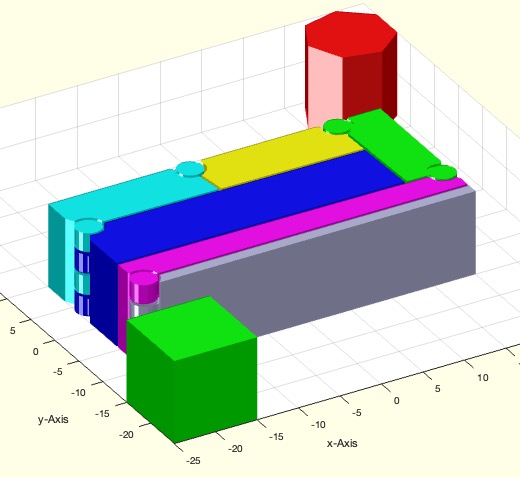 | % SGofCPLRTzpianohinge(CPLR,H,T,R,EEL,CPLCA,CPLCB,wlim,"debug","alter") - creates 2.5 extruded solids of linkage contours using piano hinges % (by Tim Lueth, SG-Lib, 2026-MÄR-26 as class: 4BAR/LINKAGES) % % USE CAREFULLY: SGofCPLRTzpianohinge was not being tested extensively % % It took ten days from 13th to 23rd to fully understand, restructure, and % program the relationship between decomposed contours, frames, connectors, and % the kinematic analysis after the first implementation of % "SGofCPLzpianohingelist" % ! Attention the wlim list (used in CPSinserthingelist) is required for % animation but not for design! (Status of: 2026-04-01) % % Introduced first in SolidGeometry 5.6 % % See also: CPLRinserthingelist % % [SGR,EEL,WLIM,KC]=SGofCPLRTzpianohinge([CPLR,H,T,R,EEL,CPLCA,CPLCB,wlim,"debug" % ,"alter"]) % === INPUT PARAMETERS === % CPLR: cell array with link contours comming from CPSinserthingelist % H: [Hinge-length segment-number] (different to SGofCPLz) as in required in % SGpianohinge % T: cell array of Frames that were used returned from CPSinserthingelist % R: R: [Radius Pin-height pin-angle] as required for SGpianohinge % EEL: Extended Edge list of the kinematic chain [A-index B-index Frame-index] % Frame-index sign only required for wlim % CPLCA: Cell array of hinge connecting contour for contour-A % CPLCB: Cell array of hinge connecting contour for contour-AB % wlim: if used, the design steps are shown % === OUTPUT RESULTS ====== % SGR: Cell array of solids (no Frames) that are connected by thee EEL chain of % T-Frames % EEL: Extend Edge List % WLIM: angle limits for EEL % KC: Kinematic chain % % EXAMPLE: % [CPL,T,~,wlim,txt]=SGjointsample(1); close all; % Take an joint example % [CPLR,T,R,EEL,CPLCA,CPLCB,wlim]=CPLRinserthingelist(CPL,T,2,wlim,'both') % Create the contours % [SGR,EEL,WLIM]=SGofCPLRTzpianohinge(CPLR,10,T,R,EEL,CPLCA,CPLCB,wlim,'debug') % Create the Solids % SGpianohingeanimate(SGR,WLIM,EEL); % Animate % % See also: CPLRinserthingelist % % % Copyright 2026 Tim C. Lueth |
exp_2026_03_25_kinematic_analysis- EXPERIMENT TO TEST WHICH GRAPH methods ARE SUITABLE FOR KINEMATIC STRUTURE ANALYSIS |
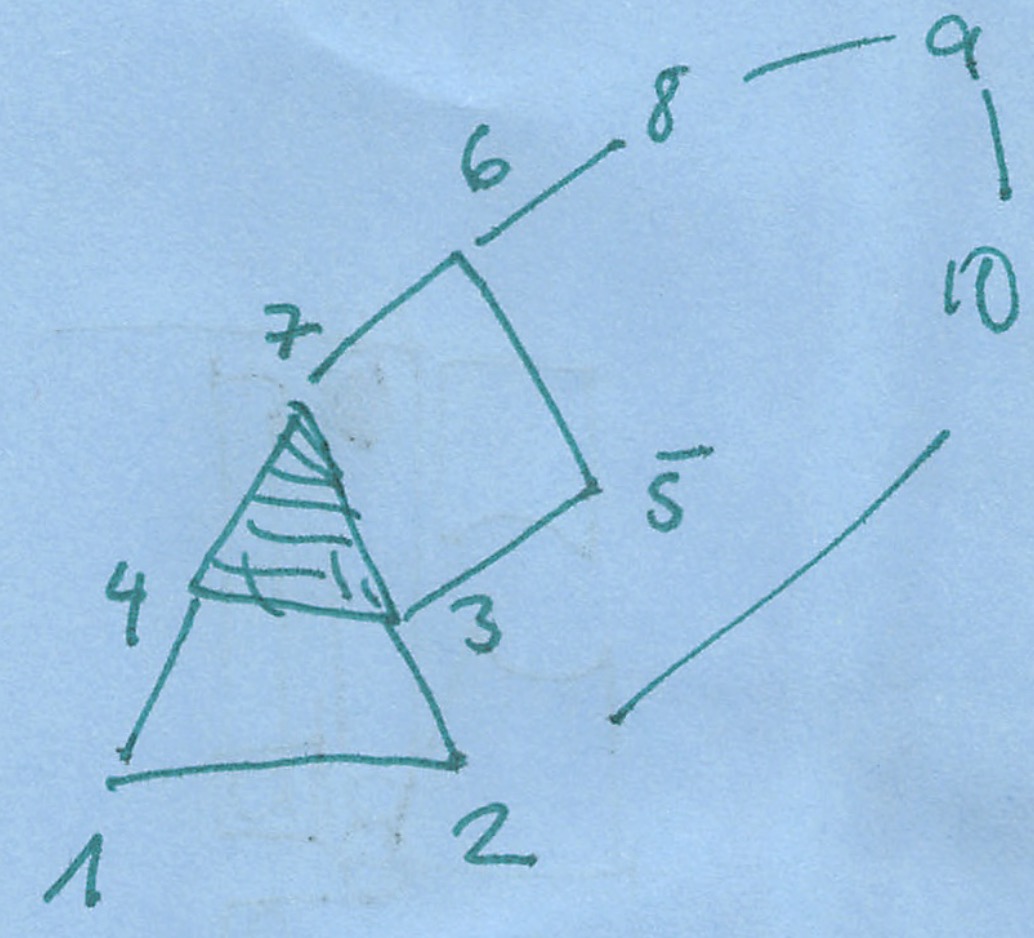 | % exp_2026_03_25_kinematic_analysis - EXPERIMENT TO TEST WHICH GRAPH methods ARE SUITABLE FOR KINEMATIC STRUTURE ANALYSIS % (by Tim Lueth, SG-Lib, 2026-MÄR-25 as class: 4BAR/LINKAGES) % % USE CAREFULLY: exp_2026_03_25_kinematic_analysis was not being tested % extensively % % Introduced first in SolidGeometry 5.6 % % exp_2026_03_25_kinematic_analysis % % % Copyright 2026 Tim C. Lueth |
ELlongestpath(EEL)- returns a list of unique directed kinematic chains from an edge list |
 | % ELlongestpath(EEL) - returns a list of unique directed kinematic chains from an edge list % (by Tim Lueth, SG-Lib, 2026-MÄR-24 as class: 4BAR/LINKAGES) % % USE CAREFULLY: ELlongestpath was not being tested extensively % % Introduced first in SolidGeometry 5.6 % % See also: permutevector, shortestpath % % PP=ELlongestpath(EEL) % === INPUT PARAMETERS === % EEL: Edge list, only the fist two cols are used % === OUTPUT RESULTS ====== % PP: cell list of point indices that create longest list % % EXAMPLE: % ELlongestpath(ELofn(10)) % % See also: permutevector, shortestpath % % % Copyright 2026 Tim C. Lueth |
SGjointsample(Nr)- returns Contours and cutting frames to test fnct such as CPSinserthinge, CPSinserthingelist, SGofCPLzpianohingelist |
 | % SGjointsample(Nr) - returns Contours and cutting frames to test fnct such as CPSinserthinge, CPSinserthingelist, SGofCPLzpianohingelist % (by Tim Lueth, SG-Lib, 2026-MÄR-21 as class: SAMPLES) % % USE CAREFULLY: SGjointsample was not being tested extensively % % Who to create an example % 1) [SG,T,~,~,CPLO,wlim]=SGofCPLzpianohingelist( % 2) load SGjointsamples.mat % 3) SGjointsamples=[SGjointsamples;{CPLO,T,SG,wlim,' % 4) saveTL SGjointsamples (Status of: 2026-03-24) % % Introduced first in SolidGeometry 5.6 % % See also: CPSinserthinge, CPSinserthingelist, SGofCPLzpianohingelist % % [CPL,T,SG,wlim,txt]=SGjointsample([Nr]) % === INPUT PARAMETERS === % Nr: list of examples to be shown; if one is selected, it will be extruded an % animated; default is all % === OUTPUT RESULTS ====== % CPL: Contour % T: Frames to insert cuts % SG: Solid Geometry as Reference % wlim: [wmin wmax] % txt: description % % EXAMPLE: % Videoquickstart; SGjointsample(2); Videoquickcloseandopen % [CPL,T,~,wlim]=SGjointsample(2); SGofCPLzpianohingelist(CPL,20,T,5,pi/3) % Radius 2 Opening Angle pi/3 % [SG,T]=SGofCPLzpianohingelist(CPL,20,T,5,pi/1.5); SGpianohingeanimate(SG,[0 pi/1.5]) % % See also: CPSinserthinge, CPSinserthingelist, SGofCPLzpianohingelist % % % Copyright 2026 Tim C. Lueth |
Taplot(T,wint,s,c,N)- draws an anlge interval relative to a frame (3x3 or 4x4) |
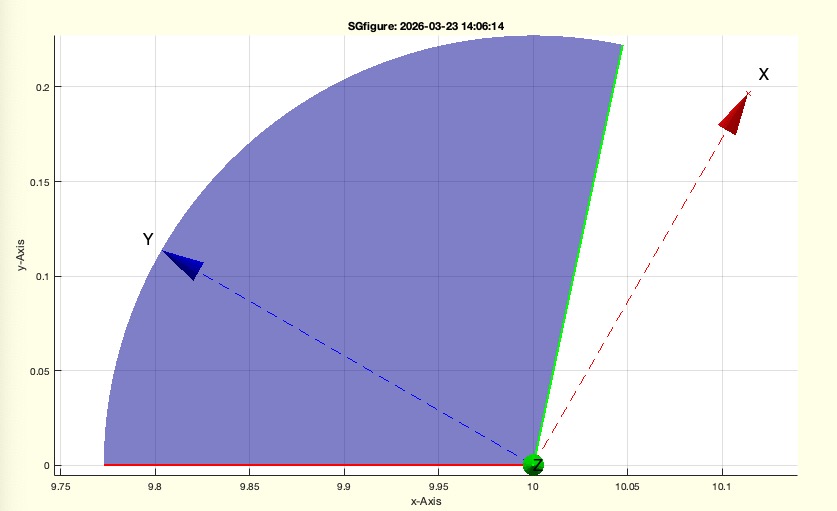 | % Taplot(T,wint,s,c,N) - draws an anlge interval relative to a frame (3x3 or 4x4) % (by Tim Lueth, SG-Lib, 2026-MÄR-20 as class: KINEMATICS AND FRAMES) % % Introduced first in SolidGeometry 5.6 % % See also: tplot, aplot % % h=Taplot([T,wint,s,c,N]) % === INPUT PARAMETERS === % T: Frame or cell list of frames % wint: Angle interval % s: size (like sofgca*200) % c: color of the angle area % N: optional name of the frame % === OUTPUT RESULTS ====== % h: handle to graphics % % EXAMPLE: % SGfigure(0,90); Taplot(TofP([10 0 0],[0 0 pi/3]),[pi/2 pi]); shg % SGfigure(0,90); Taplot(TofP([10 0 0],[0 0 pi/3]),[pi/10 pi/1.5]); shg % % See also: tplot, aplot % % % Copyright 2026 Tim C. Lueth |
SGangleoverlapT(SG,T,R,wlim,zoff)- Finds out wether a solid is insied a rotating angle of a frame and a angle interval |
 | % SGangleoverlapT(SG,T,R,wlim,zoff) - Finds out wether a solid is insied a rotating angle of a frame and a angle interval % (by Tim Lueth, SG-Lib, 2026-MÄR-20 as class: KINEMATICS AND FRAMES) % % USE CAREFULLY: SGangleoverlapT was not being tested extensively % % Required in SGofCPLzpianohingelist % (Status of: 2026-03-20) % % Introduced first in SolidGeometry 5.6 % % See also: angleinterv, angleintersect, SGisInterior, SGofCPLzpianohingelist % % [isolap,wlap,wint]=SGangleoverlapT([SG,T,R,wlim,zoff]) % === INPUT PARAMETERS === % SG: Solid Geometry % T: Frame ex defines the 0 axis for rotatation % R: Radus of join (geoemtric correct, not fitting adjustment inside % SGangleoverlapT) % wlim: angle interval; default is [0 2*pi] % zoff: optional height in z about T % === OUTPUT RESULTS ====== % isolap: true or false if the angle interval at T with radius R and height zoff % cuts the solid % wlap: complete overlap interval % wint: intersection of wlap and wlim % % EXAMPLE: % SGangleoverlapT(SGbox,TofP([20 0 0]),6) % % See also: angleinterv, angleintersect, SGisInterior, SGofCPLzpianohingelist % % % Copyright 2026 Tim C. Lueth |
SGpianohingeanimate(SG,wlim,ELX,"rewind")- Animates an ordered chain of solids relative to 'B' Base Frame and an angle limit |
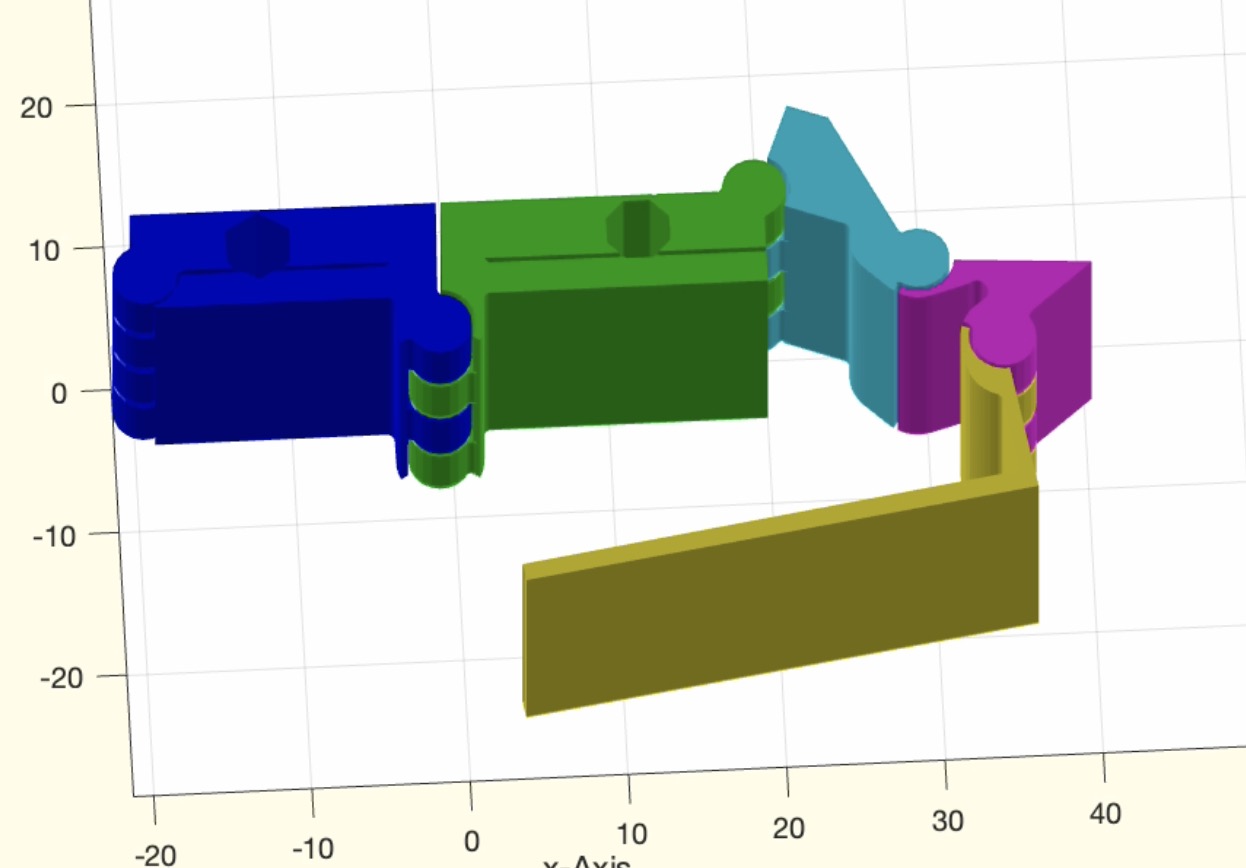 | % SGpianohingeanimate(SG,wlim,ELX,"rewind") - Animates an ordered chain of solids relative to 'B' Base Frame and an angle limit % (by Tim Lueth, SG-Lib, 2026-MÄR-19 as class: KINEMATICS AND FRAMES) % % USE CAREFULLY: SGpianohingeanimate was not being tested extensively % % uses animatego and NOT Videoquickanimatego % % Use SGofCPLRTzpianohinge to create the kinematic chain and DO NOT USE % SGofCPLzpianohingelist anymore % (Status of: 2026-03-20) % % Introduced first in SolidGeometry 5.6 % % See also: animatego, SGofCPLzpianohingelist % % hh=SGpianohingeanimate(SG,[wlim,ELX,"rewind"]) % === INPUT PARAMETERS === % SG: cell list of Solids that are an ordered kinematik chain including 'B' Frames % wlim: angle limit; scalar or rows of angle limits % ELX: Extended edge list to describe the kinematic chain ["B"-index "F"-index % T-Frame-index] sign(T)=> -wlim % "rewind": if used, the links move forward and backwards % === OUTPUT RESULTS ====== % hh: handle to graphics objects % % EXAMPLE: % [SG,T]=SGofCPLzpianohingelist(PLcircle(20),20,[5 0; -5 0],'',[pi/1.5]); SGfigure(-30,30); SGpianohingeanimate(SG,pi/1.5) % [SG,T]=SGofCPLzpianohingelist(PLcircle(10),20,[8 0; -8 0; 0 8; 0 -8],'',[pi/2]); SGfigure(-30,30); SGpianohingeanimate(SG,pi/2,'rewind') % [SG,T]=SGofCPLzpianohingelist(PLcircle(10),20,[8 0; -8 0; 0 8; 0 -8; 0 -8; 0 0],'',[pi/2]); SGfigure(-30,30); SGpianohingeanimate(SG,pi/2) % [SG,T]=SGofCPLzpianohingelist(PLcircle(20),20,25*[1 0; -1 0; 0 1; 0 -1; 0 -1; 0 0],'',[pi/2]); SGfigure(-30,30); SGpianohingeanimate(SG,pi/2,'rewind') % % See also: animatego, SGofCPLzpianohingelist % % % Copyright 2026 Tim C. Lueth |
centerinsideCPL(CPL,cc,MS,"sep")- HEURISTIC APPROACH: Finds in arbitrary contours the center point within a region |
 | % centerinsideCPL(CPL,cc,MS,"sep") - HEURISTIC APPROACH: Finds in arbitrary contours the center point within a region % (by Tim Lueth, SG-Lib, 2026-MÄR-18 as class: CPL/CLOSED POLYGON LISTS) % % USE CAREFULLY: centerinsideCPL was not being tested extensively % % In contrast to centerCPL that cannot guarantee that the center point is inside % the contour, this fnctn "centerinsideCPL" guarantee that the returned point or % the list of points is always inside the contour. % It creates first a skeleton and the tries to select the center point % % CPLsample(8) % CPLsample(34) % CPLsample(35) % (Status of: 2026-04-19) % % Introduced first in SolidGeometry 5.6 % % See also: centerCPL % % [M,PL]=centerinsideCPL([CPL,cc,MS,"sep"]) % === INPUT PARAMETERS === % CPL: Contour to analyze % cc: default is 0.5 for middle of skeleton line % MS: suggested center points, such as mean of CPL; default is false % "sep": if used, the contours are treated separetedly and M has a 3rd coordiante % as index of selectNAN(CPL) % === OUTPUT RESULTS ====== % M: Center point % PL: Point list of last line % % EXAMPLE: % centerinsideCPL(CPLsample(8)) % centerinsideCPL(CPLsample(8),'sep') % centerinsideCPL(CPLsample(33)) % centerinsideCPL(CPLsample(34)) % centerinsideCPL(CPLsample(35)) % centerinsideCPL(CPLsample(26)) % not necessarily 2 points % centerinsideCPL(CPLsample(26),'sep') % at least one point per CPL % PLcircleoval(5,'',[0 0;70 30]); CPL=ans; centerinsideCPL(CPL); % clear deviation of expected result % PLcircleoval(5,'',[0 0;70 30]); CPL=ans; centerinsideCPL(CPL,'',mean(CPL)); % clear deviation of expected result % centerinsideCPL(CPLsample(12),'',mean(woNaN(CPLsample(12)))) % 8 different points % centerinsideCPL(CPLsample(12),'',mean(woNaN(CPLsample(12))),'sep') % 4 different points % % See also: centerCPL % % % Copyright 2026 Tim C. Lueth |
CPLradialconcaveEdges(CPL,rrr)- concave edges in CPL based on polyshape and polybuffer |
 | % CPLradialconcaveEdges(CPL,rrr) - concave edges in CPL based on polyshape and polybuffer % (by Tim Lueth, SG-Lib, 2026-MÄR-15 as class: CPL/CLOSED POLYGON LISTS) % % 2026-03-28 Individual regions and contours have to be treated individually to % avoid the filling of gaps and holes (Status of: 2026-03-15) % % Introduced first in SolidGeometry 5.6 % % See also: CPLradialEdges % % CPLN=CPLradialconcaveEdges(CPL,[rrr]) % === INPUT PARAMETERS === % CPL: CPL contour % rrr: radius for concave edges % === OUTPUT RESULTS ====== % CPLN: CPL Contour with radial concave edges % % EXAMPLE: % CPLradialconcaveEdges(CPLsample(34)*2,0.5); % Holes does still exist % CPLradialconcaveEdges(CPLsample(34)*2,1); % Holes dissapear % % See also: CPLradialEdges % % % Copyright 2026 Tim C. Lueth |
AImodelNameSet(LocalmodelName)- Changes the AI model used by default in chat |
 | % AImodelNameSet(LocalmodelName) - Changes the AI model used by default in chat % (by Tim Lueth, SG-Lib, 2026-MÄR-15 as class: ARTIFICIAL INTELLIGENCE) % % Since the quality of the responses from GPT chat models (especially the % "latest" version) has declined, it is important to use stable models (within % "OpenAIrequest") for critical tasks; while these models are about 10 times % slower, they do not produce meaningless drivel. % Similarly, the quality of DeepL is deteriorating: The German sentence in the % brief fnctnal description % "Verändert das AI model das bei chat defaultmäßig verwendet wird" % is then: % "Does this change the AI model used by default in chat?" % instead of % "This feature changes the AI model used by default in chat" (Status of: % 2026-03-15) % % Introduced first in SolidGeometry 5.6 % % See also: openAIgetmodels, OpenAIrequest % % res=AImodelNameSet([LocalmodelName]) % === INPUT PARAMETERS === % LocalmodelName: Name of a local model, which is a subset of openAIgetmodels % (API) % === OUTPUT RESULTS ====== % res: Name of the current model, useful if called before changing it % % EXAMPLE: % AImodelNameSet % returns the current model % AImodelNameSet('gpt-5-2025-08-07') % sets a new model % % See also: openAIgetmodels, OpenAIrequest % % % Copyright 2026 Tim C. Lueth |
exp_2026_03_13_linkages(wlim,"debug","turn")- Experiment to design linkage-lever hinges that minimize the profile of the rotating lever and integrate part of the hinge into a solid body |
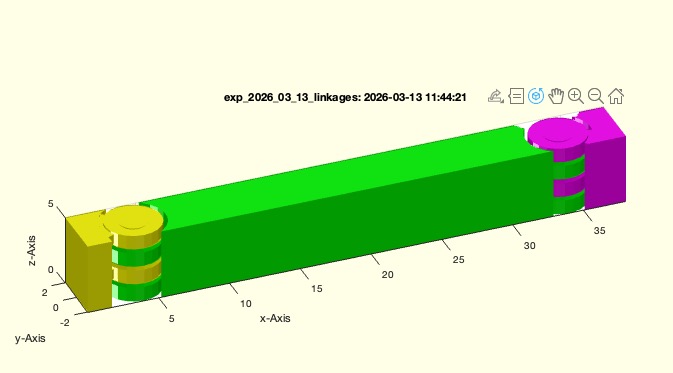 | % exp_2026_03_13_linkages(wlim,"debug","turn") - Experiment to design linkage-lever hinges that minimize the profile of the rotating lever and integrate part of the hinge into a solid body % (by Tim Lueth, SG-Lib, 2026-MÄR-13 as class: EXPERIMENTS) % % USE CAREFULLY: exp_2026_03_13_linkages was not being tested extensively % % This experiment investigates whether the link joint connectors and the cutouts % correspond to the orientations of the frames and to the joint angles. In % addition, the "flip" parameter was added to the fnctn "SGpianohinge". % % The angle values for the movements are always relative to the planar motion in % the x-y plane, with the x-axis serving as the origin. When solid geometry % designing, care must be taken to ensure that when using negative angles—for % example, [-π/2...π/2] instead of [0...π]— the joint frame must also be rotated % by 90 degrees so that the relative degree value is preserved. % % ATTENTION: If this is not taken into account, effects that are difficult to % explain to the user will occur, and a tedious debugging process will begin, % since some routines rely precisely on this relationship between angle intervals % and the frame to identify the stator/rotor or base and follower of a kinematic % chain. (Status of: 2026-03-15) % % Introduced first in SolidGeometry 5.6 % % See also: SGofCPLzpianohingelist % % exp_2026_03_13_linkages([wlim,"debug","turn"]) % === INPUT PARAMETERS === % wlim: [wmin wmax] % "debug": if used,everything is in debug mode % "turn": turn angle, for testing the frame coordinate systems % % See also: SGofCPLzpianohingelist % % % Copyright 2026 Tim C. Lueth |
SGofCPLzpianohingelist(CPL,H,T,RR,wlim,"STL","debug")- extrudes a solid from a single contour and inserts a set of piano hinges after cutting the contour into pieces |
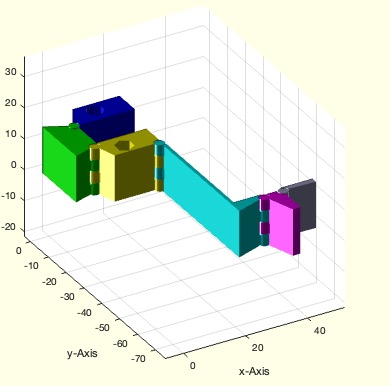 | % SGofCPLzpianohingelist(CPL,H,T,RR,wlim,"STL","debug") - extrudes a solid from a single contour and inserts a set of piano hinges after cutting the contour into pieces % (by Tim Lueth, SG-Lib, 2026-MÄR-13 as class: 4BAR/LINKAGES) % % USE CAREFULLY: SGofCPLzpianohingelist was not being tested extensively % % ======================================================================= % OBSOLETE (2026-06-12) - USE 'SGofCPLRTzpianohinge' INSTEAD % ======================================================================= % % In contrast to "SGofCPLRTzpianohinge", this fnctn "SGofCPLzpianohingelist" can % be used if an contour should be cut by the frames itself into link contours of % an open kinematic chain. % It calculcates the Extended Edge Liste automatically % (Status of: 2026-06-12) % % Introduced first in SolidGeometry 5.6 % % See also: [ SGofCPLRTzpianohinge ] ; SGofCPLz, CPSinserthingelist, % SGanalyzeGroupParts % % [SGall,T,ELN]=SGofCPLzpianohingelist([CPL,H,T,RR,wlim,"STL","debug"]) % === INPUT PARAMETERS === % CPL: Contour to be extruded; default is a square % H: Height for CPLz; default is 40 % T: Cell list of frames or numerical scalar for number of joints; default is 1; % RR: default is [2 1.5 pi/4] % wlim: default is: [-pi/4 pi/4] % "STL": if used an STL-File is written if nargout==0; % "debug": if used the creation of the linkages are shown % === OUTPUT RESULTS ====== % SGall: cell list of individial solids created by SGanalyzeGroupParts % T: list of frames (interactive use) % ELN: Edge-Frame-List [Base-index Follower-index Frame-index] % % EXAMPLE: % SGofCPLzpianohingelist(PLcircle([30 25]),'',1) % SGofCPLzpianohingelist(PLcircle([30 25 10]),'',2 % SGofCPLzpianohingelist(CPLsample(34)*3,'',2) % SGofCPLzpianohingelist(PLcircle([30 25 10]),'',2) % clc; close all; [SG,T,ELN]=SGofCPLzpianohingelist(CPLsample(34)*4,10,2,1.5,[0 pi/2]); SGfigure; SGplotparts(SG); % % See also: [ SGofCPLRTzpianohinge ] ; SGofCPLz, CPSinserthingelist, % SGanalyzeGroupParts % % % Copyright 2026 Tim C. Lueth |
exp_2026_03_12_pianohingelist(T)- EXPERIMENT how to integrqte several piono hinges into an extruded contour |
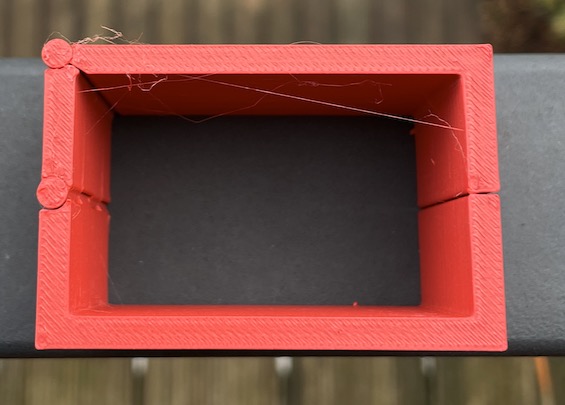 | % exp_2026_03_12_pianohingelist(T) - EXPERIMENT how to integrqte several piono hinges into an extruded contour % (by Tim Lueth, SG-Lib, 2026-MÄR-12 as class: EXPERIMENTS) % % USE CAREFULLY: exp_2026_03_12_pianohingelist was not being tested extensively % % will become later "SGofCPLzpianohingelist" (Status of: 2026-03-13) % % Introduced first in SolidGeometry 5.6 % % See also: exp_2026_03_07_pianohinge % % T=exp_2026_03_12_pianohingelist([T]) % === INPUT PARAMETERS === % T: % === OUTPUT RESULTS ====== % T: % % See also: exp_2026_03_07_pianohinge % % % Copyright 2026 Tim C. Lueth |
angle2vect2D(ww,cp)- returns an angle or an angle interval into two unit vectors |
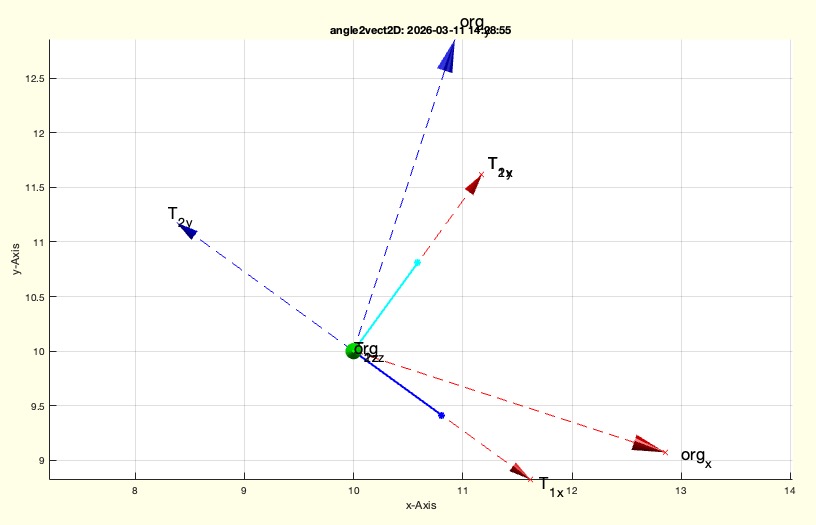 | % angle2vect2D(ww,cp) - returns an angle or an angle interval into two unit vectors % (by Tim Lueth, SG-Lib, 2026-MÄR-11 as class: KINEMATICS AND FRAMES) % % originally written for testing the interactive hinge procedures of % CPSinserthinge (Status of: 2026-03-11) % % Introduced first in SolidGeometry 5.6 % % See also: acos2, aplot, TLofProt, CPSinserthinge % % [v1,v2,T1,T2]=angle2vect2D([ww,cp]) % === INPUT PARAMETERS === % ww: angle or angle intervall; default is [0 pi/3]; or pi/3 % cp: center point or 3x3 Frame; default is [0 0]; % === OUTPUT RESULTS ====== % v1: unit vector of angle min length 1 = T1(1:2,1)') % v2: unit vector of angle max length 1 = T2(1:2,1)') % T1: 3x3frame wrt to cp and v1 % T2: 3x3frame wrt to cp and v1 % % EXAMPLE: % angle2vect2D([-pi/10 , pi/2.5],[10 10]); % cp=[10 10] % angle2vect2D([-pi/10 , pi/2.5],TofP([10 10],-pi/10)); % Tc=[10 10], ex rotated -pi/10 % % See also: acos2, aplot, TLofProt, CPSinserthinge % % % Copyright 2026 Tim C. Lueth |
CPSinserthingelist(CPL,T,R,wlim,"both","debug","close")- inserts a list of hinge geoemtries into a CPL/CPS. The first frame cuts, the following not |
 | % CPSinserthingelist(CPL,T,R,wlim,"both","debug","close") - inserts a list of hinge geoemtries into a CPL/CPS. The first frame cuts, the following not % (by Tim Lueth, SG-Lib, 2026-MÄR-10 as class: 4BAR/LINKAGES) % % USE CAREFULLY: CPSinserthingelist was not being tested extensively % % "both" is helpful to avoid material reduction when there are steep angles % original version (2026-03-10) just created the cuts % improved version of 2026-03-23 also creates kinematic chain plus CPL plus % turing angles and connectors (Status of: 2026-03-26) % % Introduced first in SolidGeometry 5.6 % % See also: CPSinserthinge, SGofCPLzpianohingelist % % [T,CPLNA,CPLNB,CPLU,CPLCA,CPLCB,wlimA,wlimB,CPLX]=CPSinserthingelist([CPL,T,R,w % lim,"both","debug","close"]) % === INPUT PARAMETERS === % CPL: Contour in which the hinges are to be inserted % T: cell list of Frames. Empty Frames mean interactive selection, Numeric scalar % means n interactive frames % R: same as in SGcylhinge but only R(1) used % wlim: angle limit [amax] or [amin amax] with respect to the x axis of the frame % "both": if used instead of single substraction, both parts are equally reduced. % "debug": if used, the individal steps are shown % "close": if used, the contour finally is closed again (not implemented yet) % === OUTPUT RESULTS ====== % T: cell list of frames % CPLNA: cell list of moving contours wrt T{i} % CPLNB: cell list of static contours wrt T{i} % CPLU: cell list of independent contours wrt T{i} % CPLCA: connector contour for CPLNA to a piano hinge wrt T{i} % CPLCB: connector contour for CPLNB to a piano hinge wrt T{i} % wlimA: angle limitations of CPLCA, there is also wlimB, and CPLX % % EXAMPLE: % [CPL,T,SG,wlim,txt]=SGjointsample(1) % CPSinserthingelist(CPL,T(1:5),2,wlim) % % % See also: CPSinserthinge, SGofCPLzpianohingelist % % % Copyright 2026 Tim C. Lueth |
exp_2026_03_08_Nakashima(fFemur,fTibia)- EXPERIMENT for Dr. Shinsuke Nakashima to explain the use of the SGLib for 4Bar linkagr design of Tibiua/Femur |
 | % exp_2026_03_08_Nakashima(fFemur,fTibia) - EXPERIMENT for Dr. Shinsuke Nakashima to explain the use of the SGLib for 4Bar linkagr design of Tibiua/Femur % (by Tim Lueth, SG-Lib, 2026-MÄR-08 as class: 4BAR/LINKAGES) % % USE CAREFULLY: exp_2026_03_08_Nakashima was not being tested extensively % % Introduced first in SolidGeometry 5.6 % % PS=exp_2026_03_08_Nakashima([fFemur,fTibia]) % === INPUT PARAMETERS === % fFemur: filename for Femur STL % fTibia: filename for Tibia STL % === OUTPUT RESULTS ====== % PS: Pose struct for synthesis and animation % % % Copyright 2026 Tim C. Lueth |
CPLsubtractTLbs(CPL1,TL1,CPL2,TL2,buf,"both","debug")- subtract a moving contour from another moving contour, optionally cutting both contours equally |
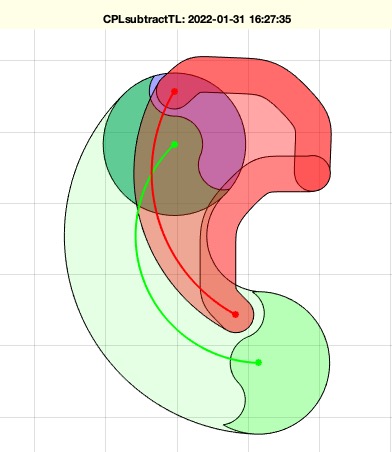 | % CPLsubtractTLbs(CPL1,TL1,CPL2,TL2,buf,"both","debug") - subtract a moving contour from another moving contour, optionally cutting both contours equally % (by Tim Lueth, SG-Lib, 2026-MÄR-08 as class: KINEMATICS AND FRAMES) % % helpful for any piano mover problem % improved version of CPLsubtractTL of 2022 (Status of: 2026-03-19) % % Introduced first in SolidGeometry 5.6 % % See also: CPLsweepTL, CPLanimateTL, CPLunionTL, CPLsubtractTL % % [CPLN,CPLU]=CPLsubtractTLbs([CPL1,TL1,CPL2,TL2,buf,"both","debug"]) % === INPUT PARAMETERS === % CPL1: Contour to subtract from % TL1: path of contour 1 must have the same length of TL2 or 3x3 % CPL2: Contour to be subtracted % TL2: path of contour 2 must have the same length of TL1 or 3x3 % buf: buffer to increase CPL2 before start % "both": if used both contours are cut equally to achieve collision free % movements % "debug": if used the fnctn shows results stepwise % === OUTPUT RESULTS ====== % CPLN: New contour of CPL1 % CPLU: New contour of CPL2 if 'both' has been used % % EXAMPLE: % Posesample(10); PS=ans; % fourBarposesyntheses(Posesample(10),[2 3 4],[10 1 1]); PS=ans; % fourBarposeCPLmotion(PS,1); [PL0,TL0,wcr,TA1,TB1,TA0,TB0]=fourBarposeCPLmotion(PS,1); % CPLunionTL(PLcircle(5),TA1,PLsquare(5),TL0,2); CPLN=ans; % CPLsubtractTLbs(PLcircle(5),TA1,PLsquare(2),TL0,0.1,'debug'); CPLN=ans; shg; % CPLsubtractTLbs(PLcircle(5),TA1,PLsquare(2),TL0,0.1,'debug','both'); CPLN=ans; shg; % % See also: CPLsweepTL, CPLanimateTL, CPLunionTL, CPLsubtractTL % % % Copyright 2026 Tim C. Lueth |
exp_2026_03_07_pianohinge(T)- EXPERIMENT to cut a 2D contour arbitrarily with two mouse clicks (or an HT frame), insert a rotational joint, and then extrude it using a piano hinge. |
 | % exp_2026_03_07_pianohinge(T) - EXPERIMENT to cut a 2D contour arbitrarily with two mouse clicks (or an HT frame), insert a rotational joint, and then extrude it using a piano hinge. % (by Tim Lueth, SG-Lib, 2026-MÄR-07 as class: 4BAR/LINKAGES) % % USE CAREFULLY: exp_2026_03_07_pianohinge was not being tested extensively % % Experiment to show the use of "CPSinserthinge" and "SGpianohinge" to create % mechanisms (Status of: 2026-03-08) % % Introduced first in SolidGeometry 5.6 % % See also: CPSinserthinge, SGpianohinge % % T=exp_2026_03_07_pianohinge([T]) % === INPUT PARAMETERS === % T: T frame for cutting the contour; default is empty (separate by mouse clicks) % === OUTPUT RESULTS ====== % T: Frames of mouse clicks % % See also: CPSinserthinge, SGpianohinge % % % Copyright 2026 Tim C. Lueth |
SGpianohinge(R,L,CPLG,CPLY,flip,"STL","debug","flip")- creates a piano-hinge style revolute joint and attaches predefined contours as link arms |
 | % SGpianohinge(R,L,CPLG,CPLY,flip,"STL","debug","flip") - creates a piano-hinge style revolute joint and attaches predefined contours as link arms % (by Tim Lueth, SG-Lib, 2026-MÄR-07 as class: 4BAR/LINKAGES) % % In contrast to "SGcylhinge" this fnctn uses the generated contours of % CPSinserthinge to create the connectors of the hinge with the two attached % links. % Those contours are important and calucated using the clearance fit size (3D % printer dependent) and the remaining contour contact surfaces taking the % rotation angle into account. % More advanced that outdated SGcylhinge (Status of: 2026-04-16) % % Introduced first in SolidGeometry 5.6 % % See also: CPSinserthinge, slfit, SGcylhinge, exp_2021_01_07_bikechain, % SGboxMarie % % [SGall,SGUO]=SGpianohinge([R,L,CPLG,CPLY,flip,"STL","debug","flip"]) % === INPUT PARAMETERS === % R: [Radius Pin-height pin-angle]; default is [2 1.5 pi/4]; 1.2 ist the lower % limit for R(1) % L: [Hinge-length segment-number]; default is [40 4] % CPLG: Connection Contour for the rotating part at [0 0 ]; default is a % rectangle in y % CPLY: Connection Contour for the static part at [0 0 ]; default is a rectangle % in y % flip: if false, the 1st hinge element is fixed to the rotor, otherwise the % stator; default is false % "STL": if used, the hinge is written as STL % "debug": if used, the creation of the hinge is shown % "flip": if used, the parameter flip is preset, but can be overwritten % === OUTPUT RESULTS ====== % SGall: {SGtop,SGmiddle,SGbottom} % SGUO: {SGbottom,SGtop} % % EXAMPLE: % SGpianohinge; % [a,b]=SGpianohinge; SGfigure(-30,30); SGplotcell(a) % [a,b]=SGpianohinge('flip'); SGfigure(-30,30); SGplotcell(a) % [a,b]=SGpianohinge; dbplot(b) % % See also: CPSinserthinge, slfit, SGcylhinge, exp_2021_01_07_bikechain, % SGboxMarie % % % Copyright 2026 Tim C. Lueth |
TLofProt(P,wlim,n)- creates a list of frames for rotations around a SINGLE point or SINGLE frame |
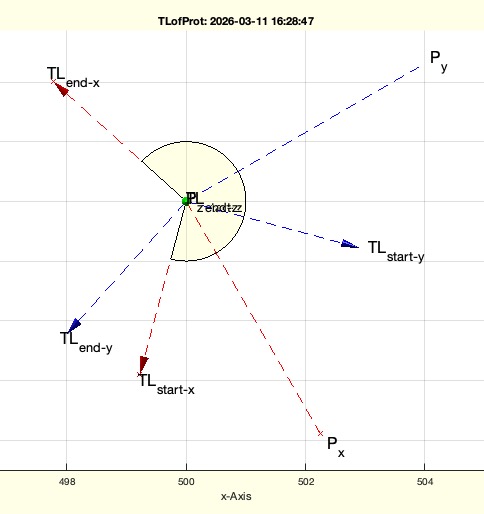 | % TLofProt(P,wlim,n) - creates a list of frames for rotations around a SINGLE point or SINGLE frame % (by Tim Lueth, SG-Lib, 2026-MÄR-06 as class: KINEMATICS AND FRAMES) % % Introduced first in SolidGeometry 5.6 % % See also: TLofPL, TLofn % % [TL,PLa]=TLofProt([P,wlim,n]) % === INPUT PARAMETERS === % P: SINGLE Point [x y]; default is [0 0]; or SINGLE frame % wlim: [wmin wmax]; default is [0 pi] % n: number of frames; default is n=120 % === OUTPUT RESULTS ====== % TL: page list of Frames [3x3xn] or [4x4xn] % PLa: contour for future use % % EXAMPLE: % TLofProt([500 500],[pi/4 pi*1.1]); % TLofProt('',[-pi/10 , pi/1.5]); % TLofProt([300 200],[-pi/10 , pi/1.5]); % TLofProt(TofP([500 500],-pi/3),[-pi/4 pi*1.1]); % TLofProt(TofP([500 500],-pi/10),[-pi/4 pi/4]); % TLofProt(TofP([500 500],-pi/10),[-pi/2 +pi/4]); % % See also: TLofPL, TLofn % % % Copyright 2026 Tim C. Lueth |
CPSinserthinge(CPL,T,R,wlim,"debug","nocut")- 1st solution to integrate revolut joints into CPL/CPS tp be extruded later to SG |
 | % CPSinserthinge(CPL,T,R,wlim,"debug","nocut") - 1st solution to integrate revolut joints into CPL/CPS tp be extruded later to SG % (by Tim Lueth, SG-Lib, 2026-MÄR-05 as class: 4BAR/LINKAGES) % % Introduced first in SolidGeometry 5.6 % % See also: CPLofPLcrossCPL, SGcylhinge, SGpipeclamp % % [T,CPLNA,CPLNB,CPLU,CPLCA,CPLCB,wlimA,wlimB,CPLX]=CPSinserthinge([CPL,T,R,wlim, % "debug","nocut"]) % === INPUT PARAMETERS === % CPL: Contour to be separated and supported by a joint % T: Frame to cut along the x-axis or interactive 2 point selection % R: same as in SGcylhinge % wlim: limitation for movement (angle for CPLNA and CPLNB); default is pi/2 % "debug": if used touching faces become linear but rough 'just for testing' % "nocut": if used, the relative movement during subtraction is shown % === OUTPUT RESULTS ====== % T: Frame to insert a piano hinge (SGcylhinge) % CPLNA: Contour of moving part % CPLNB: Contour of static part % CPLU: Contours that are not part of the movement % CPLCA: Contour for the hinge connector to CPLA % CPLCB: Contour for the Hinge connector to CPLB % wlimA: Frame that shows into the direction of the center of CPLCA % % EXAMPLE: % CPSinserthinge(CPLsample(12),TofP([-5 0])) % CPSinserthinge(CPLsample(8),TofP([-8 0])); % CPSinserthinge([PLsquare(40);nan nan;PLsquare(50)],'',2.5,pi/1.5); T=ans; CPSinserthinge([PLsquare(40);nan nan;PLsquare(50)],T,2.5,pi/1.5,'debug'); % % See also: CPLofPLcrossCPL, SGcylhinge, SGpipeclamp % % % Copyright 2026 Tim C. Lueth |
sendemailTUM(to,subject,body,from,pass,"nosend")- sends an email using curl via TUM LRZ SMTP postout.lrz.de:587 |
 | % sendemailTUM(to,subject,body,from,pass,"nosend") - sends an email using curl via TUM LRZ SMTP postout.lrz.de:587 % (by Tim Lueth, SG-Lib, 2026-MÄR-05 as class: CODING/DEVELOP) % % sucessfully tested on barcelona mac using VPN tunnel % Much simpler than the JAVAemail class % integrated into productcode to send the codes (Status of: 2026-03-05) % % Introduced first in SolidGeometry 5.6 % % See also: JAVAemailServerImap, JAVAemailTUMimap, JAVAemailmsg2cell, % JAVAemailreadtextmessage % % [status,result]=sendemailTUM([to,subject,body,from,pass,"nosend"]) % === INPUT PARAMETERS === % to: email receiver address % subject: email subject % body: email body % from: email sender address (such as xxxx@mytum.de) % pass: passwort of sender address % "nosend": if used the email is not send, but the curl command is prompted % === OUTPUT RESULTS ====== % status: status of curl % % result: result of curl % % EXAMPLE: % sendemailTUM('tim.lueth@me.com','TEstzeile von TUM','Ich möchte gerne mehr productcodes senden'); % [a,b]=sendemailTUM('tim.lueth@me.com','TEstzeile von TUM','Ich möchte gerne mehr productcodes senden') % % See also: JAVAemailServerImap, JAVAemailTUMimap, JAVAemailmsg2cell, % JAVAemailreadtextmessage % % % Copyright 2026 Tim C. Lueth |
PosesolutionofA0B0A1B1(A0,B0,A1,B1,Tref)- returns a Pose Struct similar to a fourbar synthesis solution simply from fixed Values |
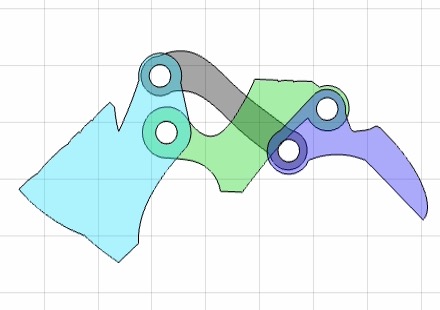 | % PosesolutionofA0B0A1B1(A0,B0,A1,B1,Tref) - returns a Pose Struct similar to a fourbar synthesis solution simply from fixed Values % (by Tim Lueth, SG-Lib, 2026-MÄR-03 as class: 4BAR/LINKAGES) % % ATTENTION: IN MARCH 2026 I REALIZED THAT THERE ARE KINEMATIC INVERSION % SOLUTIONS THAT ACHIEVE THE SAME POSE BUT MOVE DIFFERTLY. BUT THIS DOES NOT % SOLVE THE SAME POSE SYNTHESIS BUT DURING SYNTHESIS IT IS IMPORTANT. % % The minimal Pose struct as result of an synthesis process contains % Single Pose: PS.A PS.B, % Four Joints: PS.A0, PS.B0, PS.A1, PS.B1, % Coupler GPL: GLPA[0 0] relative to A1 and GPLB=[0 0] relative to B1 % PS.solut : =[A0 B0 A1 B1 GPLA GPLB wlim ord=0] as single line % Inside fnctns are used: % [l1,l2,r,eb]=L1L2RofBasenAttachmentpoints(A0,B0,A1,B1); % From Joint % coordinates to robot description % wlim,segA1,wA1]=checkfourbarsegment(l1,l2,r,[A0;B0],A1,'','','','silent'); % % Analzye angle segments % PS.solut=[A0 B0 A1 B1 GPLA=A1 GPLB=B1 wmin wmax]; % Afterwards it is quite simple to create additional Pose Ai Bi % PS.CPLE, PS.CPLB, PS.CPLS, PS.CPLC % % % % (Status of: 2026-05-02) % % Introduced first in SolidGeometry 5.6 % % See also: L1L2RofBasenAttachmentpoints % % PS=PosesolutionofA0B0A1B1(A0,B0,A1,B1,Tref) % === INPUT PARAMETERS === % A0: Base point A0 % B0: Base point B0 % A1: Coupler point A1 % B1: Coupler point B1 % Tref: Pose reference in this configuration % === OUTPUT RESULTS ====== % PS: PS containing 1 Pose, four joints, relative points to define center % % EXAMPLE: % PosesolutionofA0B0A1B1([-150 0], [-100 100], [-50 100], [0 0], TofP([-100 150])); PS=ans % PosesolutionofA0B0A1B1([-150 0], [-100 100], [0 0], [-50 100], TofP([-100 150])); PS=ans % PosesolutionofA0B0A1B1([-150 0], [-100 100], [-50 100], [0 0], TofP([-100 50])); PS=ans % PosesolutionofA0B0A1B1([-150 0], [-100 100], [0 0], [-50 100], TofP([-100 50])); PS=ans % % PosesolutionofA0B0A1B1([-150 0],[0 0], [-100 100], [-50 100], TofP([-100 50])); PS=ans % % See also: L1L2RofBasenAttachmentpoints % % % Copyright 2026 Tim C. Lueth |
CPLouterboundaries(CPL)- All overlapping outer boundary contour of a CPL |
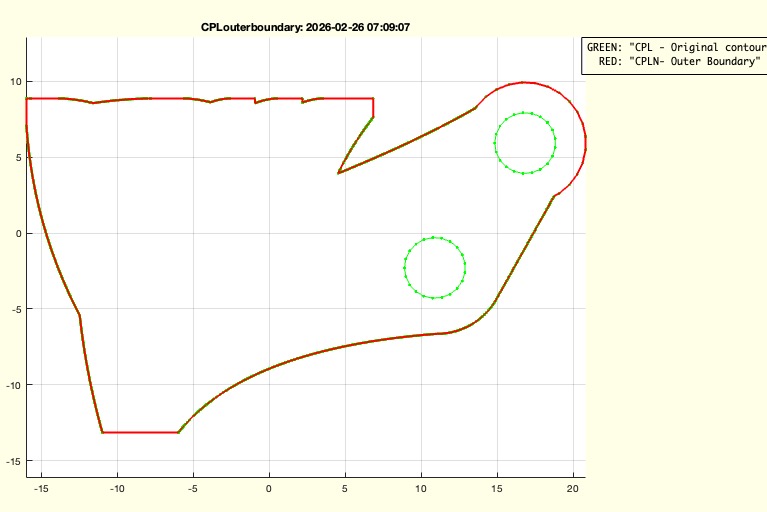 | % CPLouterboundaries(CPL) - All overlapping outer boundary contour of a CPL % (by Tim Lueth, SG-Lib, 2026-FEB-26 as class: CPL/CLOSED POLYGON LISTS) % % CPLouterboundaries is nothing else than CPLselectinout(CPL,0) % If no overlapping CPLS are desired, use % CPLunitesorted(CPLouterboundaries(CPL)) (Status of: 2026-02-26) % % Introduced first in SolidGeometry 5.6 % % See also: CPSouterboundary, CPLselectinout, CPLunitesorted % % CPLN=CPLouterboundaries(CPL) % === INPUT PARAMETERS === % CPL: Original Contour % === OUTPUT RESULTS ====== % CPLN: Outer Boundary % % EXAMPLE: % CPLouterboundaries(CPLsample(11)); % returns two contour % CPLsimplify(CPLouterboundaries(CPLsample(11))) % separate % CPLconvexhull(CPLouterboundaries(CPLsample(11))) % separates convex hull % CPLunitesorted(CPLouterboundaries(CPLsample(11)));% returns one single outer boundary % % See also: CPSouterboundary, CPLselectinout, CPLunitesorted % % % Copyright 2026 Tim C. Lueth |
LPSjointmatrix(LPS,thr)- returns a matrix of revolute joints |
 | % LPSjointmatrix(LPS,thr) - returns a matrix of revolute joints % (by Tim Lueth, SG-Lib, 2026-FEB-24 as class: 4BAR/LINKAGES) % % IPL format = | contour index | hole index | hole x | hole y | joint index % (Status of: 2026-03-03) % % Introduced first in SolidGeometry 5.6 % % See also: LPSjointmatrix, LPSconnect % % [IPD,IPL]=LPSjointmatrix(LPS,[thr]) % === INPUT PARAMETERS === % LPS: Linkage polygon structure % thr: threshold for linage overlap % === OUTPUT RESULTS ====== % IPD: index point list (doubles only) % IPL: index point list (complete) % % See also: LPSjointmatrix, LPSconnect % % % Copyright 2026 Tim C. Lueth |
LPSanimate(LPS,ORD)- animation of a Linkage Polygon structure after interactive definition of the order |
 | % LPSanimate(LPS,ORD) - animation of a Linkage Polygon structure after interactive definition of the order % (by Tim Lueth, SG-Lib, 2026-FEB-24 as class: 4BAR/LINKAGES) % % USE CAREFULLY: LPSanimate was not being tested extensively % % Introduced first in SolidGeometry 5.6 % % See also: selectLPSui, LPSconnect, LPSsupplementsubtract, LPSjointmatrix % % [PS,CC]=LPSanimate([LPS,ORD]) % === INPUT PARAMETERS === % LPS: Linkage Polygon structure % ORD: optional known order of the CPLs in LPS % === OUTPUT RESULTS ====== % PS: Connection Matrix, same format as LPSconnect % CC: % % EXAMPLE: % exp_2026_02_23_ReverseEng; LPS=ans; % LPSpunchholesui(LPS);LPS=ans; % LPSanimate(LPS) % % See also: selectLPSui, LPSconnect, LPSsupplementsubtract, LPSjointmatrix % % % Copyright 2026 Tim C. Lueth |
LPSconnect(LPS,SI,EI)- searches for a connection between two links using LPSjointmatrix |
 | % LPSconnect(LPS,SI,EI) - searches for a connection between two links using LPSjointmatrix % (by Tim Lueth, SG-Lib, 2026-FEB-24) % % Introduced first in SolidGeometry 5.6 % % See also: LPSjointmatrix % % CC=LPSconnect([LPS,SI,EI]) % === INPUT PARAMETERS === % LPS: Linkage polygon structure % SI: Start index in LPS % EI: End index in LPS % === OUTPUT RESULTS ====== % CC: CC=[connection-number | Link1-index | Link1-hole-index | Link2-index | % Link2-hole-index] % % EXAMPLE: % LPSconnect(LPS,1, 2) % % See also: LPSjointmatrix % % % Copyright 2026 Tim C. Lueth |
videoquickmovecursor(p,n)- fnct to move an curson symbol on the currect axes to a specified point |
 | % videoquickmovecursor(p,n) - fnct to move an curson symbol on the currect axes to a specified point % (by Tim Lueth, SG-Lib, 2026-FEB-23 as class: VIDEO/AUDIO/PDF) % % Used to record mouseclicks with ginput within videos used with videoquick ..... % (Status of: 2026-02-25) % % Introduced first in SolidGeometry 5.6 % % See also: drawnowvid, Videoquickstart, Videoquickcloseandopen % % videoquickmovecursor(p,[n]) % === INPUT PARAMETERS === % p: point coordinates % n: number of frames in drawnowvid; default is 20 (1 second) % % See also: drawnowvid, Videoquickstart, Videoquickcloseandopen % % % Copyright 2026 Tim C. Lueth |
LPSpunchholesui(LPS,RRio)- EXPERIMENT for testing LPSofgca amd LPSplot |
 | % LPSpunchholesui(LPS,RRio) - EXPERIMENT for testing LPSofgca amd LPSplot % (by Tim Lueth, SG-Lib, 2026-FEB-22 as class: 4BAR/LINKAGES) % % Introduced first in SolidGeometry 5.6 % % See also: LPSplot, LPSofgca, selectLPSui % % LPS=LPSpunchholesui([LPS,RRio]) % === INPUT PARAMETERS === % LPS: Linkage polygon structure or handle to gca % RRio: Bore hole radius; default is [2 Nan] % === OUTPUT RESULTS ====== % LPS: Linkage polygon structure % % See also: LPSplot, LPSofgca, selectLPSui % % % Copyright 2026 Tim C. Lueth |
selectLPSui(LPS,typ)- selects interactively Frames or Frame connections from a lingage Polygon Struct |
 | % selectLPSui(LPS,typ) - selects interactively Frames or Frame connections from a lingage Polygon Struct % (by Tim Lueth, SG-Lib, 2026-FEB-22 as class: 4BAR/LINKAGES) % % Attention this fnctn does not return a LPS but a linkage list % "FRAME" returns all Elements and Holes that corespond to ONE SINGLE hole % "LINK" returns all Elements and Holes that corespond to TWO SEPARATED holes % (Status of: 2026-02-23) % % Introduced first in SolidGeometry 5.6 % % See also: LPSplot, LPSofgca % % LL=selectLPSui([LPS,typ]) % === INPUT PARAMETERS === % LPS: Linkage Polygon Structure or handle to graphics containing LPS % typ: "Frame", "Link" % === OUTPUT RESULTS ====== % LL: {LPS element row index | name of Element | Hole index | Distance to point | % Name of Hole | Frame} % % EXAMPLE: % LPSsample(1); LPS=ans; % LPSpunchholesui(LPS);LPS=ans; % selectLPSui(LPS,'LINK') % LPS=LPSofgca % LPSanimate(LPS,[3 1 2 4]) % % See also: LPSplot, LPSofgca % % % Copyright 2026 Tim C. Lueth |
BBofLPS(LPS)- returns the Bounding box of a Linkage Polyshape struct |
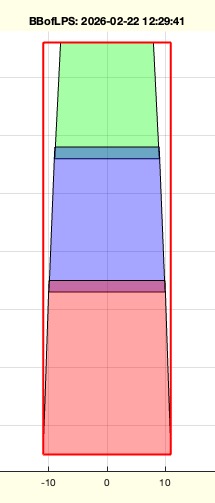 | % BBofLPS(LPS) - returns the Bounding box of a Linkage Polyshape struct % (by Tim Lueth, SG-Lib, 2026-FEB-22 as class: 4BAR/LINKAGES) % % Introduced first in SolidGeometry 5.6 % % See also: BBofCPL, BBofVL, BBofSG, BBofCPS, BBofPS, BBofSGcutT % % [bb,CPL]=BBofLPS(LPS) % === INPUT PARAMETERS === % LPS: Linkage Polyshape struct % === OUTPUT RESULTS ====== % bb: bounding box % CPL: CPLincluding all CPLs of LPS % % EXAMPLE: % SGfigure; CPSplot([PLsquare(10);nan nan;PLcircle(1)+[1 1]]); % LPS=LPSofgca; % BBofLPS(CLP) % % See also: BBofCPL, BBofVL, BBofSG, BBofCPS, BBofPS, BBofSGcutT % % % Copyright 2026 Tim C. Lueth |
CPLofLPS(LPS,nn,res)- returns unsorted the CPLs of a LPS |
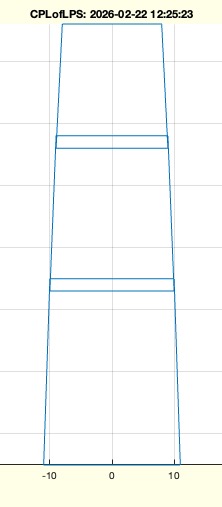 | % CPLofLPS(LPS,nn,res) - returns unsorted the CPLs of a LPS % (by Tim Lueth, SG-Lib, 2026-FEB-22 as class: 4BAR/LINKAGES) % % slow fnctn (Status of: 2026-02-22) % % Introduced first in SolidGeometry 5.6 % % See also: LPSplot, BBofLPS, LPSofgca % % CPL=CPLofLPS(LPS,[nn,res]) % === INPUT PARAMETERS === % LPS: Linkage Polyshape % nn: selected Polygons; default is 1:size(LPS,1) % res: resultion für CPL; default is 0.025mm % === OUTPUT RESULTS ====== % CPL: CLPs of an LPS % % EXAMPLE: % SGfigure; CPSplot([PLsquare(10);nan nan;PLcircle(1)+[1 1]]); % LPS=LPSofgca; % CPLofLPS(LPS) % CPLofLPS(LPS,2) % % See also: LPSplot, BBofLPS, LPSofgca % % % Copyright 2026 Tim C. Lueth |
LPSplot(LPS)- plots a linkage polyshape struct |
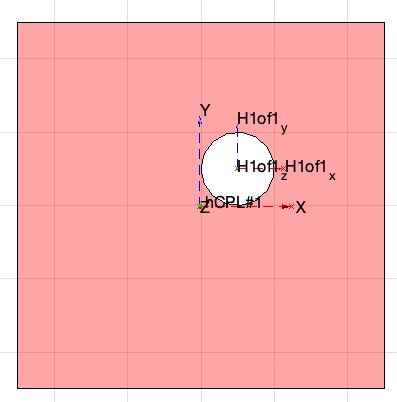 | % LPSplot(LPS) - plots a linkage polyshape struct % (by Tim Lueth, SG-Lib, 2026-FEB-22 as class: 4BAR/LINKAGES) % % Introduced first in SolidGeometry 5.6 % % See also: LPSofgca % % h=LPSplot(LPS) % === INPUT PARAMETERS === % LPS: Linkage Poly Shape % === OUTPUT RESULTS ====== % h: handle to graphics % % EXAMPLE: % SGfigure; CPSplot([PLsquare(10);nan nan;PLcircle(1)+[1 1]]); % LPS=LPSofgca; % LPSplot(LPS); % % % See also: LPSofgca % % % Copyright 2026 Tim C. Lueth |
LPSofgca(h)- Defines a new SG-Lib class LPS Linkage Polyshape and loads it from the gca polygons |
 | % LPSofgca(h) - Defines a new SG-Lib class LPS Linkage Polyshape and loads it from the gca polygons % (by Tim Lueth, SG-Lib, 2026-FEB-22 as class: 4BAR/LINKAGES) % % LPS=cell(nn,7); %% It is for purpose not a struct! % 1 => handle to graphics % 2 => Name of Polygon % 3 => CPL Contour or may be later % 4 => col color of polygon % 5 => Tref | Reference Frame % 6 => cell of Framenames | Names of the holes/axis of LPS % 7 => cell of Frames | HT matrixes of the holes/axis of LPS % 8 => Cell of Inner out Radius of the holes/axis of LPS % % (Status of: 2026-02-22) % % Introduced first in SolidGeometry 5.6 % % See also: LPSplot % % LPS=LPSofgca([h]) % === INPUT PARAMETERS === % h: handle to axis; default is gca % === OUTPUT RESULTS ====== % LPS: Linkage polyshape of plot(h) % % EXAMPLE: D1=22; % dx=2; % D2=D1-dx % D3=D2-dx % PLA=PLsquare(D1,30,[-dx/2 +dx/2]); % PLB=PLsquare(D2,25,[-dx/2 +dx/2]); % PLC=PLsquare(D3,20,[-dx/2 +dx/2]); % PLB=CPLtransrelCPL(PLB,PLA,'ontop',-dx); % PLC=CPLtransrelCPL(PLC,PLB,'ontop',-dx); % SGfigure; % CPSplot(PLA,'r'); % CPSplot(PLB,'b'); % CPSplot(PLC,'g'); % LPSofgca % % See also: LPSplot % % % Copyright 2026 Tim C. Lueth |
CPLlinspace(CPL,n,all)- sets the number of points of each embedded contour of a CPL to n linspace points |
 | % CPLlinspace(CPL,n,all) - sets the number of points of each embedded contour of a CPL to n linspace points % (by Tim Lueth, SG-Lib, 2026-FEB-19 as class: CPL/CLOSED POLYGON LISTS) % % much faster than CPLremdensity or CPLremauxpoints (Status of: 2026-02-19) % % Introduced first in SolidGeometry 5.6 % % See also: CPLremauxpoints, CPLremdensity % % CPLN=CPLlinspace(CPL,[n,all]) % === INPUT PARAMETERS === % CPL: CPL with enclosed CPLs % n: number of points per contour; default is n % all: if true; also contours with less than n points are processed; default is % false % === OUTPUT RESULTS ====== % CPLN: New CPL with n points per contour % % EXAMPLE: % CPLsample(37); CPL=ans; % CPLlinspace(CPL,100); % CPLlinspace(CPL,100,true); % create colinear points anyway % % See also: CPLremauxpoints, CPLremdensity % % % Copyright 2026 Tim C. Lueth |
PoseofPoseui(PS)- allows the interactive move of poses of contours that exist already in a Pose struct |
 | % PoseofPoseui(PS) - allows the interactive move of poses of contours that exist already in a Pose struct % (by Tim Lueth, SG-Lib, 2026-FEB-19 as class: 4BAR/LINKAGES) % % In 2026, the fnctn PoseofCPLui was extended that it is able also to handle % Posestructs (PS) that contains already CPLE, CPLM, CPLW, CPLB and Poses in A % and B. % % Nevertheless "Posetransui" does more than just this fnctn! (Status of: % 2026-02-19) % % Introduced first in SolidGeometry 5.6 % % See also: Poseofimageui, Poseorderchange, Posetransui, PoseofCPLui, % Poseorderchange % % PS=PoseofPoseui([PS]) % === INPUT PARAMETERS === % PS: Pose Struct include A, B, CPLE, CPLB, CPLW % === OUTPUT RESULTS ====== % PS: Pose Struct include A, B, CPLE, CPLB, CPLW % % EXAMPLE: % PS=Posesample(31); % Human finger linkage % PoseofPoseui(PS); PSM=ans; % Simply allow to move and rotate poses by moving effektor CPLE % Posetransui(PS); PSN=ans; % % See also: Poseofimageui, Poseorderchange, Posetransui, PoseofCPLui, % Poseorderchange % % % Copyright 2026 Tim C. Lueth |
epo- just opens European Patent Office Login Page |
 | % epo - just opens European Patent Office Login Page % (by Tim Lueth, SG-Lib, 2026-JAN-08 as class: CODING/DEVELOP) % % Introduced first in SolidGeometry 5.6 % % See also: epo, googlePatentSearch, googlePatentDownload % % epo % % See also: epo, googlePatentSearch, googlePatentDownload % % % Copyright 2026 Tim C. Lueth |
googlePatentSearch(keywords)- fnct opens browser with google patent page searches for patents and downloads patentlist as cvs |
 | % googlePatentSearch(keywords) - fnct opens browser with google patent page searches for patents and downloads patentlist as cvs % (by Tim Lueth, SG-Lib, 2026-JAN-07 as class: CODING/DEVELOP) % % USE CAREFULLY: googlePatentSearch was not being tested extensively % % Because webread and urlread do not work with Google URLs in MATLAB, the % following strategy is used here. The download command is used, and the CSV file % is then loaded and processed. (Status of: 2026-01-07) % % Introduced first in SolidGeometry 5.6 % % See also: googleScholarSearch % % [data,fname]=googlePatentSearch([keywords]) % === INPUT PARAMETERS === % keywords: keywords for AND search % === OUTPUT RESULTS ====== % data: data table with the results % fname: file name that corresponds to the last search in the download directory % % EXAMPLE: % googlePatentSearch "Tim Lueth" "Juergen Bier" % % See also: googleScholarSearch % % % Copyright 2026 Tim C. Lueth |
chatscienceclozetext(clozetext)- Chat fnct to supplement scientific cloze texts |
 | % chatscienceclozetext(clozetext) - Chat fnct to supplement scientific cloze texts % (by Tim Lueth, SG-Lib, 2026-JAN-05 as class: ARTIFICIAL INTELLIGENCE) % % USE CAREFULLY: chatscienceclozetext was not being tested extensively % % This chat fnctn takes a scientific text with gaps that contains a logical chain % but no quantitative statements and fills in these gaps with the missing % numerical values using openAI so that the statement can be considered % scientifically proven information. (Status of: 2026-01-07) % % Introduced first in SolidGeometry 5.6 % % See also: chat % % resp=chatscienceclozetext([clozetext]) % === INPUT PARAMETERS === % clozetext: scientific cloze text % === OUTPUT RESULTS ====== % resp: response with completed cloze text % % EXAMPLE: % xx='Amerika hat in den letzten 40 Jahren seine Bevölkerung ver-xxxfacht (Quelle: yyy). und dies hat den folgenden Grund' % yy='Ein Vollholzbalken aus Fichte der läne 1000mm mit einem Querschnitt con 200mm x 200mm hat eine Bruchlast von xxkg bei einer Restrisikowahrscheinlichkeit von 1e-6' % zz= 'Damit ein Elektrofahrzeug mit einem Elektromotor mit 6000U/min Leerlaufdrehzahl mit eine Strecke von 1km in 1 Minute zurücklegen kann braucht es einen Raddurchmesser von $X cm und einen übersetung von %YY:1' % uu='Steigt innerhalb von 50 Jahren die Lebenserwartung von 70 Jahren auf 80 Jahren führt dies zu einem Bevölkerungszuwachs von x prozent bei ausgegelichen Geburten/Sterberaten' % % chatscienceclozetext @zz; % chatscienceclozetext(uu); % % See also: chat % % % Copyright 2026 Tim C. Lueth |
FMinsertSQLcmd(xxx)- inserts an additional dataset into a FM's database's table |
 | % FMinsertSQLcmd(xxx) - inserts an additional dataset into a FM's database's table % (by Tim Lueth, SG-Lib, 2026-JAN-03 as class: FILEMAKER) % % USE CAREFULLY: FMinsertSQLcmd was not being tested extensively % % FMinsertSQLcmd {'Protokolleingabe','Dies ist ein simple Test','Rec. % Nr.',3900,'Erstellungsdatum','DATE 01.01.2028','Erstellungszeit','10:20:30'} % (Status of: 2026-01-03) % % Introduced first in SolidGeometry 5.6 % % See also: FMselectSQLcmd, FMopen, FMclose % % inscmd=FMinsertSQLcmd([xxx]) % === INPUT PARAMETERS === % xxx: curly bracket term {'Fieldname 1',value1,'Fieldname 2',value2, ...} % === OUTPUT RESULTS ====== % inscmd: SQL Command in which the term $$FMTABNAM$$ must be replaced by the % table name of the database % % EXAMPLE: % FMdatabase='/Volumes/PLATTE LUETH ALL/Institut/Familie Lueth/Datenbank.fmp12'; % conn=FMopen(FMdatabase,username,password); % FMtablename='Yourtablename'; % scomm=strrep(FMinsertSQLcmd(varargin{:}),'$$FMTABNAM$$',FMtablename) % % curs=exec(conn,scomm); % %% ERROR HANDLING % if ~isempty(curs.Message) % % dbsave(curs) % error(curs.Message) % end % % See also: FMselectSQLcmd, FMopen, FMclose % % % Copyright 2026 Tim C. Lueth |
FMselectSQLcmd(FMselectfield,FMselectwords,FMgetfield,"OR","AND")- returns a SQL string for a database request in a intuitive order and syntax |
 | % FMselectSQLcmd(FMselectfield,FMselectwords,FMgetfield,"OR","AND") - returns a SQL string for a database request in a intuitive order and syntax % (by Tim Lueth, SG-Lib, 2026-JAN-03 as class: FILEMAKER) % % USE CAREFULLY: FMselectSQLcmd was not being tested extensively % % FMselectSQLcmd Protokolleingabe MIMED % FMselectSQLcmd Protokolleingabe {'MIMED', 'Lueth'} % FMselectSQLcmd {'Protokolleingabe','Erstellungsdatum'} {'MIMED', '>1.1.2010'} % FMselectSQLcmd {'Protokolleingabe','Rec. Nr.'} {'MIMED', '>=1000'} 'Rec. Nr.' % FMselectSQLcmd {'Protokolleingabe','Rec. Nr.'} {'MIMED', '>=1000'} % {'Erstellungsdatum','Protokolleingabe'} % (Status of: 2026-01-03) % % Introduced first in SolidGeometry 5.6 % % See also: FMopen, FMsqlQuery % % SQLcmd=FMselectSQLcmd([FMselectfield,FMselectwords,FMgetfield,"OR","AND"]) % === INPUT PARAMETERS === % FMselectfield: Single Search Field name or a list of fields in curly brackets % FMselectwords: search term conditions name or a list in curly brackets % FMgetfield: Single return field; or a list of fields in curly brackets; default % is FMselectfield % "OR": if used, multiple conditions are connected by OR % "AND": if used, multiple conditions are connected by AND; default % === OUTPUT RESULTS ====== % SQLcmd: SQL Command in which the term $$FMTABNAM$$ must be replaced by the % table name of the database % % EXAMPLE: % FMdatabase='/Volumes/PLATTE LUETH ALL/Institut/Familie Lueth/Datenbank.fmp12'; % conn=FMopen(FMdatabase,username,password); % FMtablename='Yourtablename'; % scomm=strrep(FMselectSQLcmd(varargin{:}),'$$FMTABNAM$$',FMtablename) % % [txtinFM,curs]=FMsqlQuery(conn,scomm); % %% ERROR HANDLING % if ~isempty(curs.Message) % % dbsave(curs) % error(curs.Message) % end % % % % See also: FMopen, FMsqlQuery % % % Copyright 2026 Tim C. Lueth |
dbprintchar(m)- similar to an ancient hex editor, this fnct plots codes and chars of a string or char array |
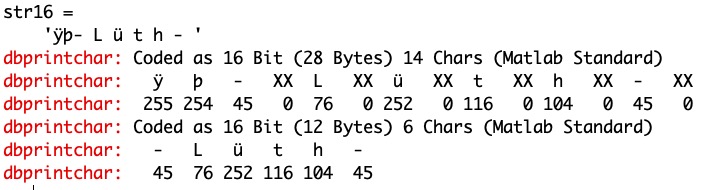 | % dbprintchar(m) - similar to an ancient hex editor, this fnct plots codes and chars of a string or char array % (by Tim Lueth, SG-Lib, 2025-DEZ-25 as class: TEXT/STRS/CHARS/LINKS) % % USE CAREFULLY: dbprintchar was not being tested extensively % % Until R2016 a "char array" was named and considered as "string". Now it is % different and it is often unclear what is a result. In combination with hte % problems with LATIN1, UTF-8, UTF16, and some chars such as a hypen that exist % as ascii 45 and also as UTF-8 8211 but is NOT converted by % native2unicode(cc,'latin1'), makes it problematic. This fnctn clarifies a % little % (Status of: 2025-12-27) % % Introduced first in SolidGeometry 5.6 % % See also: latin1ofUTF % % dbprintchar(m) % === INPUT PARAMETERS === % m: string or char array % % EXAMPLE: % code16=unicode2native('-Lüth-','UTF-16'); str16=char(code16), dbprintchar(str16), dbprintchar(latin1ofUTF(code16)) % % See also: latin1ofUTF % % % Copyright 2025 Tim C. Lueth |
numelbytes(m)- returns the number of bytes a variable allocates |
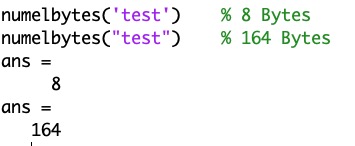 | % numelbytes(m) - returns the number of bytes a variable allocates % (by Tim Lueth, SG-Lib, 2025-DEZ-25 as class: TEXT/STRS/CHARS/LINKS) % % bytes = whos('m').bytes - use also class to detect the call type and - % unicode2native('Lüth', 'latin1') % Since R2016b, chars are now 16 bit not a bit elements. Since R2024a it is % getting more an more problematic to distinguish between chars and strings. % numel('test')=4 % numel("test")=1 % class('test')='char' % class("test")='string' % but more problematic if useed in brackets, since the concatenation of chars and % strings is different AND it is absolutely unclear wether a fnctn returns a char % or string. In addition with java strings is getting more complex (Status of: % 2025-12-27) % % Introduced first in SolidGeometry 5.6 % % See also: numel, unicode2native, latin1ofUTF % % bytes=numelbytes(m) % === INPUT PARAMETERS === % m: variable % === OUTPUT RESULTS ====== % bytes: number of bytes allocated % % EXAMPLE: % numelbytes('test') % 8 Bytes % numelbytes("test") % 164 Bytes % % See also: numel, unicode2native, latin1ofUTF % % % Copyright 2025 Tim C. Lueth |
proxyTL(name)- sets proxy values to access API services trough the TUM proxy |
 | % proxyTL(name) - sets proxy values to access API services trough the TUM proxy % (by Tim Lueth, SG-Lib, 2025-DEZ-18 as class: CODING/DEVELOP) % % USE CAREFULLY: proxyTL was not being tested extensively % % be carefull can corrupt the complete web interface from matlab. % use 'reset' (Status of: 2026-01-28) % % Introduced first in SolidGeometry 5.6 % % proxyTL([name]) % === INPUT PARAMETERS === % name: % % % Copyright 2025-2026 Tim C. Lueth |
TIMSRESEARCH(KW,"web","video","force")- creates web page content from a resesrch milestone diary |
 | % TIMSRESEARCH(KW,"web","video","force") - creates web page content from a resesrch milestone diary % (by Tim Lueth, SG-Lib, 2025-DEZ-14 as class: ARTIFICIAL INTELLIGENCE) % % USE CAREFULLY: TIMSRESEARCH was not being tested extensively % % Similar to TIMSREPORTS (Status of: 2025-12-27) % % Introduced first in SolidGeometry 5.6 % % See also: TIMSREPORTS % % resp=TIMSRESEARCH([KW,"web","video","force"]) % === INPUT PARAMETERS === % KW: list of key words % "web": an existing report should be converted into html % "video": an existing report should be converted into a video (batch) % "force": a new report is enforced % === OUTPUT RESULTS ====== % resp: text response % % EXAMPLE: % TIMSRESEARCH % opens the text file % TIMSRESEARCH Keyword % creates for the text block that starts with the keywords in brackets % % % See also: TIMSREPORTS % % % Copyright 2025 Tim C. Lueth |
googleScholarSearch()- performs a google scholar search for keywords a uses openaI to process the web site content |
 | % googleScholarSearch() - performs a google scholar search for keywords a uses openaI to process the web site content % (by Tim Lueth, SG-Lib, 2025-DEZ-08 as class: ARTIFICIAL INTELLIGENCE) % % USE CAREFULLY: googleScholarSearch was not being tested extensively % % Introduced first in SolidGeometry 5.6 % % See also: chat1, googlePatentDownload, googlePatentSearch % % [refs,pdfLinks]=googleScholarSearch([]) % === OUTPUT RESULTS ====== % refs: referneces as Harvard List % pdfLinks: link to locally copied html of the google page % % EXAMPLE: % googleScholarSearch Marmulla Lueth % % See also: chat1, googlePatentDownload, googlePatentSearch % % % Copyright 2025-2026 Tim C. Lueth |
axis4datenum- sets the xaxis to datenum ticks, for datenum diagrams wich is now different to datetime ticks |
 | % axis4datenum - sets the xaxis to datenum ticks, for datenum diagrams wich is now different to datetime ticks % (by Tim Lueth, SG-Lib, 2025-DEZ-07 as class: VISUALIZATION) % % since datetime is recommended, the simple version to use datenums als x axis is % not working anymore without adding 'keepticks','keeplimits' as parameters in % datetick % (Status of: 2025-12-08) % % Introduced first in SolidGeometry 5.6 % % axis4datenum % % % Copyright 2025 Tim C. Lueth |
fcreationdate2(fname)- 2nd version fcreationdate and much faster 2019's version |
 | % fcreationdate2(fname) - 2nd version fcreationdate and much faster 2019's version % (by Tim Lueth, SG-Lib, 2025-DEZ-06 as class: FILE HANDLING) % % USE CAREFULLY: fcreationdate2 was not being tested extensively % % Introduced first in SolidGeometry 5.6 % % fList=fcreationdate2([fname]) % === INPUT PARAMETERS === % fname: % === OUTPUT RESULTS ====== % fList: % % EXAMPLE: % fcreationdate2 *.m % % % Copyright 2025 Tim C. Lueth |
OpenAIgetThreadList(,"check")- returns the list of threads stored in the file such as OPENAI- |
 | % OpenAIgetThreadList(,"check") - returns the list of threads stored in the file such as OPENAI- % (by Tim Lueth, SG-Lib, 2025-DEZ-06 as class: ARTIFICIAL INTELLIGENCE) % % USE CAREFULLY: OpenAIgetThreadList was not being tested extensively % % list=OpenAIlogID('thread_'); % (Status of: 2025-12-06) % % Introduced first in SolidGeometry 5.6 % % See also: OpenAIlogID, openAIgetThread % % [thrIDs,resp,list]=OpenAIgetThreadList([,"check"]) % "check": if used, the OpenAIlogID will be updated % === OUTPUT RESULTS ====== % thrIDs: just the list of threads used in ID log file % resp: response of all still existing threads from openAIgetThread % list: list of entries in the openAI logfile % % EXAMPLE: % list=OpenAIlogID('thread_') % [a,b,c]=OpenAIgetThreadList % % See also: OpenAIlogID, openAIgetThread % % % Copyright 2025 Tim C. Lueth |
fnameofmatlabcode(txt,frntchars,backchars)- returns the name of the first matlab fnct within a matlab code |
 | % fnameofmatlabcode(txt,frntchars,backchars) - returns the name of the first matlab fnct within a matlab code % (by Tim Lueth, SG-Lib, 2025-DEZ-05 as class: CODING/DEVELOP) % % USE CAREFULLY: fnameofmatlabcode was not being tested extensively % % Introduced first in SolidGeometry 5.6 % % See also: json2TextMatlabcodeUsecase % % fname=fnameofmatlabcode(txt,[frntchars,backchars]) % === INPUT PARAMETERS === % txt: matlabcode of a fnctn or script % frntchars: default is 'CC_' % backchars: default is '.m' % === OUTPUT RESULTS ====== % fname: fnctn name of matlabcode or empty if a script % % EXAMPLE: % txt=readtextfile('PLcircle.m'); % fnameofmatlabcode(txt) % % See also: json2TextMatlabcodeUsecase % % % Copyright 2025-2026 Tim C. Lueth |
json2TextMatlabcodeUsecase(msg,)- supports json code as response of an chat - simply processes the response struct message |
 | % json2TextMatlabcodeUsecase(msg,) - supports json code as response of an chat - simply processes the response struct message % (by Tim Lueth, SG-Lib, 2025-DEZ-04 as class: ARTIFICIAL INTELLIGENCE) % % USE CAREFULLY: json2TextMatlabcodeUsecase was not being tested extensively % % THIS IS DIFFERENT TO 2024's json2matlab as part of jarvisChatSGLib and % This fnctn corresponds to the default values of openAIsetAssistantInstructions % Only if the % (Status of: 2025-12-05) % % Introduced first in SolidGeometry 5.6 % % See also: openAIsetAssistantInstructions, json2matlabcode % % [text,matlabcode,usecasemd,resp]=json2TextMatlabcodeUsecase(msg,[]) % === INPUT PARAMETERS === % msg: message as standard response struct % === OUTPUT RESULTS ====== % text: text response of the message % matlabcode: matlabcode of the message % usecasemd: usecase strategy as learned by assistant % resp: JSON struct of the answer message % % EXAMPLE: % chatas SG Write a func to create a bucket with SGLib.; resp=ans % json2TextMatlabcodeUsecase(resp{1}) % % See also: openAIsetAssistantInstructions, json2matlabcode % % % Copyright 2025 Tim C. Lueth |
openAIupdateVectorstoreFile4Asssitant(filePath,assID)- updates a single file of a vectore store of an Assistent be uploading a new version and deleting the old one |
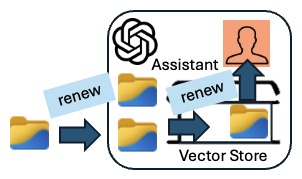 | % openAIupdateVectorstoreFile4Asssitant(filePath,assID) - updates a single file of a vectore store of an Assistent be uploading a new version and deleting the old one % (by Tim Lueth, SG-Lib, 2025-DEZ-03 as class: ARTIFICIAL INTELLIGENCE) % % USE CAREFULLY: openAIupdateVectorstoreFile4Asssitant was not being tested % extensively % % If assistants are to learn and develop, the necessary files in the assigned % vector store must be updated regularly. Outdated files must be deleted and the % reference removed from the vector store. The new files must be uploaded, % re-registered in the vector store (as a file search), and then the assistant % must be informed of the change to the vector store. % % ATTENTION REMOVED FILES WILL BE MISSED BY OTHER VECTOR STORES IF USED IN MORE % THAN ONE % % Use "openAIgetInfo" to egt the current structure of you openAI API server % (Status of: 2025-12-03) % % Introduced first in SolidGeometry 5.6 % % See also: openAIgetInfo, openAIgetAssistantInfo, openAIgetuploadedFiles, % openAIdeleteuploadedFile, openAIdeleteFileFromVectorStoreCurl, % openAIuploadFile, openAIaddFileToVectorstoreCurl, % openAIupdateAssistantVectorStore % % newFileID=openAIupdateVectorstoreFile4Asssitant([filePath,assID]) % === INPUT PARAMETERS === % filePath: filepath the new file % assID: Assistant's ID that should use the file in its vectore store % === OUTPUT RESULTS ====== % newFileID: newFileID % % EXAMPLE: % openAIgetCHATenvironment('SG'); % newFileID=openAIupdateVectorstoreFile4Asssitant(which('funcSignatures.json'), getenv('OPENAICHAT_SG_IDA')) % % See also: openAIgetInfo, openAIgetAssistantInfo, openAIgetuploadedFiles, % openAIdeleteuploadedFile, openAIdeleteFileFromVectorStoreCurl, % openAIuploadFile, openAIaddFileToVectorstoreCurl, % openAIupdateAssistantVectorStore % % % Copyright 2025 Tim C. Lueth |
openAIupdateAssistantVectorStore(asstID,vectID)- simple reregister a Vectorstore of an Assistant |
 | % openAIupdateAssistantVectorStore(asstID,vectID) - simple reregister a Vectorstore of an Assistant % (by Tim Lueth & ChatGPT, SG-Lib, 2025-DEZ-02 as class: ARTIFICIAL INTELLIGENCE) % % USE CAREFULLY: openAIupdateAssistantVectorStore was not being tested extensively % % used for openAIupdateVectorstoreFile4Asssitant % (Status of: 2025-12-03) % % Introduced first in SolidGeometry 5.6 % % See also: openAIupdateVectorstoreFile4Asssitant % % resp=openAIupdateAssistantVectorStore(asstID,vectID) % === INPUT PARAMETERS === % asstID: openAI assistant ID % vectID: openAI vector ID % === OUTPUT RESULTS ====== % resp: JSON response struct % % See also: openAIupdateVectorstoreFile4Asssitant % % % Copyright 2025 Tim C. Lueth |
openAIgetCHATenvironment(Name)- gets the environment variables required for the CHAT by loading the environment file |
 | % openAIgetCHATenvironment(Name) - gets the environment variables required for the CHAT by loading the environment file % (by Tim Lueth, SG-Lib, 2025-DEZ-01 as class: ARTIFICIAL INTELLIGENCE) % % USE CAREFULLY: openAIgetCHATenvironment was not being tested extensively % % Introduced first in SolidGeometry 5.6 % % See also: openAIsetCHATenvironment % % [threadID,asstID,EnvNam,fullname]=openAIgetCHATenvironment(Name) % === INPUT PARAMETERS === % Name: Name of the CHAT, Case ignored % === OUTPUT RESULTS ====== % threadID: Thread ID % asstID: Assistant V2 ID % EnvNam: Environment code % fullname: full name of the environment file % % EXAMPLE: % [thrID,assID]=openAIgetCHATenvironment('SG') % % See also: openAIsetCHATenvironment % % % Copyright 2025 Tim C. Lueth |
openAIgetThreadslastMessages(thrID,nn)- returns the last n messages/conversation of the chat |
 | % openAIgetThreadslastMessages(thrID,nn) - returns the last n messages/conversation of the chat % (by Tim Lueth, SG-Lib, 2025-NOV-30 as class: ARTIFICIAL INTELLIGENCE) % % USE CAREFULLY: openAIgetThreadslastMessages was not being tested extensively % % similar tp openAIgetMessagesCurl, but more user friendly (Status of: 2025-12-06) % % Introduced first in SolidGeometry 5.6 % % See also: openAIgetThreadMessages % % [outm,resp]=openAIgetThreadslastMessages([thrID,nn]) % === INPUT PARAMETERS === % thrID: Thread ID % nn: number of messages to receive; default is 1 % === OUTPUT RESULTS ====== % outm: list of json responses % resp: response of all required answer json structs % % EXAMPLE: % OpenAIgetThreadList; list=ans % [~,resp]=openAIgetThreadslastMessages(list{end}) % [~,resp]=openAIgetThreadslastMessages(list{end},1:4) % [~,resp]=openAIgetThreadslastMessages(list{end},100) % % % See also: openAIgetThreadMessages % % % Copyright 2025 Tim C. Lueth |
chatas(chatname,message)- communicates with an openAI in a named chat based on a thread and assistant |
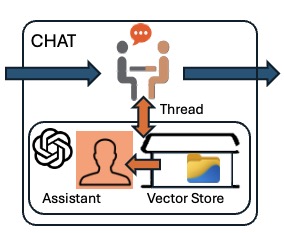 | % chatas(chatname,message) - communicates with an openAI in a named chat based on a thread and assistant % (by Tim Lueth, SG-Lib, 2025-NOV-29 as class: ARTIFICIAL INTELLIGENCE) % % USE CAREFULLY: chatas was not being tested extensively % % The AssistantV2 and the thread are stored in an environment variable using % openAIsetCHATenvironment, so that the chat can be stopped and continued on % another computer at a different time, as long as the Assistant ID and Thread ID % are known. Tim Lueth stores these in his "workdir" on a mobile hard drive, so % that he can always activate the chat with the hard drive. % This fnctn uses the name to identify and load the environment files created by % openAIsetCHATenvironment (Status of: 2025-11-29) % % Introduced first in SolidGeometry 5.6 % % See also: openAIsetCHATenvironment % % chatas([chatname,message]) % === INPUT PARAMETERS === % chatname: chatname % message: message to the chat (assistant / thread) % % EXAMPLE: % chatas SG womit erzeuge ich eine SG aus einer CPL durch extrusion in einer achse. Kann ich dabei kanten abrunden? % % See also: openAIsetCHATenvironment % % % Copyright 2025 Tim C. Lueth |
openAIsetCHATenvironment(Name,asstID,threadID)- sets environment variables for chats using Assistant V2 (Thread and Assistant) |
 | % openAIsetCHATenvironment(Name,asstID,threadID) - sets environment variables for chats using Assistant V2 (Thread and Assistant) % (by Tim Lueth, SG-Lib, 2025-NOV-29 as class: ARTIFICIAL INTELLIGENCE) % % USE CAREFULLY: openAIsetCHATenvironment was not being tested extensively % % SG-Lib solution for archiving the environment ids of chats in the workdir to % call workdir(pwd) first (Status of: 2025-11-29) % % Introduced first in SolidGeometry 5.6 % % See also: workdir % % EnvNam=openAIsetCHATenvironment(Name,asstID,threadID) % === INPUT PARAMETERS === % Name: Name of Chat - Such as SG' - No spaces allowed, upper case % asstID: assistant ID for the chat % threadID: thread ID for the chat % === OUTPUT RESULTS ====== % EnvNam: Environment to load % % EXAMPLE: % openAIsetCHATenvironment('SG','asst_SlvhXemU8Jhw9m6CAIWZ9tTK','thread_zpkJIFeTvt9CZPIGlb5D4qp1') % loadenv('OPENAICHAT_SG_ID.env') % getenv('OPENAICHAT_SG_IDA') % getenv('OPENAICHAT_SG_IDT') % % See also: workdir % % % Copyright 2025 Tim C. Lueth |
openAIsetAssistantInstructions(assID,newinstr)- renames an existing Assistant V2 with a new Name (CURL POST version) |
 | % openAIsetAssistantInstructions(assID,newinstr) - renames an existing Assistant V2 with a new Name (CURL POST version) % (by Tim Lueth & ChatGPT, SG-Lib, 2025-NOV-29 as class: ARTIFICIAL INTELLIGENCE) % % USE CAREFULLY: openAIsetAssistantInstructions was not being tested extensively % % Introduced first in SolidGeometry 5.6 % % See also: openAIsetAssistantName, openAIsetVectorstoreName % % result=openAIsetAssistantInstructions(assID,newinstr) % === INPUT PARAMETERS === % assID: Assistant ID % newinstr: new inatructions for Assistant % === OUTPUT RESULTS ====== % result: JSON result struct % % See also: openAIsetAssistantName, openAIsetVectorstoreName % % % Copyright 2025 Tim C. Lueth |
openAIgetThreadRuns(thrID)- Returns all runs of a given thread (Assistant v2, curl, macOS). |
 | % openAIgetThreadRuns(thrID) - Returns all runs of a given thread (Assistant v2, curl, macOS). % (by Tim Lueth & ChatGPT, SG-Lib, 2025-NOV-28 as class: ARTIFICIAL INTELLIGENCE) % % USE CAREFULLY: openAIgetThreadRuns was not being tested extensively % % Introduced first in SolidGeometry 5.6 % % See also: openAIwaitForRunCurl, openAIstartRunCurl, openAIgetRunStatusCurl, % openAIcreateThreadCurl % % [resp,data,use,tok]=openAIgetThreadRuns(thrID) % === INPUT PARAMETERS === % thrID: Thread ID % === OUTPUT RESULTS ====== % resp: JSON decoded struct of all RUNS % data: data of resp % use: usage of data % tok: sum of all tokens of all runs % % EXAMPLE: % [a,b,c,d]=openAIgetThreadRuns('thread_zpkJIFeTvt9CZPIGlb5D4qp1') % % See also: openAIwaitForRunCurl, openAIstartRunCurl, openAIgetRunStatusCurl, % openAIcreateThreadCurl % % % Copyright 2025 Tim C. Lueth |
openAIdeleteThreadCurl(thread_id)- deletes a thread for security reasons as threads cannot be accessed if by user throught the API if the thread id is lost |
 | % openAIdeleteThreadCurl(thread_id) - deletes a thread for security reasons as threads cannot be accessed if by user throught the API if the thread id is lost % (by Tim Lueth & ChatGPT, SG-Lib, 2025-NOV-28 as class: ARTIFICIAL INTELLIGENCE) % % USE CAREFULLY: openAIdeleteThreadCurl was not being tested extensively % % deletes a thread for security reasons as threads cannot be accessed or found if % by user throught the API if the thread id has been lost (Status of: 2025-11-28) % % Introduced first in SolidGeometry 5.6 % % See also: openAIcreateThreadCurl, OpenAIlogID, openAIdeleteuploadedFile, % openAIdeleteFileFromVectorStoreCurl, openAIDeleteAssistantCurl, % openAIdeleteVectorstore % % resp=openAIdeleteThreadCurl(thread_id) % === INPUT PARAMETERS === % thread_id: thread id must be logged by OpenAIlogID as in % === OUTPUT RESULTS ====== % resp: % % See also: openAIcreateThreadCurl, OpenAIlogID, openAIdeleteuploadedFile, % openAIdeleteFileFromVectorStoreCurl, openAIDeleteAssistantCurl, % openAIdeleteVectorstore % % % Copyright 2025 Tim C. Lueth |
openAIsetVectorstoreName(vector_store_id,new_name)- renames an existing Vectore-Store with a new Name (CURL POST version) |
 | % openAIsetVectorstoreName(vector_store_id,new_name) - renames an existing Vectore-Store with a new Name (CURL POST version) % (by Tim Lueth & ChatGPT, SG-Lib, 2025-NOV-28 as class: ARTIFICIAL INTELLIGENCE) % % USE CAREFULLY: openAIsetVectorstoreName was not being tested extensively % % Introduced first in SolidGeometry 5.6 % % See also: openAIsetAssistantName % % resp=openAIsetVectorstoreName(vector_store_id,new_name) % === INPUT PARAMETERS === % vector_store_id: Vectore-Store ID % new_name: new name for Vectore-Store % === OUTPUT RESULTS ====== % resp: JSON result struct % % See also: openAIsetAssistantName % % % Copyright 2025 Tim C. Lueth |
openAIsetAssistantName(assID,newName)- renames an existing Assistant V2 with a new Name (CURL POST version) |
 | % openAIsetAssistantName(assID,newName) - renames an existing Assistant V2 with a new Name (CURL POST version) % (by Tim Lueth & ChatGPT, SG-Lib, 2025-NOV-28 as class: ARTIFICIAL INTELLIGENCE) % % USE CAREFULLY: openAIsetAssistantName was not being tested extensively % % Introduced first in SolidGeometry 5.6 % % See also: openAIsetAssistantName, openAIsetAssistantInstructions, % openAIsetVectorstoreName % % resp=openAIsetAssistantName(assID,newName) % === INPUT PARAMETERS === % assID: Assistant ID % newName: new name for Assistant % === OUTPUT RESULTS ====== % resp: JSON result struct % % See also: openAIsetAssistantName, openAIsetAssistantInstructions, % openAIsetVectorstoreName % % % Copyright 2025 Tim C. Lueth |
openAIgetInfo- prints a list of uploaded files, vectore-stores, assistants. Threads are hidden by the API in general |
 | % openAIgetInfo - prints a list of uploaded files, vectore-stores, assistants. Threads are hidden by the API in general % (by Tim Lueth, SG-Lib, 2025-NOV-28 as class: ARTIFICIAL INTELLIGENCE) % % USE CAREFULLY: openAIgetInfo was not being tested extensively % % Introduced first in SolidGeometry 5.6 % % See also: openAIgetuploadedFiles, openAIgetVectorstores, openAIgetAssistantsCurl % % openAIgetInfo % % EXAMPLE: % openAIgetInfo % plots the structure % % See also: openAIgetuploadedFiles, openAIgetVectorstores, openAIgetAssistantsCurl % % % Copyright 2025 Tim C. Lueth |
openAIdatestr(createdAI)- convertes the openAI date format into datenum into datestr (GMT) |
 | % openAIdatestr(createdAI) - convertes the openAI date format into datenum into datestr (GMT) % (by Tim Lueth, SG-Lib, 2025-NOV-27 as class: ARTIFICIAL INTELLIGENCE) % % USE CAREFULLY: openAIdatestr was not being tested extensively % % Introduced first in SolidGeometry 5.6 % % See also: OpenAIlogID % % ds=openAIdatestr(createdAI) % === INPUT PARAMETERS === % createdAI: datenum of openAI (posix format) % === OUTPUT RESULTS ====== % ds: datestring % % See also: OpenAIlogID % % % Copyright 2025 Tim C. Lueth |
OpenAIlogID(ID,desc)- records locally the ids of openAI structures which are not recorded anywhere, such as thread-IDs. Required to delete threads |
 | % OpenAIlogID(ID,desc) - records locally the ids of openAI structures which are not recorded anywhere, such as thread-IDs. Required to delete threads % (by Tim Lueth, SG-Lib, 2025-NOV-27 as class: ARTIFICIAL INTELLIGENCE) % % USE CAREFULLY: OpenAIlogID was not being tested extensively % % OpenAIlogID can also be called with show or "thre" or "ass" or "run" to get % "vs" threads, assistant, runs, vectores stores that were logged (Status of: % 2025-11-27) % % Introduced first in SolidGeometry 5.6 % % See also: openAIcreateThreadCurl % % ccc=OpenAIlogID([ID,desc]) % === INPUT PARAMETERS === % ID: ID of openAI files, vectorstores, assistant, threads, messages etc. % desc: description, optionally % === OUTPUT RESULTS ====== % ccc: content of fname=[workdir filesep 'openAI-' username '-IDs.txt'] % % % EXAMPLE: % openAIOpenAIlogID('vs-xxxxxxx','Vectore store for Assistant') % log a vector sotre % openAIOpenAIlogID show % shows the log file % openAIOpenAIlogID ass % shows only the assistants of the log file % % % See also: openAIcreateThreadCurl % % % Copyright 2025 Tim C. Lueth |
openAIgetAssistantInfo(assistant_id)- returns the relevant inforation corresponding to an assistant ID |
 | % openAIgetAssistantInfo(assistant_id) - returns the relevant inforation corresponding to an assistant ID % (by Tim Lueth & ChatGPT, SG-Lib, 2025-NOV-27 as class: ARTIFICIAL INTELLIGENCE) % % USE CAREFULLY: openAIgetAssistantInfo was not being tested extensively % % Introduced first in SolidGeometry 5.6 % % resp=openAIgetAssistantInfo(assistant_id) % === INPUT PARAMETERS === % assistant_id: assistant ID % === OUTPUT RESULTS ====== % resp: JSON response struct % % % Copyright 2025 Tim C. Lueth |
openAIaddMessageCurl(thread_id,text)- adds a "message" to a recently created "thread" |
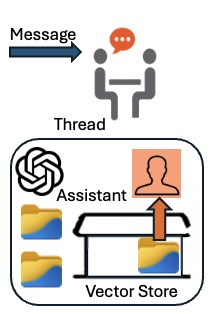 | % openAIaddMessageCurl(thread_id,text) - adds a "message" to a recently created "thread" % (by Tim Lueth & ChatGPT, SG-Lib, 2025-NOV-27 as class: ARTIFICIAL INTELLIGENCE) % % USE CAREFULLY: openAIaddMessageCurl was not being tested extensively % % Introduced first in SolidGeometry 5.6 % % resp=openAIaddMessageCurl(thread_id,text) % === INPUT PARAMETERS === % thread_id: thrad/chat ID % text: Question/Message in the Chat % === OUTPUT RESULTS ====== % resp: JSON response struct % % % Copyright 2025 Tim C. Lueth |
openAIgetRunStatusCurl(thrID,runID)- returns the status for a "thread" "run" |
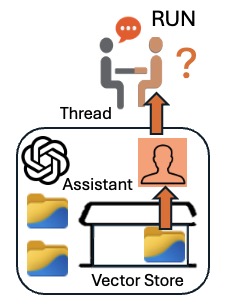 | % openAIgetRunStatusCurl(thrID,runID) - returns the status for a "thread" "run" % (by Tim Lueth & ChatGPT, SG-Lib, 2025-NOV-27 as class: ARTIFICIAL INTELLIGENCE) % % USE CAREFULLY: openAIgetRunStatusCurl was not being tested extensively % % Introduced first in SolidGeometry 5.6 % % See also: openAIwaitForRunCurl, openAIstartRunCurl % % resp=openAIgetRunStatusCurl(thrID,runID) % === INPUT PARAMETERS === % thrID: Thread ID % runID: Run ID % === OUTPUT RESULTS ====== % resp: JSON response struct % % See also: openAIwaitForRunCurl, openAIstartRunCurl % % % Copyright 2025 Tim C. Lueth |
openAIwaitForRunCurl(thrid,runid)- uses openAIgetRunStatusCurl to wait for a thread run |
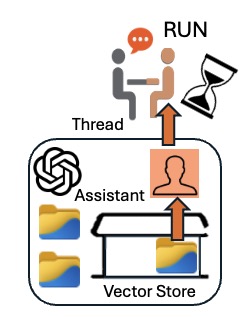 | % openAIwaitForRunCurl(thrid,runid) - uses openAIgetRunStatusCurl to wait for a thread run % (by Tim Lueth & ChatGPT, SG-Lib, 2025-NOV-27 as class: ARTIFICIAL INTELLIGENCE) % % USE CAREFULLY: openAIwaitForRunCurl was not being tested extensively % % Introduced first in SolidGeometry 5.6 % % See also: openAIgetRunStatusCurl, openAIstartRunCurl % % resp=openAIwaitForRunCurl(thrid,runid) % === INPUT PARAMETERS === % thrid: Thread ID % runid: Run ID % === OUTPUT RESULTS ====== % resp: JSON response struct % % See also: openAIgetRunStatusCurl, openAIstartRunCurl % % % Copyright 2025 Tim C. Lueth |
openAIstartRunCurl(thrID,assID)- Starts an "assistant" "run" for a "thread" |
 | % openAIstartRunCurl(thrID,assID) - Starts an "assistant" "run" for a "thread" % (by Tim Lueth & ChatGPT, SG-Lib, 2025-NOV-27 as class: ARTIFICIAL INTELLIGENCE) % % USE CAREFULLY: openAIstartRunCurl was not being tested extensively % % 1st create an vector-store with documents for file-search % 2nd create an empty thread (chat) to prepare a message % 3rd send a message to the thread % 4th let an assistant run using the vector-store to create an answer. Works as % batch (Status of: 2025-11-27) % % Introduced first in SolidGeometry 5.6 % % See also: openAIgetRunStatusCurl, openAIwaitForRunCurl % % runID=openAIstartRunCurl(thrID,assID) % === INPUT PARAMETERS === % thrID: Thread ID % assID: Assistant ID % === OUTPUT RESULTS ====== % runID: Run ID % % See also: openAIgetRunStatusCurl, openAIwaitForRunCurl % % % Copyright 2025 Tim C. Lueth |
openAIcreateThreadCurl- creates an empty "thread" for a "message" and an "Assistant V2" (CURL version) |
 | % openAIcreateThreadCurl - creates an empty "thread" for a "message" and an "Assistant V2" (CURL version) % (by Tim Lueth & ChatGPT, SG-Lib, 2025-NOV-27 as class: ARTIFICIAL INTELLIGENCE) % % USE CAREFULLY: openAIcreateThreadCurl was not being tested extensively % % Introduced first in SolidGeometry 5.6 % % See also: openAIgetThreadCurl, openAIdeleteThreadCurl % % thrID=openAIcreateThreadCurl % === OUTPUT RESULTS ====== % thrID: Thread ID of an empty thread % % EXAMPLE: % thrID=openAIcreateThreadCurl % % See also: openAIgetThreadCurl, openAIdeleteThreadCurl % % % Copyright 2025 Tim C. Lueth |
openAIgetAssistantsCurl- shows all assistants of your API Key (CURL version) |
 | % openAIgetAssistantsCurl - shows all assistants of your API Key (CURL version) % (by Tim Lueth & ChatGPT, SG-Lib, 2025-NOV-27 as class: ARTIFICIAL INTELLIGENCE) % % USE CAREFULLY: openAIgetAssistantsCurl was not being tested extensively % % helpful to delete old agents, to protect IP from less friendly people (Status % of: 2025-11-27) % % Introduced first in SolidGeometry 5.6 % % See also: openAIcreateAssistantCurl, openAIDeleteAssistantCurl, % openAIresetAssistantCurl % % [names,ids,resp]=openAIgetAssistantsCurl % === OUTPUT RESULTS ====== % names: list of names % ids: list of IDs % resp: JSON struct % % EXAMPLE: % [a,b,c]=openAIgetAssistantsCurl % % See also: openAIcreateAssistantCurl, openAIDeleteAssistantCurl, % openAIresetAssistantCurl % % % Copyright 2025 Tim C. Lueth |
openAIcreateAssistantCurl(vectID,instr)- creates an openAI V2 assistant with CURL |
 | % openAIcreateAssistantCurl(vectID,instr) - creates an openAI V2 assistant with CURL % (by Tim Lueth & ChatGPT, SG-Lib, 2025-NOV-27 as class: ARTIFICIAL INTELLIGENCE) % % USE CAREFULLY: openAIcreateAssistantCurl was not being tested extensively % % The body contains of % '"tools":[{"type":"file_search"}],' ... % '"tool_resources":{' ... % '"file_search":{"vector_store_ids":["%s"]}' ... % (Status of: 2025-11-27) % % Introduced first in SolidGeometry 5.6 % % See also: openAIDeleteAssistantCurl, openAIgetAssistantsCurl, % openAIresetAssistantCurl % % [assID,resp]=openAIcreateAssistantCurl(vectID,instr) % === INPUT PARAMETERS === % vectID: Vector-store id % instr: Instructions for the agent; default is especially for SG=Lib % === OUTPUT RESULTS ====== % assID: Assistant ID % resp: JSON response struct % % See also: openAIDeleteAssistantCurl, openAIgetAssistantsCurl, % openAIresetAssistantCurl % % % Copyright 2025 Tim C. Lueth |
openAIgetThreadMessages(thrID,lastmsgID)- returns the answer of an assistant's thread's message/question |
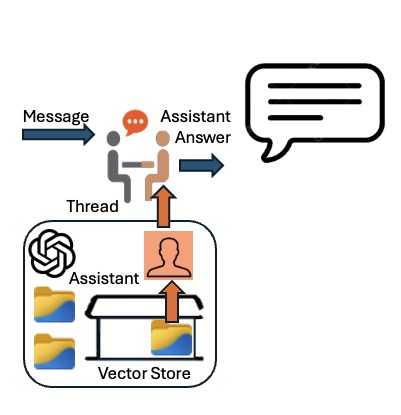 | % openAIgetThreadMessages(thrID,lastmsgID) - returns the answer of an assistant's thread's message/question % (by Tim Lueth & ChatGPT, SG-Lib, 2025-NOV-25 as class: ARTIFICIAL INTELLIGENCE) % % USE CAREFULLY: openAIgetThreadMessages was not being tested extensively % % It is used by "openAIgetThreadlastRunsMessages" % (Status of: 2025-12-02) % % Introduced first in SolidGeometry 5.6 % % See also: openAIgetThreadlastRunsMessages % % [answer,resp]=openAIgetThreadMessages([thrID,lastmsgID]) % === INPUT PARAMETERS === % thrID: thread id, independent on which agent responded to the question % lastmsgID: if used, it is possible to get older Messages (is_more) % === OUTPUT RESULTS ====== % answer: text answer % resp: JSON response struct % % EXAMPLE: % [a,resp]=openAIgetThreadMessages(getenv('OPENAICHAT_SG_IDT')) % first 20 entries % [a,resp]=openAIgetThreadMessages(getenv('OPENAICHAT_SG_IDT'),resp.last_id) % next 20 entries % % See also: openAIgetThreadlastRunsMessages % % % Copyright 2025 Tim C. Lueth |
openAIDeleteAssistantCurl(assID)- deletes an v2 assistant based on its assistant ID (CURL version) |
 | % openAIDeleteAssistantCurl(assID) - deletes an v2 assistant based on its assistant ID (CURL version) % (by Tim Lueth & ChatGPT, SG-Lib, 2025-NOV-25 as class: ARTIFICIAL INTELLIGENCE) % % USE CAREFULLY: openAIDeleteAssistantCurl was not being tested extensively % % uses api_key = getenv("OPENAI_API_KEY"); % (Status of: 2025-11-27) % % Introduced first in SolidGeometry 5.6 % % See also: openAIcreateAssistantCurl, openAIgetAssistantsCurl, % openAIresetAssistantCurl % % resp=openAIDeleteAssistantCurl(assID) % === INPUT PARAMETERS === % assID: assistant ID % === OUTPUT RESULTS ====== % resp: JSON response struct % % See also: openAIcreateAssistantCurl, openAIgetAssistantsCurl, % openAIresetAssistantCurl % % % Copyright 2025 Tim C. Lueth |
openAIgetVectorStoreFilesCurl(vid)- get files an their status within a vector store (CURL Version) |
 | % openAIgetVectorStoreFilesCurl(vid) - get files an their status within a vector store (CURL Version) % (by Tim Lueth & ChatGPT, SG-Lib, 2025-NOV-25 as class: ARTIFICIAL INTELLIGENCE) % % USE CAREFULLY: openAIgetVectorStoreFilesCurl was not being tested extensively % % Introduced first in SolidGeometry 5.6 % % See also: openAIgetVectorstores % % resp=openAIgetVectorStoreFilesCurl(vid) % === INPUT PARAMETERS === % vid: vectore store id % === OUTPUT RESULTS ====== % resp: response struct % % EXAMPLE: % [a,b,c]=openAIgetVectorstores % openAIgetVectorStoreFilesCurl(b{1}) % % See also: openAIgetVectorstores % % % Copyright 2025 Tim C. Lueth |
openAIdeleteFileFromVectorStoreCurl(vid,fid)- deletes (failed) files from vectore stores (CURL Version) |
 | % openAIdeleteFileFromVectorStoreCurl(vid,fid) - deletes (failed) files from vectore stores (CURL Version) % (by Tim Lueth & ChatGPT, SG-Lib, 2025-NOV-25 as class: ARTIFICIAL INTELLIGENCE) % % USE CAREFULLY: openAIdeleteFileFromVectorStoreCurl was not being tested % extensively % % Introduced first in SolidGeometry 5.6 % % See also: openAIgetVectorStoreFilesCurl % % resp=openAIdeleteFileFromVectorStoreCurl(vid,fid) % === INPUT PARAMETERS === % vid: vector store id % fid: file id % === OUTPUT RESULTS ====== % resp: response struct % % EXAMPLE: % openAIdeleteFileFromVectorStoreCurl('vs_692533bde7848191b125da2f725ba05e','file-RKj3gUYSLXNw2yDwwg48WK') % openAIgetVectorStoreFilesCurl('vs_692533bde7848191b125da2f725ba05e') % % See also: openAIgetVectorStoreFilesCurl % % % Copyright 2025 Tim C. Lueth |
openAIaddFileToVectorstoreCurl(file_id,vector_id)- adds or registeras an uploaded file in a vector store for assistant use (CURL Version) |
 | % openAIaddFileToVectorstoreCurl(file_id,vector_id) - adds or registeras an uploaded file in a vector store for assistant use (CURL Version) % (by Tim Lueth & ChatGPT, SG-Lib, 2025-NOV-25 as class: ARTIFICIAL INTELLIGENCE) % % USE CAREFULLY: openAIaddFileToVectorstoreCurl was not being tested extensively % % I do now used CURL to make sure that I do not use Matlab's interface % Did work on (Status of: 2025-11-25) % % Introduced first in SolidGeometry 5.6 % % See also: openAIgetuploadedFiles, openAIgetVectorstores % % resp=openAIaddFileToVectorstoreCurl(file_id,vector_id) % === INPUT PARAMETERS === % file_id: file id by openAIgetuploadedFiles % vector_id: vector_id by openAIgetVectorstores % === OUTPUT RESULTS ====== % resp: response struct, enthält die batch_id % % EXAMPLE: % fid=openAIuploadFile('/Volumes/LUETH-WIN/WIN AIM Matlab Libraries/SolidGeometry-Code/SGLIB_HTMLDOCU4GPT.zip') % vid=openAIcreateVectorstore('SGLIB-docustore') % % See also: openAIgetuploadedFiles, openAIgetVectorstores % % % Copyright 2025 Tim C. Lueth |
openAIdownloadFile(fid)- dobwload an uploaded binary files from openAI even with 2024b (CURL Version) |
 | % openAIdownloadFile(fid) - dobwload an uploaded binary files from openAI even with 2024b (CURL Version) % (by Tim Lueth & ChatGPT, SG-Lib, 2025-NOV-20 as class: ARTIFICIAL INTELLIGENCE) % % USE CAREFULLY: openAIdownloadFile was not being tested extensively % % Introduced first in SolidGeometry 5.6 % % See also: openAIuploadFile, openAIdeleteuploadedFile, openAIgetuploadedFiles % % result=openAIdownloadFile(fid) % === INPUT PARAMETERS === % fid: openAI file id % === OUTPUT RESULTS ====== % result: json struct; use struct2cell(result.data)' % % EXAMPLE: % result=openAIgetuploadedFiles; % jsonencode(result.data) % struct2cell(result.data) % ids=elem2cell(result.data.id) % openAIdownloadFile(ids{end}) % % See also: openAIuploadFile, openAIdeleteuploadedFile, openAIgetuploadedFiles % % % Copyright 2025 Tim C. Lueth |
openAIgetuploadedFiles- get the list of uploaded binary files to openAI even with 2024b (CURL Version) |
 | % openAIgetuploadedFiles - get the list of uploaded binary files to openAI even with 2024b (CURL Version) % (by Tim Lueth & ChatGPT, SG-Lib, 2025-NOV-20 as class: ARTIFICIAL INTELLIGENCE) % % USE CAREFULLY: openAIgetuploadedFiles was not being tested extensively % % Introduced first in SolidGeometry 5.6 % % See also: openAIuploadFile, openAIdeleteuploadedFile, openAIdownloadFile % % result=openAIgetuploadedFiles % === OUTPUT RESULTS ====== % result: json struct; use struct2cell(result.data)' % % EXAMPLE: % result=openAIgetuploadedFiles; % jsonencode(result.data) % struct2cell(result.data) % ids=elem2cell(result.data.id) % % openAIdeleteuploadedFile(ids{end}) % % See also: openAIuploadFile, openAIdeleteuploadedFile, openAIdownloadFile % % % Copyright 2025 Tim C. Lueth |
openAIdeleteuploadedFile(fid)- deletes uploaded binary files to openAI even with 2024b (CURL Version) |
 | % openAIdeleteuploadedFile(fid) - deletes uploaded binary files to openAI even with 2024b (CURL Version) % (by Tim Lueth & ChatGPT, SG-Lib, 2025-NOV-20 as class: ARTIFICIAL INTELLIGENCE) % % USE CAREFULLY: openAIdeleteuploadedFile was not being tested extensively % % Introduced first in SolidGeometry 5.6 % % See also: openAIuploadFile, openAIgetuploadedFiles, openAIdownloadFile % % result=openAIdeleteuploadedFile(fid) % === INPUT PARAMETERS === % fid: file name % === OUTPUT RESULTS ====== % result: file id % % See also: openAIuploadFile, openAIgetuploadedFiles, openAIdownloadFile % % % Copyright 2025 Tim C. Lueth |
openAIuploadFile(fname)- upload binary files to openAI even with 2024b (CURL Version) |
 | % openAIuploadFile(fname) - upload binary files to openAI even with 2024b (CURL Version) % (by Tim Lueth & ChatGPT, SG-Lib, 2025-NOV-20 as class: ARTIFICIAL INTELLIGENCE) % % USE CAREFULLY: openAIuploadFile was not being tested extensively % % Introduced first in SolidGeometry 5.6 % % See also: openAIdeleteuploadedFile, openAIgetuploadedFiles, openAIdownloadFile % % file_id=openAIuploadFile([fname]) % === INPUT PARAMETERS === % fname: file name % === OUTPUT RESULTS ====== % file_id: file id % % See also: openAIdeleteuploadedFile, openAIgetuploadedFiles, openAIdownloadFile % % % Copyright 2025 Tim C. Lueth |
openAIgetmodels- returns all API GPT models of openAI - testing fnct for openAI (webread version) |
 | % openAIgetmodels - returns all API GPT models of openAI - testing fnct for openAI (webread version) % (by Tim Lueth & ChatGPT, SG-Lib, 2025-NOV-20 as class: ARTIFICIAL INTELLIGENCE) % % USE CAREFULLY: openAIgetmodels was not being tested extensively % % Introduced first in SolidGeometry 5.6 % % See also: openAIgetVectorstores, openAIdeleteVectorstore, % openAIcreateVectorstore % % [ccc,resp]=openAIgetmodels % === OUTPUT RESULTS ====== % ccc: cell list of model ids % resp: response struct % % EXAMPLE: % openAIgetmodels % % See also: openAIgetVectorstores, openAIdeleteVectorstore, % openAIcreateVectorstore % % % Copyright 2025 Tim C. Lueth |
openAIgetVectorstores- gets the names/IDs of all openAI vector store (CURL Version) |
 | % openAIgetVectorstores - gets the names/IDs of all openAI vector store (CURL Version) % (by Tim Lueth & ChatGPT, SG-Lib, 2025-NOV-20 as class: ARTIFICIAL INTELLIGENCE) % % USE CAREFULLY: openAIgetVectorstores was not being tested extensively % % Introduced first in SolidGeometry 5.6 % % See also: openAIcreateVectorstore, openAIdeleteVectorstore % % [names,ids,resp]=openAIgetVectorstores % === OUTPUT RESULTS ====== % names: names of vector stores % ids: ids of vector stores % resp: response struct % % EXAMPLE: % idn=openAIcreateVectorstore('TEST-store'), % [names,id,resp]=openAIgetVectorstore % openAIdeleteVectorstores(idn) % [names,id,resp]=openAIgetVectorstores % % See also: openAIcreateVectorstore, openAIdeleteVectorstore % % % Copyright 2025 Tim C. Lueth |
openAIdeleteVectorstore(store_id)- deletes an openAI vector store by its id (webwrite Version) |
 | % openAIdeleteVectorstore(store_id) - deletes an openAI vector store by its id (webwrite Version) % (by Tim Lueth & ChatGPT, SG-Lib, 2025-NOV-20 as class: ARTIFICIAL INTELLIGENCE) % % USE CAREFULLY: openAIdeleteVectorstore was not being tested extensively % % Introduced first in SolidGeometry 5.6 % % See also: openAIcreateVectorstore, openAIgetVectorstore % % resp=openAIdeleteVectorstore(store_id) % === INPUT PARAMETERS === % store_id: Store id returned by openAigetVectorstores % === OUTPUT RESULTS ====== % resp: response struct % % EXAMPLE: % idn=openAIcreateVectorstore('TEST-store'), % [names,id,resp]=openAIgetVectorstore % openAIdeleteVectorstores(idn) % [names,id,resp]=openAIgetVectorstores % % See also: openAIcreateVectorstore, openAIgetVectorstore % % % Copyright 2025 Tim C. Lueth |
openAIcreateVectorstore(stname)- creates an opAI vector store (CURL Version) |
 | % openAIcreateVectorstore(stname) - creates an opAI vector store (CURL Version) % (by Tim Lueth & ChatGPT, SG-Lib, 2025-NOV-19 as class: ARTIFICIAL INTELLIGENCE) % % USE CAREFULLY: openAIcreateVectorstore was not being tested extensively % % Introduced first in SolidGeometry 5.6 % % See also: openAIgetVectorstores, openAIdeleteVectorstore % % [id,resp]=openAIcreateVectorstore([stname]) % === INPUT PARAMETERS === % stname: Store name, must be unique in the SG-Lib, in contrast to openAI % === OUTPUT RESULTS ====== % id: vectore-store id % resp: response struct % % EXAMPLE: % idn=openAIcreateVectorstore('TEST-store'), % [names,id,resp]=openAIgetVectorstore % openAIdeleteVectorstores(idn) % [names,id,resp]=openAIgetVectorstores % % See also: openAIgetVectorstores, openAIdeleteVectorstore % % % Copyright 2025 Tim C. Lueth |
SGcreateDocuZIP4GPT- creates a zip file including all SG-Lib html files od the directory SGLIB_HELP_Structures |
 | % SGcreateDocuZIP4GPT - creates a zip file including all SG-Lib html files od the directory SGLIB_HELP_Structures % (by Tim Lueth, SG-Lib, 2025-NOV-19 as class: ARTIFICIAL INTELLIGENCE) % % USE CAREFULLY: SGcreateDocuZIP4GPT was not being tested extensively % % Finally opens the wordir % No xml allowed % No png allowed % No subdirs allowed (Status of: 2025-11-20) % % Introduced first in SolidGeometry 5.6 % % See also: openAIcreateVectorstore % % fname=SGcreateDocuZIP4GPT % === OUTPUT RESULTS ====== % fname: file name of the zip file % % See also: openAIcreateVectorstore % % % Copyright 2025 Tim C. Lueth |
chatimage2video(I,prompt,nvp)- creates a video file on disk by openAI' Sora (12 seconds cost about 2 Dollar) based on a picture |
 | % chatimage2video(I,prompt,nvp) - creates a video file on disk by openAI' Sora (12 seconds cost about 2 Dollar) based on a picture % (by Tim Lueth & Robin Schregle, SG-Lib, 2025-NOV-18 as class: ARTIFICIAL % INTELLIGENCE) % % USE CAREFULLY: chatimage2video was not being tested extensively % % requires at least "matlab-deep-learning-llms-with-matlab-4". 1st version by % Robin Schregle % The file will be written in a mp4 on desktop and the prompt is in a textfile % with the same name % Does use the matlab.net.http.RequestMessage interface. (Status of: 2025-11-25) % % Introduced first in SolidGeometry 5.6 % % See also: chat, chatimage, chatvideo, chatpublication % % response=chatimage2video(I,prompt,nvp) % === INPUT PARAMETERS === % I: Image or file name of the image. It will be resized to fit 1280x720 or other % formats % prompt: description of the video content - the more the better % nvp: addition parameter such as "size", "720x1280" % === OUTPUT RESULTS ====== % response: response from openAI - mp4Bytes = response.Body.Data; % % EXAMPLE: % I=imread('peppers.png'); % chatimage2video(I,'Make a TUM MIMED Team eating the pepper imageand have fun',"Size","1280x720") % % See also: chat, chatimage, chatvideo, chatpublication % % % Copyright 2025 Tim C. Lueth |
SGcreateJSONfnctSignatures4GPT(fnameML,fnameGPT)- Generates a JSON for GPT from the SG-Lib documentation "JSONfnctSignatures4Matlab" |
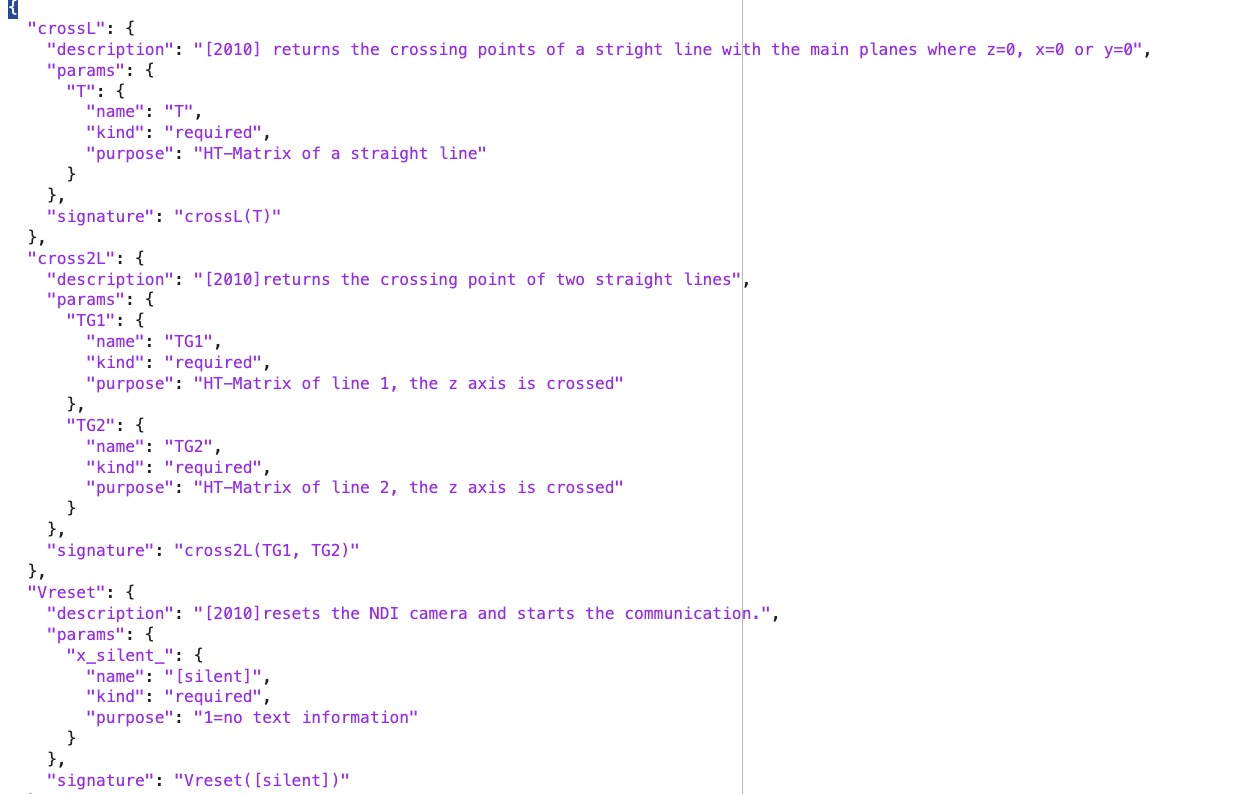 | % SGcreateJSONfnctSignatures4GPT(fnameML,fnameGPT) - Generates a JSON for GPT from the SG-Lib documentation "JSONfnctSignatures4Matlab" % (by Tim Lueth, SG-Lib, 2025-NOV-17 as class: ARTIFICIAL INTELLIGENCE) % % USE CAREFULLY: SGcreateJSONfnctSignatures4GPT was not being tested extensively % % Typically used only once to create the (Status of: 2025-11-20) % % Introduced first in SolidGeometry 5.6 % % See also: SGcreateJSONfnctSignatures4Matlab % % fnameGPT=SGcreateJSONfnctSignatures4GPT([fnameML,fnameGPT]) % === INPUT PARAMETERS === % fnameML: default is [SGlibpath filesep 'fnctnSignatures.json'] % fnameGPT: default is [SGlibpath filesep 'GPTfnctnSignatures.json']); % === OUTPUT RESULTS ====== % fnameGPT: location of GPT JSON for SG-Lib default is fnameGPT % % EXAMPLE: % GPTJSON=SGcreateJSONfnctSignatures4GPT % without paramters; the default values are used % % See also: SGcreateJSONfnctSignatures4Matlab % % % Copyright 2025 Tim C. Lueth |
FINdataPOP(,"force","DOI")- download ans saves the population of several countries from the world bank homepage |
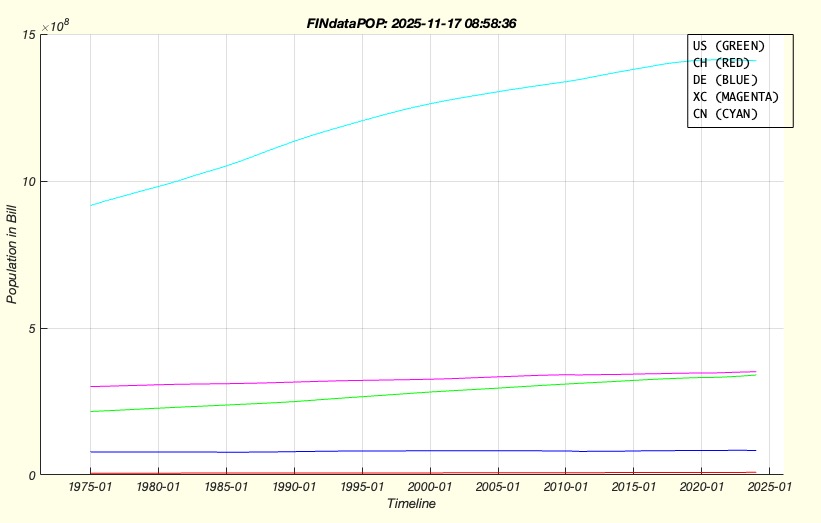 | % FINdataPOP(,"force","DOI") - download ans saves the population of several countries from the world bank homepage % (by Tim Lueth, SG-Lib, 2025-NOV-15 as class: TUTORIAL) % % Introduced first in SolidGeometry 5.6 % % See also: FINdataM2 % % FINdataPOP([,"force","DOI"]) % "force": if used, the download of the new data is enforced % "DOI": Day of interest to normalize the data % % EXAMPLE: % FINdataPOP PT DK SE NO FI AT % % See also: FINdataM2 % % % Copyright 2025 Tim C. Lueth |
FINdataM2EURread- delivers the EUR money supply M2 directly from European Central Bank apir |
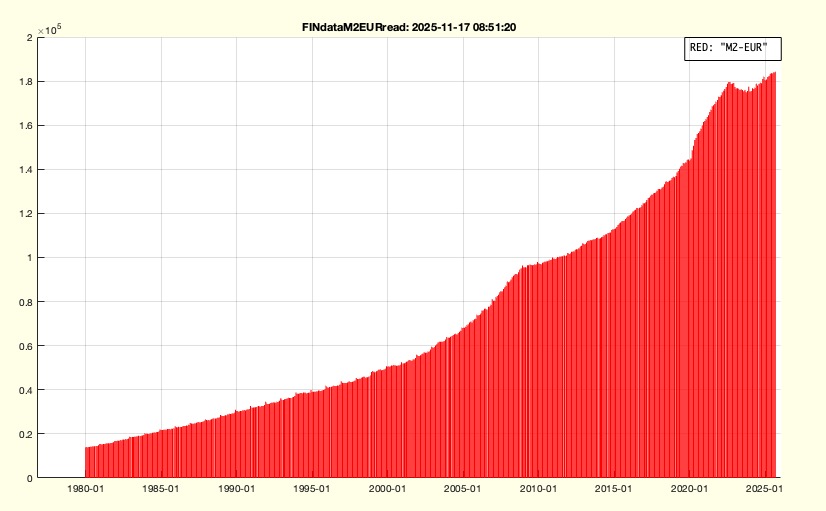 | % FINdataM2EURread - delivers the EUR money supply M2 directly from European Central Bank apir % (by Tim Lueth, SG-Lib, 2025-NOV-15 as class: TUTORIAL) % % api.ecb.europa.eu % (Status of: 2025-11-17) % % Introduced first in SolidGeometry 5.6 % % See also: FINdataM2, FINdataM2USAread, FINdataM2CHFread % % [M2EUR,dates,values]=FINdataM2EURread % === OUTPUT RESULTS ====== % M2EUR: [datum values] as coordinate list % dates: datenum array % values: vallue array % % EXAMPLE: % FINdataM2EURread; M2CHF=ans % FINdataM2 % % See also: FINdataM2, FINdataM2USAread, FINdataM2CHFread % % % Copyright 2025 Tim C. Lueth |
chat2table(txt,"cell")- Take a char text and create a table or a cell array. |
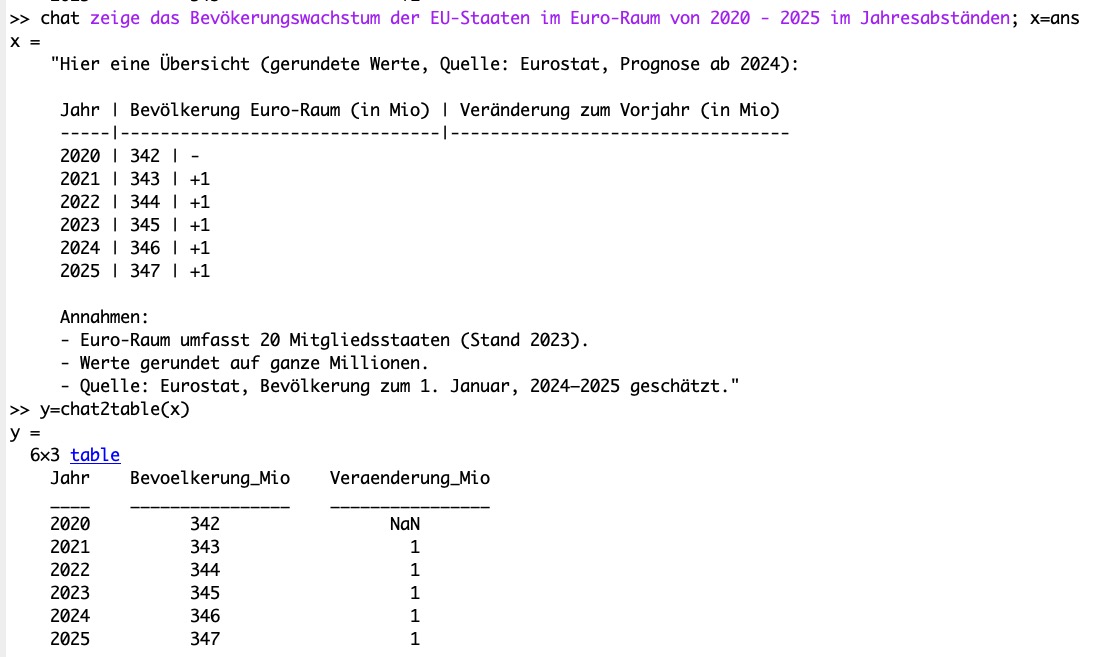 | % chat2table(txt,"cell") - Take a char text and create a table or a cell array. % (by Tim Lueth, SG-Lib, 2025-NOV-14 as class: ARTIFICIAL INTELLIGENCE) % % USE CAREFULLY: chat2table was not being tested extensively % % Introduced first in SolidGeometry 5.6 % % See also: chat2diagram % % [TAB,code]=chat2table([txt,"cell"]) % === INPUT PARAMETERS === % txt: text desciption of a table % "cell": if used, an cell instead of a table is returned % === OUTPUT RESULTS ====== % TAB: matlab table % code: code to create the matlab table; cann be used in a matlab file later % % EXAMPLE: % chat zeige das Bevökerungswachstum der EU-Staaten im Euro-Raum seit 2000 im Jahresabständen; x=ans % y=chat2table(x) % y=chat2table(x,'cell') % chat Stelle die Geldemengenentwicklung M2 der USA relativ zur Bevölkerungentwicklung der USA in den Jahren 1984 bis 2025 in jährlichen Abständen und jährlich Steigerung der letzten Zahl in Prozent dar; x=ans; % % % See also: chat2diagram % % % Copyright 2025 Tim C. Lueth |
PLgearDIN(m,z,tig,n,shr)- |
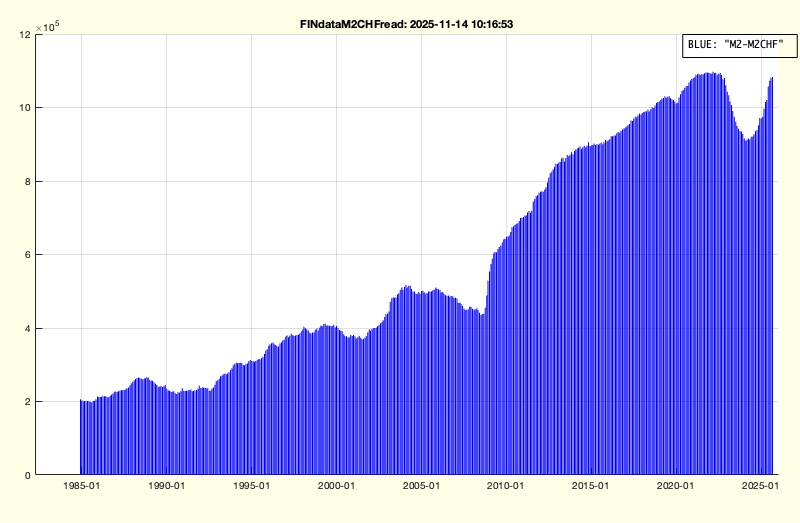 | % PLgearDIN(m,z,tig,n,shr) - delivers the CHF money supply M2 directly from Swiss National Bank % (by Tim Lueth, SG-Lib, 2025-NOV-14 as class: TUTORIAL) % % The API is explained on the page % "https://data.snb.ch/de/topics/snb/cube/snbmonagg." % https://data.snb.ch/de/topics/snb/cube/snbmonagg(sidebar:-/help_api/-) (Status % of: 2025-11-14) % % Introduced first in SolidGeometry 5.6 % % See also: FINdataM2, FINdataM2USAread, FINdataM2CHFread % % [PLG,d,da,df,db]=PLgearDIN([m,z,tig,n,shr]) % === INPUT PARAMETERS === % m: % z: % tig: % n: % shr: % === OUTPUT RESULTS ====== % PLG: [datum values] as coordinate list % d: % da: % df: % db: % % EXAMPLE: % FINdataM2CHFread; M2CHF=ans % FINdataM2 % % See also: FINdataM2, FINdataM2USAread, FINdataM2CHFread % % % Copyright 2025-2026 Tim C. Lueth |
FINdataM2USAread- delivers the USD money supply M2 directly from FRED in St. Louis, USA, via API |
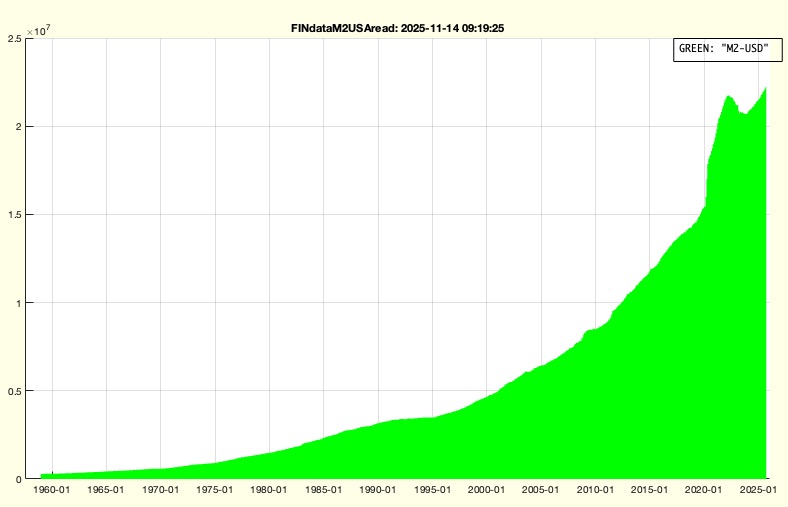 | % FINdataM2USAread - delivers the USD money supply M2 directly from FRED in St. Louis, USA, via API % (by Tim Lueth, SG-Lib, 2025-NOV-14 as class: TUTORIAL) % % You can ask for a cost-free FRED account at: % "https://fredaccount.stlouisfed.org" % You can ask for an cost-free API access at: % "https://fred.stlouisfed.org/docs/api/api_key.html % The fnctn stores the M2USD array as "M2USD.mat" and variable name M2USD. % (Status of: 2025-11-14) % % Introduced first in SolidGeometry 5.6 % % See also: FINdataM2, FINdataM2CHFread % % [M2USD,dates,values]=FINdataM2USAread % === OUTPUT RESULTS ====== % M2USD: [datum values*1000] as coordinate list % dates: dates as datetime struct % values: values as double list % % EXAMPLE: % FINdataM2USAread; M2USD=ans % FINdataM2 % % % See also: FINdataM2, FINdataM2CHFread % % % Copyright 2025 Tim C. Lueth |
chatclipcorrect(lang)- prepares sepell checking and translation of the clipboard |
 | % chatclipcorrect(lang) - prepares sepell checking and translation of the clipboard % (by Tim Lueth, SG-Lib, 2025-NOV-13 as class: ARTIFICIAL INTELLIGENCE) % % USE CAREFULLY: chatclipcorrect was not being tested extensively % % Used for correcting and translating german and english text in emails % It is used in combination with keyboard Maestro ("Shift-Command-C") % "Above all, I am pleased that the genuine German spelling rules are used, and % not the distorted pseudo-new German. Commas and capitalization as desired." % (Status of: 2025-11-13) % % Introduced first in SolidGeometry 5.6 % % See also: chat1 % % corr=chatclipcorrect([lang]) % === INPUT PARAMETERS === % lang: languages - default is 'de en % === OUTPUT RESULTS ====== % corr: corrected and optional translated text % % EXAMPLE: % clipboard('copy', 'Es ist schön, si wider in munchn zu schauen') % chatclipcorrect de en % % % See also: chat1 % % % Copyright 2025 Tim C. Lueth |
chatcode(descr,fname)- returns matlab code and writes a matlab fnct into the working directory |
 | % chatcode(descr,fname) - returns matlab code and writes a matlab fnct into the working directory % (by Tim Lueth, SG-Lib, 2025-NOV-09 as class: ARTIFICIAL INTELLIGENCE) % % uses chatGPT to create Matlab fnctns based on a quit complete definition of the % header (Status of: 2025-11-09) % % Introduced first in SolidGeometry 5.6 % % See also: chat1, chat, chatpublication % % [flong,txt]=chatcode([descr,fname]) % === INPUT PARAMETERS === % descr: Complete header including input out parameter an their description % fname: desired name of cuntin % === OUTPUT RESULTS ====== % flong: full file name of the m file; Names start with CC_ and can get an % additional % txt: code of the matlba file % % EXAMPLE: % chatcode(help('PLcircle')) % creates a func similar to the SG-Lib func % chatcode(help('PLcircle')), CC_PLcircle(10,7) % chatcode(help('normr')) % creates a func similar to "normr" of Matlab % % See also: chat1, chat, chatpublication % % % Copyright 2025 Tim C. Lueth |
testchatfunc(x,y)- returns the area of a square mit dimensions x and y |
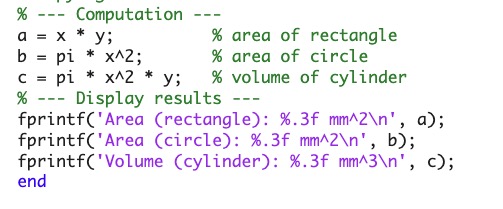 | % testchatfunc(x,y) - returns the area of a square mit dimensions x and y % (by Tim Lueth, SG-Lib, 2025-NOV-09 as class: ARTIFICIAL INTELLIGENCE) % % This fnctn was declared as a single line in Tim Lueth's Filemaker database by % input and output params. % fnctn [a,b,c]=testchatfunc(x,y) % Afterwards the explaination of the fnctn and the description of the parameter % was added in the filemaker database. Then header was compiled by the FM % database and copied into the clipboard(!) and into a variable A % (A=clipboard('paste)) % Then chatcode(A) created the complete matlab code fnctn % (Status of: 2025-11-09) % % Introduced first in SolidGeometry 5.6 % % See also: chatcode % % [a,b,c]=testchatfunc(x,y) % === INPUT PARAMETERS === % x: dimension in x % y: dimension in y % === OUTPUT RESULTS ====== % a: area % b: area of a circle with radius x % c: volume of a cylinder iwth radius x and height y % % EXAMPLE: % [A,B,C]=testchatfunc(10,20) % % See also: chatcode % % % Copyright 2025 Tim C. Lueth |
chatimage(descr)- creates a picture/sketch/diagram/image of a text using "dall-e-3" |
 | % chatimage(descr) - creates a picture/sketch/diagram/image of a text using "dall-e-3" % (by Tim Lueth & Robin Schregle, SG-Lib, 2025-NOV-06 as class: ARTIFICIAL % INTELLIGENCE) % % requires at least "matlab-deep-learning-llms-with-matlab-4". First Version by % Robin Schregle, it uses Matlabs openAIImages % (Status of: 2025-11-09) % % Introduced first in SolidGeometry 5.6 % % See also: chat, chatm, chatdiagramm % % [img,GPT]=chatimage([descr]) % === INPUT PARAMETERS === % descr: description of the picture % === OUTPUT RESULTS ====== % img: image % GPT: GPT Response of openAIImages % % EXAMPLE: % chatimage('Draw an Aston Martin Sportscar near the Lake Garde like in the Quantum James Bond') % % % See also: chat, chatm, chatdiagramm % % % Copyright 2025 Tim C. Lueth |
chatvideo(prompt,nvp)- creates a video file on disk by openAI' Sora (12 seconds cost about 2 Dollar) |
 | % chatvideo(prompt,nvp) - creates a video file on disk by openAI' Sora (12 seconds cost about 2 Dollar) % (by Tim Lueth & Robin Schregle, SG-Lib, 2025-NOV-06 as class: ARTIFICIAL % INTELLIGENCE) % % requires at least "matlab-deep-learning-llms-with-matlab-4". 1st version by % Robin Schregle % The file will be written in a mp4 on desktop and the promt is in a textfile % with the same name % Does use the send interface. (Status of: 2025-11-25) % % Introduced first in SolidGeometry 5.6 % % See also: chat, chatimage, chatpublication % % response=chatvideo(prompt,nvp) % === INPUT PARAMETERS === % prompt: description of the video content - the more the better % nvp: addition parameter such as "size", "720x1280" % === OUTPUT RESULTS ====== % response: response from openAI - mp4Bytes = response.Body.Data; % % EXAMPLE: % chatvideo('Create an video about an Aston Martin Sportscar near the Lake Garde like in the Quantum James Bond',"Size","1280x720") % % See also: chat, chatimage, chatpublication % % % Copyright 2025 Tim C. Lueth |
JAVAemailmsg2cell(msgs,)- reads email as text or creates an chatGPT answer |
 | % JAVAemailmsg2cell(msgs,) - reads email as text or creates an chatGPT answer % (by Tim Lueth, SG-Lib, 2025-NOV-05 as class: CODING/DEVELOP) % % USE CAREFULLY: JAVAemailmsg2cell was not being tested extensively % % Introduced first in SolidGeometry 5.6 % % See also: JAVAemailServerImap, JAVAemailTUMimap, JAVAemailreadtextmessage % % [ttxt,Efrom,Edate,Esubj,Eto,ANSW]=JAVAemailmsg2cell(msgs,[]) % === INPUT PARAMETERS === % msgs: % === OUTPUT RESULTS ====== % ttxt: % Efrom: % Edate: % Esubj: % Eto: % ANSW: % % EXAMPLE: % [msgs,store]=JAVAemailTUMimap('gu28yik','INBOX'); % JAVAemailmsg2cell(msgs(end)) % % See also: JAVAemailServerImap, JAVAemailTUMimap, JAVAemailreadtextmessage % % % Copyright 2025 Tim C. Lueth |
chatm()- single line communication with openAI's chat gpt with persistent chat history and chat-memories.txt |
 | % chatm() - single line communication with openAI's chat gpt with persistent chat history and chat-memories.txt % (by Tim Lueth, SG-Lib, 2025-NOV-05 as class: ARTIFICIAL INTELLIGENCE) % % USE CAREFULLY: chatm was not being tested extensively % % For longer conversations with a lot of text, we display the number of tokens. % With SGLib 5.6, all commandline chat fnctn support matlab expressions starting % with @ % chat1 - sends a single line to openAI API without history % chat - opens a single line conversation using the chat history % chatGPT - opens the chatGPT web browser interface % chatweb - opens the chatGPT web browser interface % wiesoweshalb- same as chat (no memories) % Uses OpenAIrequest. Make sure that your openAI API secret key is stored in a % file called "OPENAI_API_KEY.env" % (Status of: 2025-12-22) % % Introduced first in SolidGeometry 5.6 % % See also: chat1, chatweb, chatGPT, chat, OpenAIrequest % % y=chatm([]) % === OUTPUT RESULTS ====== % y: Response from openAI when using your paid openAI API account % % EXAMPLE: % Difference between chat and chath % chat1 what is the age of joe biden % chat1 what ist the age of his wife % chat what is the age of joe biden % chat what ist the age of his wife % chat clear % löscht die Erinnerung % chat what ist the age of his wife % A1=1000; A2=2000; t=10; chatm what is the inflation rate if objects increase in value from @A1 to @A2 in @t years? % % See also: chat1, chatweb, chatGPT, chat, OpenAIrequest % % % Copyright 2025 Tim C. Lueth |
latin1ofUTF(txt)- Provides a latin1 code for UTF so that the ASCII files are read correctly. |
 | % latin1ofUTF(txt) - Provides a latin1 code for UTF so that the ASCII files are read correctly. % (by Tim Lueth, SG-Lib, 2025-NOV-05 as class: TEXT/STRS/CHARS/LINKS) % % USE CAREFULLY: latin1ofUTF was not being tested extensively % % Characters outside latin1 just disappear. % improved for UTF-16, UTF-8, latin1 Dec 27th % It seem to me a matlab bug that a hypen (45) is somehow converted into a 255 % char (Status of: 2025-12-27) % % Introduced first in SolidGeometry 5.6 % % See also: isUTF8, isUTF16file, dbprintchar % % c=latin1ofUTF(txt) % === INPUT PARAMETERS === % txt: uint8 text chain % === OUTPUT RESULTS ====== % c: latin1 text chain % % EXAMPLE: % chat create 200 chars including UTF8 chars such as greek characters, xxx=ans; isUTF8(xxx), latin1ofUTF(xxx) % code16=unicode2native('-Lüth-','UTF-16'); str16=char(code16), latin1ofUTF(code16) % code8=unicode2native('-Lüth-','UTF-8'); str8=char(code8), latin1ofUTF(code8) % codeL=unicode2native('-Lüth-','latin1'); strL=char(codeL), latin1ofUTF(codeL) % % See also: isUTF8, isUTF16file, dbprintchar % % % Copyright 2025 Tim C. Lueth |
isUTF8(txt)- Returns the number of codes that are not in the ASCII range 0..127 or the German umlauts. |
 | % isUTF8(txt) - Returns the number of codes that are not in the ASCII range 0..127 or the German umlauts. % (by Tim Lueth, SG-Lib, 2025-NOV-05) % % USE CAREFULLY: isUTF8 was not being tested extensively % % It's hard for me to express, but Matlab still hasn't found a sensible way to % handle Latin1, UTF8, UTF16, or iso files in 2024b. This is all the more % annoying because the Matlab editor itself changes the encoding of files, but % there is no way to recognize the file type in Matlab. In combination with the % text-based chat fnctns, this makes it increasingly unsafe to use the text % fnctns. The introduction of strings has not improved the situation in any way. % (Status of: 2025-11-05) % % Introduced first in SolidGeometry 5.6 % % [n,io,ochar]=isUTF8(txt) % === INPUT PARAMETERS === % txt: text to check % === OUTPUT RESULTS ====== % n: number of special chars % io: position in char(txt) % ochar: uint8 of the special chars % % EXAMPLE: % chat create 200 chars including UTF8 chars such as greek characters, xxx=ans; isUTF8(xxx) % % % Copyright 2025 Tim C. Lueth |
html2char(tinp)- Converts HTML code in UTF8 into ASCII characters. |
 | % html2char(tinp) - Converts HTML code in UTF8 into ASCII characters. % (by Tim Lueth, SG-Lib, 2025-NOV-03 as class: TEXT/STRS/CHARS/LINKS) % % simple calls java fnctn java.net.URLEncoder.encode(tinp, 'UTF-8') % or java.net.URLDecoder.decode(tinp, "UTF-8") (Status of: 2025-11-03) % % Introduced first in SolidGeometry 5.6 % % See also: char2html % % tout=html2char(tinp) % === INPUT PARAMETERS === % tinp: html UTF8 code % === OUTPUT RESULTS ====== % tout: ascii code % % EXAMPLE: % char2html("Bevölkerungsentwicklung") % html2char(char2html("Bevölkerungsentwicklung")) % % See also: char2html % % % Copyright 2025 Tim C. Lueth |
chatdiagramm(data,fname,todo)- Generates MATLAB code to display a diagram based on OpenAI Chat. |
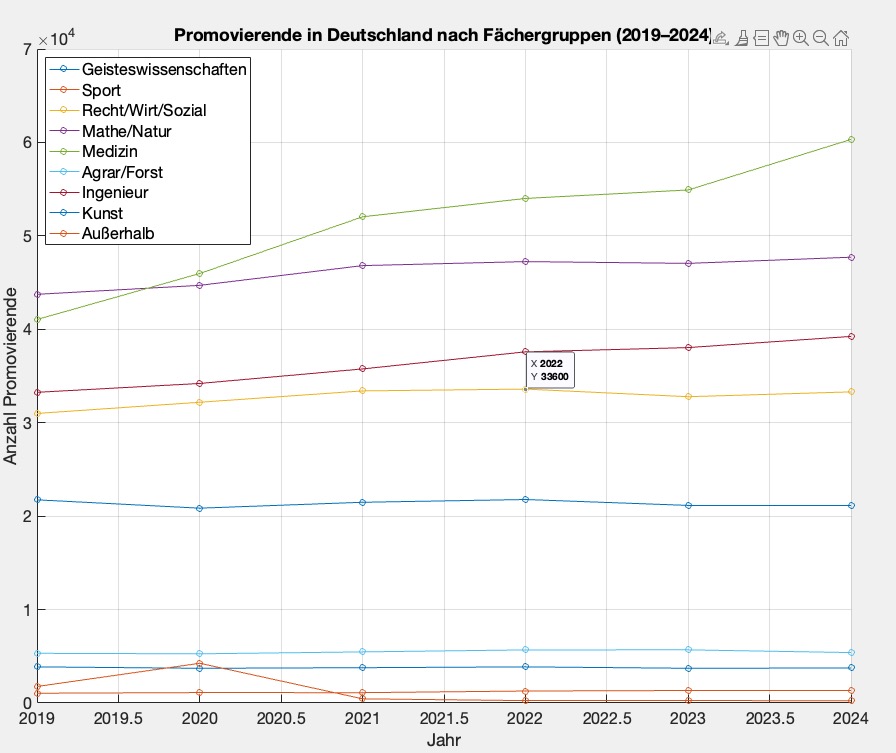 | % chatdiagramm(data,fname,todo) - Generates MATLAB code to display a diagram based on OpenAI Chat. % (by Tim Lueth, SG-Lib, 2025-OKT-31 as class: ARTIFICIAL INTELLIGENCE) % % USE CAREFULLY: chatdiagramm was not being tested extensively % % written Oct 2025 for GPT 5.x (Status of: 2025-11-03) % % Introduced first in SolidGeometry 5.6 % % See also: chatdestatisJSONfindtabs, destatisJSONreadtab % % y=chatdiagramm([data,fname,todo]) % === INPUT PARAMETERS === % data: A char text with data preferably in Excel format (columns separated by % semicolons) % fname: An optional Filename; default is titleofcaller % todo: Explanation of what exactly is desired % === OUTPUT RESULTS ====== % y: matlab code for execution % % EXAMPLE: % destatisJSONfindtabs('promovierende') % [a,b,c]=destatisJSONreadtab('21352-0002'); % Loads the table from destatis genesis % chatdiagramm(c,'','Display the table as a chart') % draws a chart % chatdiagramm(c,'','Display the table as a diagram') % draws a diagram % chatdiagramm(c,'','Plot a graph showing the ratio of medicine to engineering.') % ratio calculatioo % % % See also: chatdestatisJSONfindtabs, destatisJSONreadtab % % % Copyright 2025 Tim C. Lueth |
save2clipboard(var)- simply saves the content of a variable to the "clipboard" to use it with paste |
 | % save2clipboard(var) - simply saves the content of a variable to the "clipboard" to use it with paste % (by Tim Lueth, SG-Lib, 2025-OKT-31 as class: TEXT/STRS/CHARS/LINKS) % % USE CAREFULLY: save2clipboard was not being tested extensively % % works with % a) text and % b) images (Status of: 2025-11-05) % % Introduced first in SolidGeometry 5.6 % % See also: paste2code % % save2clipboard(var) % === INPUT PARAMETERS === % var: variable to be saved into the cipboard % % EXAMPLE: % c='This is a test' % save2clipboard(c) % try command-v afterwards % A=imread('peppers.png'); % save2clipboard(A) % copy in word afterwards % % See also: paste2code % % % Copyright 2025 Tim C. Lueth |
str2datenum(txt,loc)- converts am formatted date string into a date num for numerical analysis |
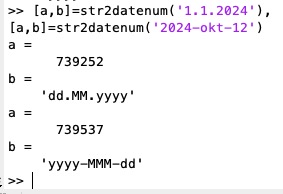 | % str2datenum(txt,loc) - converts am formatted date string into a date num for numerical analysis % (by Tim Lueth, SG-Lib, 2025-OKT-31 as class: TEXT/STRS/CHARS/LINKS) % % There is only once chance in matlab by using try and catch to detect wrong % dataformat. Therefor, this fnctn uses a persistant table of formats. The last % "fnctning" or correct data format is stored in the first position in the table % so that it is checked first during subsequent calls, thereby optimising speed. % (Status of: 2025-11-03) % % Introduced first in SolidGeometry 5.6 % % See also: num2strUP, sprintfvec, num2strCNT, datestr % % [dtn,wfmt]=str2datenum(txt,[loc]) % === INPUT PARAMETERS === % txt: text of date format % loc: location default is 'de_DE' % === OUTPUT RESULTS ====== % dtn: datenum % wfmt: successful date format % % EXAMPLE: % [a,b]=str2datenum('1.1.2024'), [a,b]=str2datenum('2024-okt-12') % % See also: num2strUP, sprintfvec, num2strCNT, datestr % % % Copyright 2025 Tim C. Lueth |
char2html(tinp)- converts german "Umlaute" and other speciel characters into UTF8 html code |
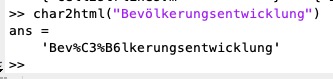 | % char2html(tinp) - converts german "Umlaute" and other speciel characters into UTF8 html code % (by Tim Lueth, SG-Lib, 2025-OKT-31 as class: TEXT/STRS/CHARS/LINKS) % % simple call java fnctn java.net.URLEncoder.encode(tinp, 'UTF-8') % % java.net.URLDecoder.decode(tinp, "UTF-8") (Status of: 2025-11-03) % % Introduced first in SolidGeometry 5.6 % % See also: char2rgb, html2char % % tout=char2html(tinp) % === INPUT PARAMETERS === % tinp: string including UTH chars % === OUTPUT RESULTS ====== % tout: A character string in which the special characters have been converted % into UTF-8. % % EXAMPLE: % char2html("Bevölkerungsentwicklung") % html2char(char2html("Bevölkerungsentwicklung")) % % See also: char2rgb, html2char % % % Copyright 2025 Tim C. Lueth |
JAVAemailServerImap(account,FOI)- opens a JAVA mail server account |
 | % JAVAemailServerImap(account,FOI) - opens a JAVA mail server account % (by Tim Lueth, SG-Lib, 2025-OKT-24 as class: CODING/DEVELOP) % % USE CAREFULLY: JAVAemailServerImap was not being tested extensively % % must be closed finally using store.close(); % there is also always a timeout (Status of: 2025-11-05) % % Introduced first in SolidGeometry 5.6 % % [msgs,store]=JAVAemailServerImap([account,FOI]) % === INPUT PARAMETERS === % account: such as 'tim.lueth@ergosurg.com' % FOI: Folder of interest; default is 'INBOX' % === OUTPUT RESULTS ====== % msgs: ALL Messages of the FOLDER % store: connection to the server % % EXAMPLE: % [msgs,store]=JAVAemailServerImap('tim.lueth@ergosurg.com','INBOX','','imap.1und1.de') % % % Copyright 2025 Tim C. Lueth |
JAVAemailTUMimap(account,FOI,passw)- opens a JAVA imap mail server account with certificate for mail.tum.de |
 | % JAVAemailTUMimap(account,FOI,passw) - opens a JAVA imap mail server account with certificate for mail.tum.de % (by Tim Lueth, SG-Lib, 2025-OKT-24 as class: CODING/DEVELOP) % % USE CAREFULLY: JAVAemailTUMimap was not being tested extensively % % This fnctn is independent on JAVAemailServerImap since an security certificate % is requireed for mail.tum.de % must be closed finally using store.close(); % there is also always a timeout (Status of: 2025-11-05) % % Introduced first in SolidGeometry 5.6 % % See also: JAVAemailServerImap, JAVAemailreadtextmessage % % [msgs,store]=JAVAemailTUMimap([account,FOI,passw]) % === INPUT PARAMETERS === % account: default is gu28kix % FOI: Folder of interest; default is 'INBOX' % passw: password for email account. No F2A support % === OUTPUT RESULTS ====== % msgs: ALL Messages of the FOLDER % store: connection to the server % % EXAMPLE: % [msgs,store]=JAVAemailTUMimap('gu28yik','INBOX'); % JAVAemailreadtextmessage(msgs(end)) % % See also: JAVAemailServerImap, JAVAemailreadtextmessage % % % Copyright 2025 Tim C. Lueth |
datetimearray(dateS,dateE)- creates a for time rows of financial data a vector of datenum dates |
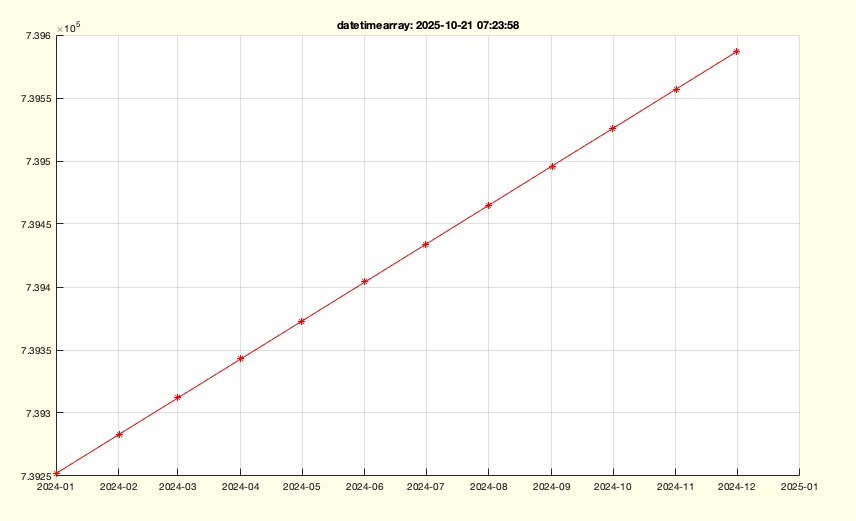 | % datetimearray(dateS,dateE) - creates a for time rows of financial data a vector of datenum dates % (by Tim Lueth, SG-Lib, 2025-OKT-21 as class: TUTORIAL) % % Introduced first in SolidGeometry 5.6 % % See also: FINdataM2 % % datevec=datetimearray(dateS,dateE) % === INPUT PARAMETERS === % dateS: % dateE: % === OUTPUT RESULTS ====== % datevec: % % EXAMPLE: % datetimearray('2024-01-01','2024-12-1') % % See also: FINdataM2 % % % Copyright 2025 Tim C. Lueth |
VLELofSGfeatureSurface(SG,)- creates edge list, contour indexe list and feature surface index list of a solid |
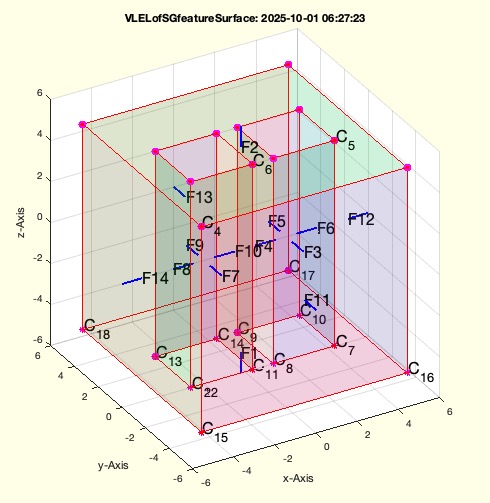 | % VLELofSGfeatureSurface(SG,) - creates edge list, contour indexe list and feature surface index list of a solid % (by Tim Lueth, SG-Lib, 2025-SEP-29 as class: VLEL/SURFACES) % % USE CAREFULLY: VLELofSGfeatureSurface was not being tested extensively % % SGseparate is able to separate a solid into independent closed shells % (Status of: 2025-10-01) % % Introduced first in SolidGeometry 5.6 % % See also: VLELofSGfeatureEdge, SGseparate % % [VL,EL,CIL,FSIL,TT]=VLELofSGfeatureSurface(SG,[]) % === INPUT PARAMETERS === % SG: % === OUTPUT RESULTS ====== % VL: Vertex list % EL: Edge list % CIL: Contour index list % FSIL: feature surface index list % TT: Transformation matrix of the center of a surface % % EXAMPLE: % VLELofSGfeatureSurface(SGsample(54)) % % See also: VLELofSGfeatureEdge, SGseparate % % % Copyright 2025 Tim C. Lueth |
SGsocketcover(I)- returns an image relief on top of a socket cover |
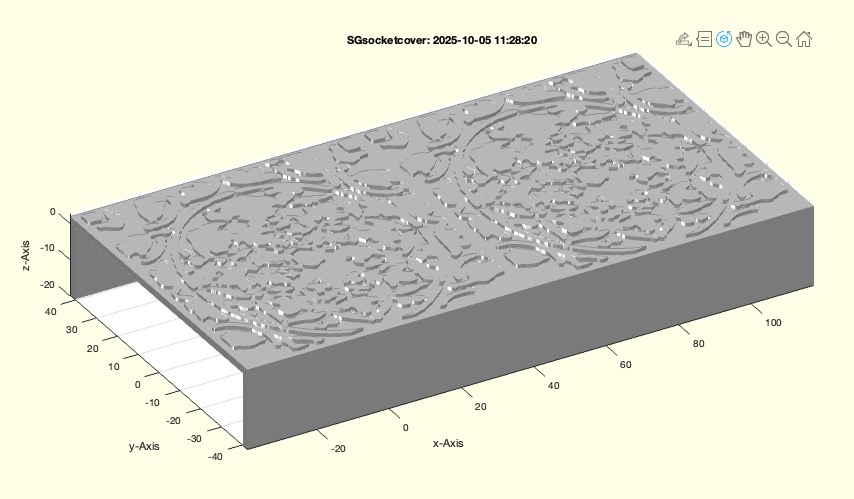 | % SGsocketcover(I) - returns an image relief on top of a socket cover % (by Tim Lueth, SG-Lib, 2025-SEP-28 as class: COMPLETED CAD DESIGNS) % % The image can be loaded by imread oder imreadui (Status of: 2025-10-11) % % Introduced first in SolidGeometry 5.6 % % See also: imreadui, CPLofimage, SGofCPLz, SGconcat % % SGall=SGsocketcover(I) % === INPUT PARAMETERS === % I: Image that should become the relief % === OUTPUT RESULTS ====== % SGall: Socket cover to print % % EXAMPLE: % I=imreadui % SGsocketcover(I) % % % See also: imreadui, CPLofimage, SGofCPLz, SGconcat % % % Copyright 2025 Tim C. Lueth |
SGwriteSTEP(SG,FNAME)- This fnct exports Solid Geometries as STEP File to disk |
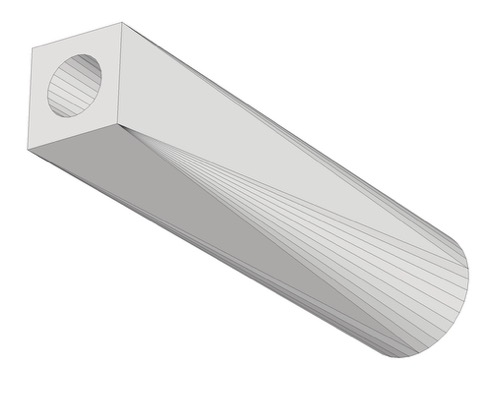 | % SGwriteSTEP(SG,FNAME) - This fnct exports Solid Geometries as STEP File to disk % (by Tim Lueth & Robin Schregle, SG-Lib, 2025-SEP-26 as class: IMPORT/EXPORT) % % USE CAREFULLY: SGwriteSTEP was not being tested extensively % % ISO 10303-21 AP242_MANAGED_MODEL_BASED_3D_ENGINEERING_MIM_LF % Even if the SolidWorks import works on Windows, there are problems with many % other STEP importers on Mac. % There are also general problems with the self-intrusion of solids, such as % SGsample(36). (Status of: 2025-09-26) % % Introduced first in SolidGeometry 5.6 % % See also: STEPmanifoldsolidofSG, SGwriteSTL, VLFL_EXP74 % % fname=SGwriteSTEP(SG,[FNAME]) % === INPUT PARAMETERS === % SG: Solid Geometry file name % FNAME: File name % === OUTPUT RESULTS ====== % fname: STEP file name % % EXAMPLE: % SGwriteSTEP(SGbar,'A'); % SGwriteSTEP(SGsample(53),'B'); % SGwriteSTEP(SGsample(54),'C'); % SGwriteSTEP(SGsample(27),'D'); % for i=1:54; % fn=sprintf('SGsample(%d)',i); % dbprintf('"%s"',fn); % cmd=sprintf('SGwriteSTEP(%s,''%s'');',fn,fn); % eval(cmd); % end % % See also: STEPmanifoldsolidofSG, SGwriteSTL, VLFL_EXP74 % % % Copyright 2025 Tim C. Lueth |
VLFL_EXP74- Tutorial for testing the STEP exporter |
 | % VLFL_EXP74 - Tutorial for testing the STEP exporter % (by Tim Lueth, SG-Lib, 2025-SEP-25 as class: TUTORIAL) % % createss samples of Solids using SGsample and exports it to SETP files in the % desktopdir (Status of: 2025-09-26) % % Introduced first in SolidGeometry 5.6 % % See also: SGwriteSTEP, SGsample % % VLFL_EXP74 % % EXAMPLE: % VLFL_EXP74 % % See also: SGwriteSTEP, SGsample % % % Copyright 2025 Tim C. Lueth |
SGtoolboxdir- return the path during development or after toolbox installation |
 | % SGtoolboxdir - return the path during development or after toolbox installation % (by Tim Lueth, SG-Lib, 2025-SEP-24 as class: FILE HANDLING) % % SGlibpath and SGtoolboxdir are the same fnctn (Status of: 2025-09-24) % % Introduced first in SolidGeometry 5.6 % % See also: SGlibpath % % tbdir=SGtoolboxdir % === OUTPUT RESULTS ====== % tbdir: toolboxdir % % EXAMPLE: % SGtoolboxdir % % See also: SGlibpath % % % Copyright 2025 Tim C. Lueth |
STEPmanifoldSolidBrepofSG(SG,alpha,mm)- returns the text lines for a ISO-10303-21 AP242 Manifold Geometry Boundary Representation |
 | % STEPmanifoldSolidBrepofSG(SG,alpha,mm) - returns the text lines for a ISO-10303-21 AP242 Manifold Geometry Boundary Representation % (by Tim Lueth, SG-Lib, 2025-SEP-23 as class: IMPORT/EXPORT) % % This fnctn (originally named SG2STEP) is the core of SGwriteSTEP % It was tested in September 2025 using Solidworks (Status of: 2025-09-26) % % Introduced first in SolidGeometry 5.6 % % See also: SGreadSTEPstructure, SG2STEP % % [ttorg,mm]=STEPmanifoldSolidBrepofSG(SG,[alpha,mm]) % === INPUT PARAMETERS === % SG: Solid Geoemtry to create a Manifold Geometry Bopundary representation % alpha: Limit angle for separating feature surfaces; default is 0.01 % mm: number of used step lines already for other BREPS; default is 0 % === OUTPUT RESULTS ====== % ttorg: STEP text lines for the Manifold Geometry Bopundary representation % mm: last number of created step line % % EXAMPLE: % STEPmanifoldSolidBrepofSG(SGbar); % STEPmanifoldSolidBrepofSG(SGsample(53)); % STEPmanifoldSolidBrepofSG(SGsample(54)); % STEPmanifoldSolidBrepofSG(SGsample(27)); % % See also: SGreadSTEPstructure, SG2STEP % % % Copyright 2025 Tim C. Lueth |
VLFL_EXP73- Tutorial for testing the chat fncts for the openAI interface |
 | % VLFL_EXP73 - Tutorial for testing the chat fncts for the openAI interface % (by Tim Lueth, SG-Lib, 2025-SEP-18 as class: TUTORIAL) % % Introduced first in SolidGeometry 5.6 % % See also: chat, chat1 % % VLFL_EXP73 % % EXAMPLE: % VLFL_EXP73 % % See also: chat, chat1 % % % Copyright 2025 Tim C. Lueth |
cellstradjustlen(OCC)- adjust in each col of acell array or table the length of char string |
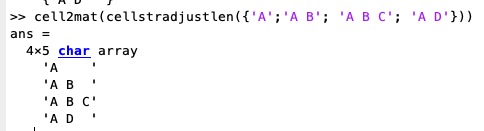 | % cellstradjustlen(OCC) - adjust in each col of acell array or table the length of char string % (by Tim Lueth, SG-Lib, 2025-SEP-16 as class: CODING/DEVELOP) % % USE CAREFULLY: cellstradjustlen was not being tested extensively % % works with cell cols und tabel cols % required for cell2mat, since some positive matlab concepts have changed over % time. (Status of: 2025-09-18) % % Introduced first in SolidGeometry 5.6 % % See also: cell2mat, uniquecell % % CC=cellstradjustlen(OCC) % === INPUT PARAMETERS === % OCC: Original cell array or table % === OUTPUT RESULTS ====== % CC: cell array or table in which all strings of a column have the same length % % EXAMPLE: % cell2mat({'A';'A B'; 'A B C'; 'A D'}) % fails adjust strlen in column % cellstradjustlen({'A';'A B'; 'A B C'; 'A D'}) % adjust strlen in column % cell2mat(cellstradjustlen({'A';'A B'; 'A B C'; 'A D'})) % does work now % % See also: cell2mat, uniquecell % % % Copyright 2025 Tim C. Lueth |
CPLremovecollinearpoints(CPL,ADmin)- removes 2D/3D collinear point with different results for opened and closed CPL/CVL |
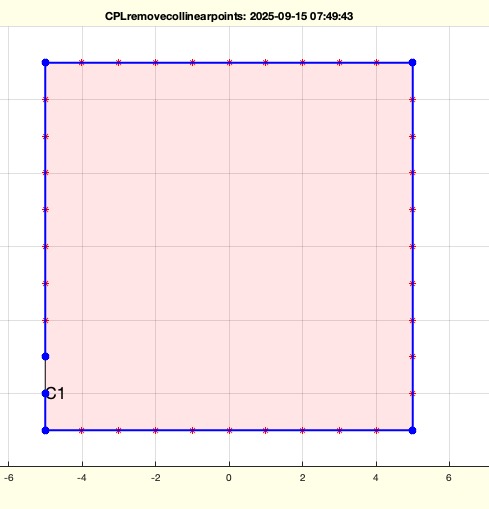 | % CPLremovecollinearpoints(CPL,ADmin) - removes 2D/3D collinear point with different results for opened and closed CPL/CVL % (by Tim Lueth, SG-Lib, 2025-SEP-14 as class: CPL/CLOSED POLYGON LISTS) % % USE CAREFULLY: CPLremovecollinearpoints was not being tested extensively % % For closed and opend CPL/CVL in 2D/3D. Start and end points can be removed for % closed CPL/CVL if there is no kink when it is a closed contour.If it is an open % contour, be aware that start an endpoint will remain, even they are collinear % points (Status of: 2025-10-11) % % Introduced first in SolidGeometry 5.6 % % See also: CPLinsertcollinearpoints, CVLremstraightAmin, CVLaddauxpoints % % NCPL=CPLremovecollinearpoints(CPL,[ADmin]) % === INPUT PARAMETERS === % CPL: 2D/3D open or closed CPL; Behavior differers % ADmin: [Amin Dmin] [Minimal area cross product, minimal Distance]; default is % 1e-7 1e-7 % === OUTPUT RESULTS ====== % NCPL: New PL/CPL without collinear points % % EXAMPLE: % CPLremovecollinearpoints(circshift(CPLaddauxpoints(PLsquare(10),1), 0)) % open CPL remain Start/End % CPLremovecollinearpoints(circshift(CPLaddauxpoints(PLsquare(10),1),-1)) % open CPL remain Start/End % CPLremovecollinearpoints(circshift(CPLaddauxpoints(PLsquare(10),1),+1)) % open CPL remain Start/End % % CPLremovecollinearpoints(closedCPL((circshift(CPLaddauxpoints(PLsquare(10),1), 0)))) % closed CPL % CPLremovecollinearpoints(closedCPL((circshift(CPLaddauxpoints(PLsquare(10),1), 0)))) % closed CPL % CPLremovecollinearpoints(closedCPL((circshift(CPLaddauxpoints(PLsquare(10),1), 0)))) % closed CPL % % % See also: CPLinsertcollinearpoints, CVLremstraightAmin, CVLaddauxpoints % % % Copyright 2025-2026 Tim C. Lueth |
openedCVL(CVL,lim)- closes all contours in CPL(2D) and CVL(3D) after removal of all consecutive identical points. |
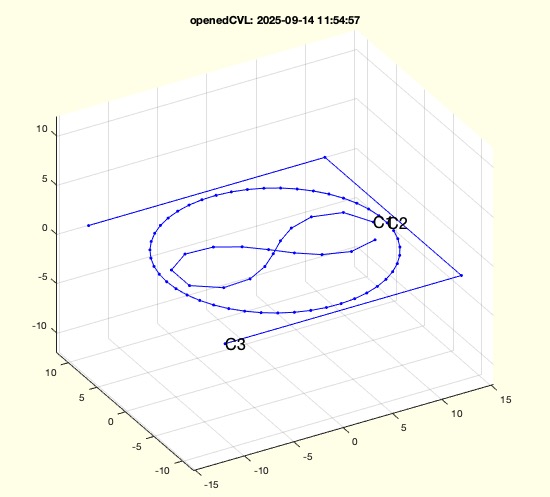 | % openedCVL(CVL,lim) - closes all contours in CPL(2D) and CVL(3D) after removal of all consecutive identical points. % (by Tim Lueth, SG-Lib, 2025-SEP-14 as class: CPL/CLOSED POLYGON LISTS) % % USE CAREFULLY: openedCVL was not being tested extensively % % just calls "openedCPL" which ist the same fnctnlity. % new speed optimized fnctn of 2025 to replace PLofCPL in future % It removes all consecutive identical points. % concept same as VLremsuccident % ii=vecnormr(CPLi-circshift(CPLi,-1))>lim; OCPLi=CPLi(ii,:); % (Status of: 2025-09-14) % % Introduced first in SolidGeometry 5.6 % % See also: PLofCPL, CPLofPL, openedCPL, closedCPL, closedCVL % % NCVL=openedCVL(CVL,[lim]) % === INPUT PARAMETERS === % CVL: Contour 2D or 3D with NaN embedded contours % lim: default is 1e-12 for removal of succeding points % === OUTPUT RESULTS ====== % NCVL: New contours 2D/3D with all open contours without any consecutive % identical point % % EXAMPLE: % openedCVL(CPLsample(47)) % 2D case % openedCVL(VLaddz(CPLsample(47))) % 3D case % openedCVL(VLaddz(closedCVL(CPLsample(47)))) % 3D case with all closed before % % % See also: PLofCPL, CPLofPL, openedCPL, closedCPL, closedCVL % % % Copyright 2025 Tim C. Lueth |
closedCVL(CVL,lim)- closes all contours in CPL(2D) and CVL(3D) after removal of all consecutive identical point before |
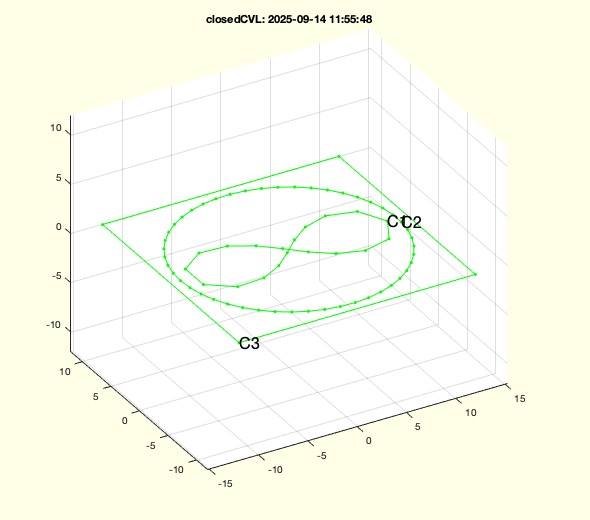 | % closedCVL(CVL,lim) - closes all contours in CPL(2D) and CVL(3D) after removal of all consecutive identical point before % (by Tim Lueth, SG-Lib, 2025-SEP-14 as class: CPL/CLOSED POLYGON LISTS) % % USE CAREFULLY: closedCVL was not being tested extensively % % just calls "closedCPL" which ist the same fnctnlity. % new speed optimized fnctn of 2025 to replace CPLofPL in future % It removes all consecutive identical points and adds the first as last again % concept same as VLremsuccident % ii=vecnormr(CPLi-circshift(CPLi,-1))>lim; OCPLi=CPLi(ii,:); % (Status of: 2025-09-14) % % Introduced first in SolidGeometry 5.6 % % See also: PLofCPL, CPLofPL, openedCPL, closedCPL, openedCVL % % NCVL=closedCVL(CVL,[lim]) % === INPUT PARAMETERS === % CVL: Contour 2D or 3D with NaN embedded contours % lim: default is 1e-12 for removal of succeding points % === OUTPUT RESULTS ====== % NCVL: New contours 2D/3D with all closed contours openedCPL, closedCPL, without % any consecutive identical point % % EXAMPLE: % closedCVL(openedCVL(CPLsample(47))) % 2D case % closedCVL(VLaddz(CPLsample(47))) % 3D case % closedCVL(VLaddz(openedCVL(CPLsample(47)))) % 3D case with opening before % % % See also: PLofCPL, CPLofPL, openedCPL, closedCPL, openedCVL % % % Copyright 2025 Tim C. Lueth |
closedCPL(CPL,lim)- closes all contours in CPL(2D) and CVL(3D) without any other change beside removal of all consecutive identical point before |
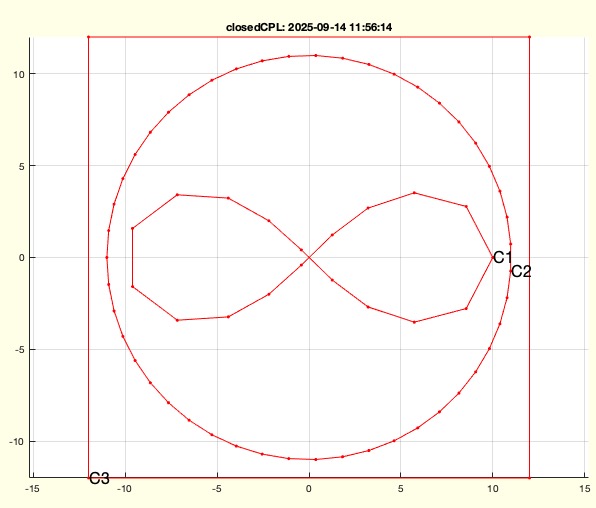 | % closedCPL(CPL,lim) - closes all contours in CPL(2D) and CVL(3D) without any other change beside removal of all consecutive identical point before % (by Tim Lueth, SG-Lib, 2025-SEP-14 as class: CPL/CLOSED POLYGON LISTS) % % USE CAREFULLY: closedCPL was not being tested extensively % % new speed optimized fnctn of 2025 to replace CPLofPL in future % It removes all consecutive identical points and adds the first as last again % concept same as VLremsuccident % ii=vecnormr(CPLi-circshift(CPLi,-1))>lim; OCPLi=CPLi(ii,:); % (Status of: 2025-09-14) % % Introduced first in SolidGeometry 5.6 % % See also: PLofCPL, CPLofPL, openedCPL, openedCVL, closedCVL % % NCPL=closedCPL(CPL,[lim]) % === INPUT PARAMETERS === % CPL: Contour 2D or 3D with NaN embedded contours % lim: default is 1e-12 for removal of succeding points % === OUTPUT RESULTS ====== % NCPL: New contours 2D/3D with all closed contours without any consecutive % identical point % % EXAMPLE: % closedCPL(PLofCPL(CPLsample(47))) % 2D case % closedCPL(VLaddz(CPLsample(47))) % 3D case % closedCPL(VLaddz(openedCPL(CPLsample(47)))) % 3D case with opening before % % % See also: PLofCPL, CPLofPL, openedCPL, openedCVL, closedCVL % % % Copyright 2025 Tim C. Lueth |
openedCPL(CPL,lim)- opens all contours in CPL(2D) and CVL(3D) without any other change beside removal of all consecutive identical points. |
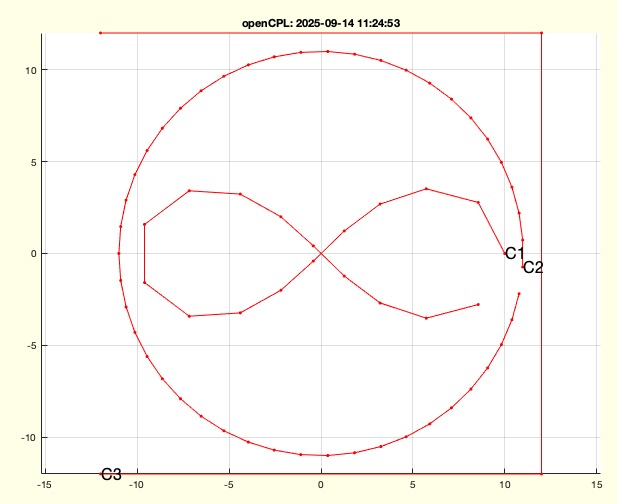 | % openedCPL(CPL,lim) - opens all contours in CPL(2D) and CVL(3D) without any other change beside removal of all consecutive identical points. % (by Tim Lueth, SG-Lib, 2025-SEP-14 as class: CPL/CLOSED POLYGON LISTS) % % USE CAREFULLY: openedCPL was not being tested extensively % % new speed optimized fnctn of 2025 to replace PLofCPL in future % It removes all consecutive identical points. % concept same as VLremsuccident % ii=vecnormr(CPLi-circshift(CPLi,-1))>lim; OCPLi=CPLi(ii,:); % (Status of: 2025-09-14) % % Introduced first in SolidGeometry 5.6 % % See also: PLofCPL, CPLofPL, closedCPL, openedCVL, closedCVL % % NCPL=openedCPL(CPL,[lim]) % === INPUT PARAMETERS === % CPL: Contour 2D or 3D with NaN embedded contours % lim: default is 1e-12 for removal of succeding points % === OUTPUT RESULTS ====== % NCPL: New contours 2D/3D with all open contours without any consecutive % identical point % % EXAMPLE: % openedCPL(CPLsample(47)) % 2D case % openedCPL(VLaddz(CPLsample(47))) % 3D case % openedCPL(VLaddz(CPLofPL(CPLsample(47)))) % 3D case with all closed before % % % See also: PLofCPL, CPLofPL, closedCPL, openedCVL, closedCVL % % % Copyright 2025 Tim C. Lueth |
CPLplotasPSplain(CPL)- Plots each individual embedded CPL as a separate contour. |
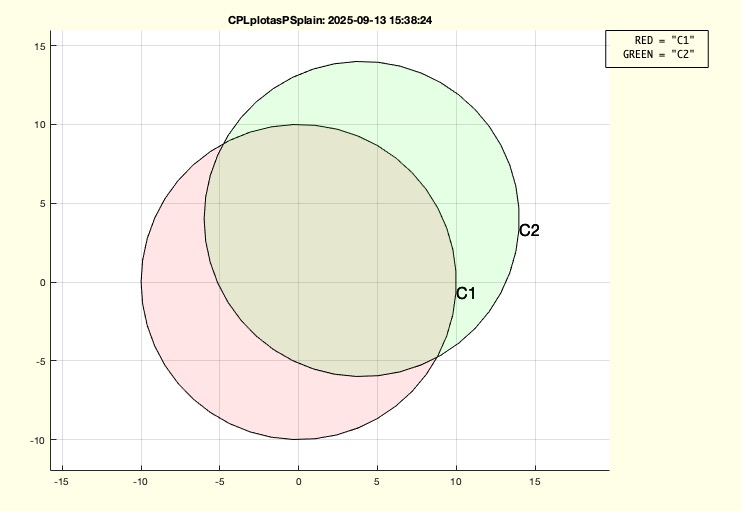 | % CPLplotasPSplain(CPL) - Plots each individual embedded CPL as a separate contour. % (by Tim Lueth, SG-Lib, 2025-SEP-13 as class: VISUALIZATION) % % USE CAREFULLY: CPLplotasPSplain was not being tested extensively % % Due to the constant expansion of polyshape, it is necessary to have fnctns that % can still clearly represent the underlying CPL before a simplify (split point % separation), orientation change, or removal of collinear points occurs by % default. (Status of: 2025-09-13) % % Introduced first in SolidGeometry 5.6 % % See also: CPLplotasPS, CPSplot, CPLplothatched % % h=CPLplotasPSplain(CPL) % === INPUT PARAMETERS === % CPL: CPL with nan separated CPLi % === OUTPUT RESULTS ====== % h: handle % % EXAMPLE: % CPL=[PLcircle(10);nan nan;PLcircle(10)+4]; % SGfigure; CPLplotasPSplain(CPL); % SGfigure; CPLplotasPSplain(CPLsample(47)); % % See also: CPLplotasPS, CPSplot, CPLplothatched % % % Copyright 2025 Tim C. Lueth |
PLELofCPLplain(CPL,"open","closed")- returns a PL and EL and a modified CPL based on the explicit qish of "open" or "closed" |
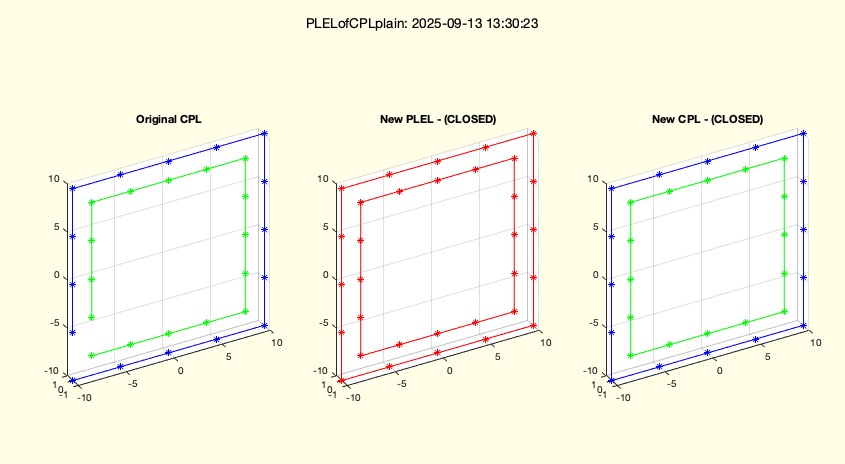 | % PLELofCPLplain(CPL,"open","closed") - returns a PL and EL and a modified CPL based on the explicit qish of "open" or "closed" % (by Tim Lueth, SG-Lib, 2025-SEP-13 as class: PLEL/POINT LIST/EDGE LIST) % % USE CAREFULLY: PLELofCPLplain was not being tested extensively % % Works with 2D and 3D contours. "plain" means here that there is no splitpoint % separation or descomposition done! % This fnctn of 2025 is required, since the original fnctn of 2014 was modified % 2018 using the polyshape concept, which was modified by mathwork, so that since % 2024, the original concept had to be used again. Since there is in general a % problem how to handle closed and open contours, which sometimes is used % explicitly and sometimes implicitly, this fnctn returns on default closed % contours % Remember, if you use CPLrepair in 2D, this can change the orientation of the % CPLs. (Status of: 2025-09-13) % % Introduced first in SolidGeometry 5.6 % % See also: PLELofCPL, PLELofCPLsplitpoints % % [NPL,NEL,NCPL]=PLELofCPLplain([CPL,"open","closed"]) % === INPUT PARAMETERS === % CPL: Closed Polygon list including nan separated contours % "open": if used, the results describe an open contour % "closed": if use, the results describe an closed contour % === OUTPUT RESULTS ====== % NPL: New Point List % NEL: New Edge List % NCPL: New CPL, open or closed as required; % % EXAMPLE: % PLELofCPLplain(CVLsample(18)); % PLELofCPLplain(CVLsample(18),'open'); % PLELofCPLplain(CPLsample(47)); % PLELofCPLplain(CPLrepair(CPLsample(47))); % separate contours first in 2D % % See also: PLELofCPL, PLELofCPLsplitpoints % % % Copyright 2025 Tim C. Lueth |
PLELradialEdgesofCPL(CPL,R,"open","closed")- Creates 2D/3D radial edges in closed contours and open paths |
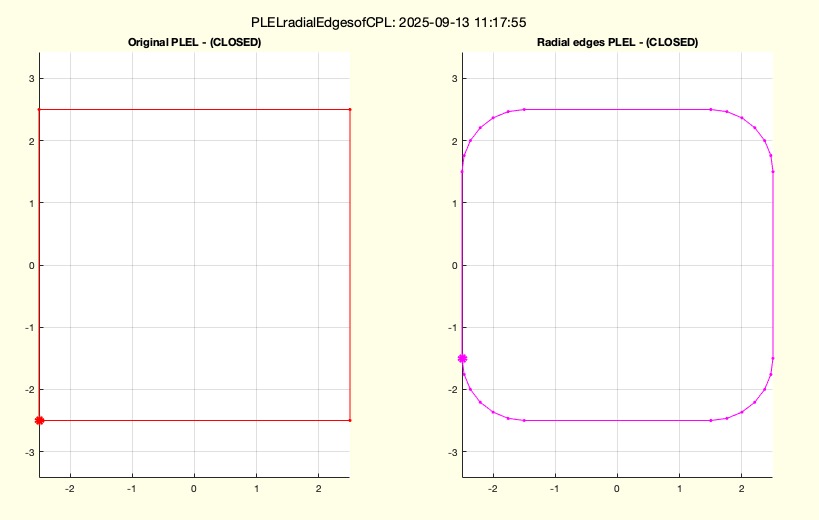 | % PLELradialEdgesofCPL(CPL,R,"open","closed") - Creates 2D/3D radial edges in closed contours and open paths % (by Tim Lueth, SG-Lib, 2025-SEP-13 as class: PLEL/POINT LIST/EDGE LIST) % % USE CAREFULLY: PLELradialEdgesofCPL was not being tested extensively % % This fnctn from 2025 always interprets the input parameter as a closed path. % There is no check for path overlaps in 2D or 3D. This fnctn also works with VL % (3D); this fnctn does not remove collinear points. This fnctn does not correct % overlaps and intersections of contours. It does not change the orientation. The % starting point will possibly moved in case of closed contours, if there is a % kink at the start point. % For paths instead of contours, "open" must be used explicitly. % % Some other effects of matlab made it necessary to reimplement the fnctn in 2025 % PLELofCPL (2014) was reimplemented by Tim Lueth (2018) using the polyshape % class, but matlab changed the behavior of polyshape several times (collinear % points, etc.), which made it impossible to track the influences of the changes. % Even empty CPLs became a problem in 2024. % This fnctn is NOT using PLELofCPL anymore. % This fnctn uses ELofn to create the edge lists % This fnctn uses "VLremsuccident" to open CPLs % This fnctn uses VLtangentcirc to create the arcs. % It uses selectNaN to separate nan separated contours. % The concept of "open" will be used in future (Status of: 2025-09-13) % % Introduced first in SolidGeometry 5.6 % % See also: VLremsuccident, VLtangentcirc % % [NPL,NEL,NCPL]=PLELradialEdgesofCPL(CPL,[R,"open","closed"]) % === INPUT PARAMETERS === % CPL: open or closed point list in 2D or 3D % R: maximum radius >0 ; default is 1 % "open": if used, the result will be an open path not a contour % "closed": if used, the result will a closed contour; this is default. % === OUTPUT RESULTS ====== % NPL: New Point list; with modified start point % NEL: New edge list; % NCPL: NEW CPL list; open or closed as defined % % EXAMPLE: % PLELradialEdgesofCPL(VLaddz(CPLofPL(PLsquare))) % PLELradialEdgesofCPL(VLaddz(CPLofPL(PLsquare)),'open') % [a,b,c]=PLELradialEdgesofCPL(VLaddz(CPLsample(3))); SGfigure; VLplot(c,'b*-'); c % [a,b,c]=PLELradialEdgesofCPL(VLaddz(CPLsample(3)),'open'); SGfigure; VLplot(c,'b*-'); c % % See also: VLremsuccident, VLtangentcirc % % % Copyright 2025 Tim C. Lueth |
CVLinsertcollinearpoints(CVL,d)- inserts collinear auxiliary points that a minimum point distance is guaranteed |
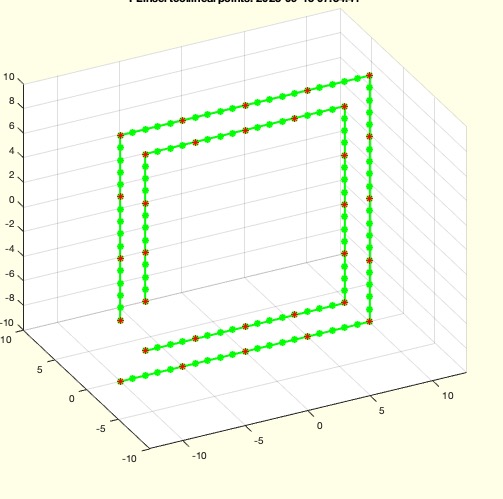 | % CVLinsertcollinearpoints(CVL,d) - inserts collinear auxiliary points that a minimum point distance is guaranteed % (by Tim Lueth, SG-Lib, 2025-SEP-12 as class: PL/POINT LISTS) % % USE CAREFULLY: CVLinsertcollinearpoints was not being tested extensively % % slightly different to RLaddauxpoints and CPLaddauxpoints % does not create collinear auxiliary points if an edge is missing! % Only if start and end point are the same, the last edge is also processed. % Same as: % PLinsertcollinearpoints == CPLinsertcollinearpoints == % CVLinsertcollinearpoints (Status of: 2025-09-12) % % Introduced first in SolidGeometry 5.6 % % See also: RLaddauxpoints, CPLaddauxpoints, VLremsuccident, % PLinsertcollinearpoints, CPLinsertcollinearpoints % % CVLN=CVLinsertcollinearpoints(CVL,[d]) % === INPUT PARAMETERS === % CVL: Point list without nan, open or closed % d: maximum point distance to guarantee % === OUTPUT RESULTS ====== % CVLN: Point list with collinear auxiliary points, open or closed as PL % % EXAMPLE: % CVLinsertcollinearpoints(CVLsample(3),1) % open edge, identical point removed % CVLinsertcollinearpoints(CVLsample(8),1) % closed contour, identical point removed % CVLinsertcollinearpoints(CVLsample(16),1) % Does work also in 3D % CVLinsertcollinearpoints(CVLsample(18),1) % Does work also with nan separated contours % % See also: RLaddauxpoints, CPLaddauxpoints, VLremsuccident, % PLinsertcollinearpoints, CPLinsertcollinearpoints % % % Copyright 2025 Tim C. Lueth |
CPLinsertcollinearpoints(CPL,d)- inserts collinear auxiliary points that a minimum point distance is guaranteed |
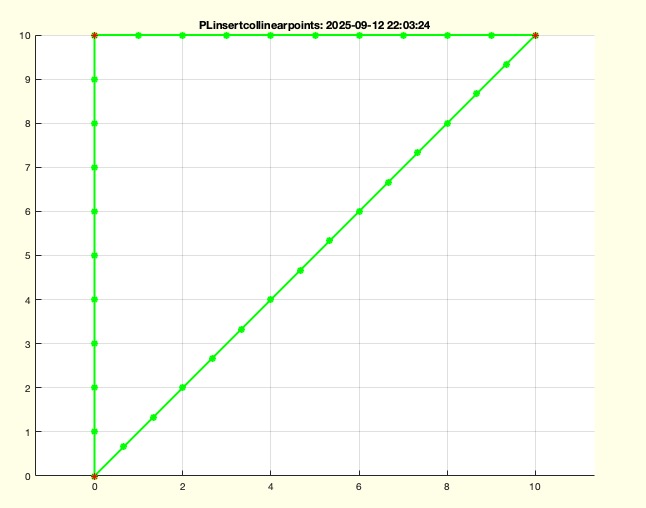 | % CPLinsertcollinearpoints(CPL,d) - inserts collinear auxiliary points that a minimum point distance is guaranteed % (by Tim Lueth, SG-Lib, 2025-SEP-12 as class: PL/POINT LISTS) % % USE CAREFULLY: CPLinsertcollinearpoints was not being tested extensively % % slightly different to RLaddauxpoints and CPLaddauxpoints % does not create collinear auxiliary points if an edge is missing! % Only if start and end point are the same, the last edge is also processed. % Same as: % PLinsertcollinearpoints == CPLinsertcollinearpoints == % CVLinsertcollinearpoints (Status of: 2025-09-12) % % Introduced first in SolidGeometry 5.6 % % See also: RLaddauxpoints, CPLaddauxpoints, VLremsuccident, % PLinsertcollinearpoints, CVLinsertcollinearpoints % % CPLN=CPLinsertcollinearpoints(CPL,[d]) % === INPUT PARAMETERS === % CPL: Point list without nan, open or closed % d: maximum point distance to guarantee % === OUTPUT RESULTS ====== % CPLN: Point list with collinear auxiliary points, open or closed as PL % % EXAMPLE: % CPLinsertcollinearpoints(PLsample(3),1) % open edge, identical point removed % CPLinsertcollinearpoints(PLsample(8),1) % closed contour, identical point removed % CPLinsertcollinearpoints(VLsample(16),1) % Does work also in 3D % CPLinsertcollinearpoints(VLsample(18),1) % Does work also with nan separated contours % % See also: RLaddauxpoints, CPLaddauxpoints, VLremsuccident, % PLinsertcollinearpoints, CVLinsertcollinearpoints % % % Copyright 2025 Tim C. Lueth |
PLinsertcollinearpoints(PL,d)- inserts collinear auxiliary points that a minimum point distance is guaranteed |
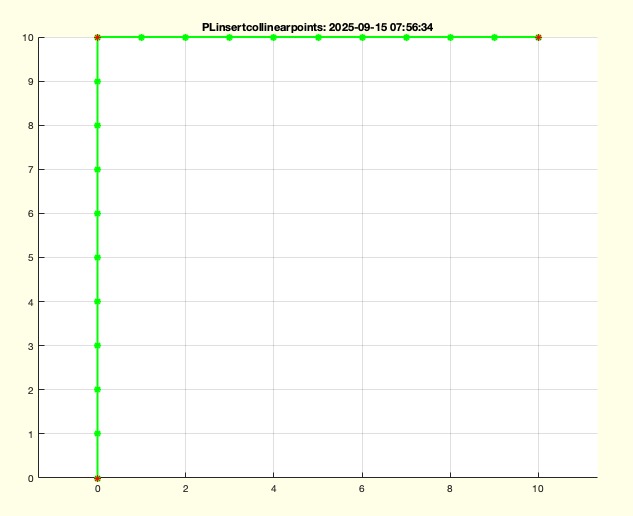 | % PLinsertcollinearpoints(PL,d) - inserts collinear auxiliary points that a minimum point distance is guaranteed % (by Tim Lueth, SG-Lib, 2025-SEP-12 as class: PL/POINT LISTS) % % USE CAREFULLY: PLinsertcollinearpoints was not being tested extensively % % slightly different to RLaddauxpoints and CPLaddauxpoints % does not create collinear auxiliary points if an edge is missing! % Only if start and end point are the same, the last edge is also processed. % Same as: % PLinsertcollinearpoints == CPLinsertcollinearpoints == % CVLinsertcollinearpoints (Status of: 2025-09-12) % % Introduced first in SolidGeometry 5.6 % % See also: RLaddauxpoints, CPLaddauxpoints, VLremsuccident, % CPLinsertcollinearpoints, CVLinsertcollinearpoints % % PLN=PLinsertcollinearpoints(PL,[d]) % === INPUT PARAMETERS === % PL: Point list without nan, open or closed % d: maximum point distance to guarantee % === OUTPUT RESULTS ====== % PLN: Point list with collinear auxiliary points, open or closed as PL % % EXAMPLE: % PLinsertcollinearpoints(PLsample(3),1) % open edge, identical point removed % PLinsertcollinearpoints(PLsample(8),1) % closed contour, identical point removed % PLinsertcollinearpoints(VLsample(16),1) % Does work also in 3D % PLinsertcollinearpoints(VLsample(18),1) % Does work also with nan separated contours % % See also: RLaddauxpoints, CPLaddauxpoints, VLremsuccident, % CPLinsertcollinearpoints, CVLinsertcollinearpoints % % % Copyright 2025 Tim C. Lueth |
Tflipz(T)- rotates / flips the ez axis of a HT matrix around by by 90 degree |
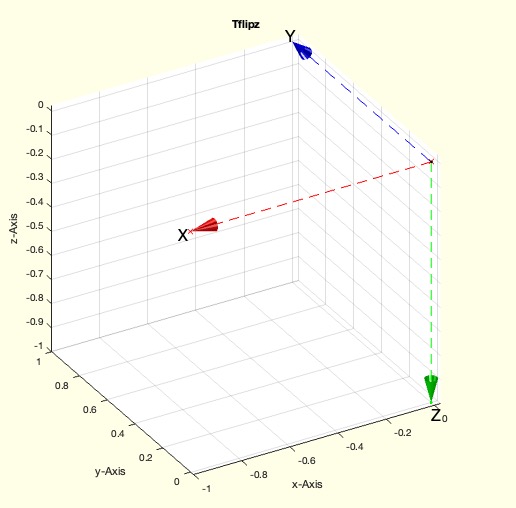 | % Tflipz(T) - rotates / flips the ez axis of a HT matrix around by by 90 degree % (by Tim Lueth, SG-Lib, 2025-SEP-11 as class: KINEMATICS AND FRAMES) % % in contrast to TflipR, which changes into left hand system, this fnctn rotate % around the y axis to flip the z vector, same as Trotate(eye(4),'y',pi), % Tflipz(eye(4)) but more accurate (Status of: 2025-09-11) % % Introduced first in SolidGeometry 5.6 % % See also: Tflipz, TflipR % % TN=Tflipz(T) % === INPUT PARAMETERS === % T: Standard HT matrix % === OUTPUT RESULTS ====== % TN: rotate around y by 180 deg % % EXAMPLE: % Trotate(eye(4),'y',pi), Tflipz(eye(4)) % % See also: Tflipz, TflipR % % % Copyright 2025 Tim C. Lueth |
SGofgcfsubplots(ind)- takes the current gcf, collects all patches in the subplots and creates a cell list of solids/patches |
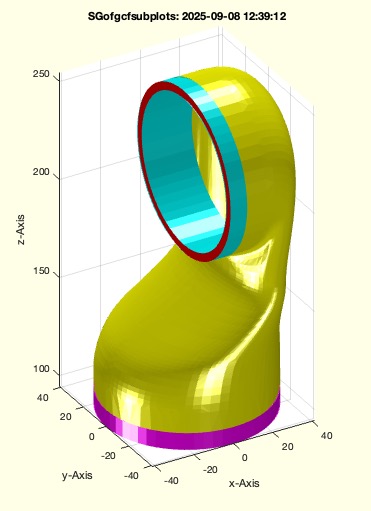 | % SGofgcfsubplots(ind) - takes the current gcf, collects all patches in the subplots and creates a cell list of solids/patches % (by Tim Lueth, SG-Lib, 2025-SEP-08 as class: VISUALIZATION) % % USE CAREFULLY: SGofgcfsubplots was not being tested extensively % % if nargout==0; the solids are plotted using SGplotcell (Status of: 2025-09-08) % % Introduced first in SolidGeometry 5.6 % % See also: SGofgca, VLFLofgca, VLofgca, PSofgca, SGplotmultiple, SGofgca2subplots % % SG=SGofgcfsubplots([ind]) % === INPUT PARAMETERS === % ind: indices of the axis that should be considered % === OUTPUT RESULTS ====== % SG: cell array of solids in all subplots % % EXAMPLE: % loadweb JACO_robot.mat; SGsurfaces(JC1); % SGofgca2subplots % SGofgcfsubplots % % % See also: SGofgca, VLFLofgca, VLofgca, PSofgca, SGplotmultiple, SGofgca2subplots % % % Copyright 2025 Tim C. Lueth |